PhaseTrakker AP30 PhaseTrakker Utility
41
Measurement Preferences
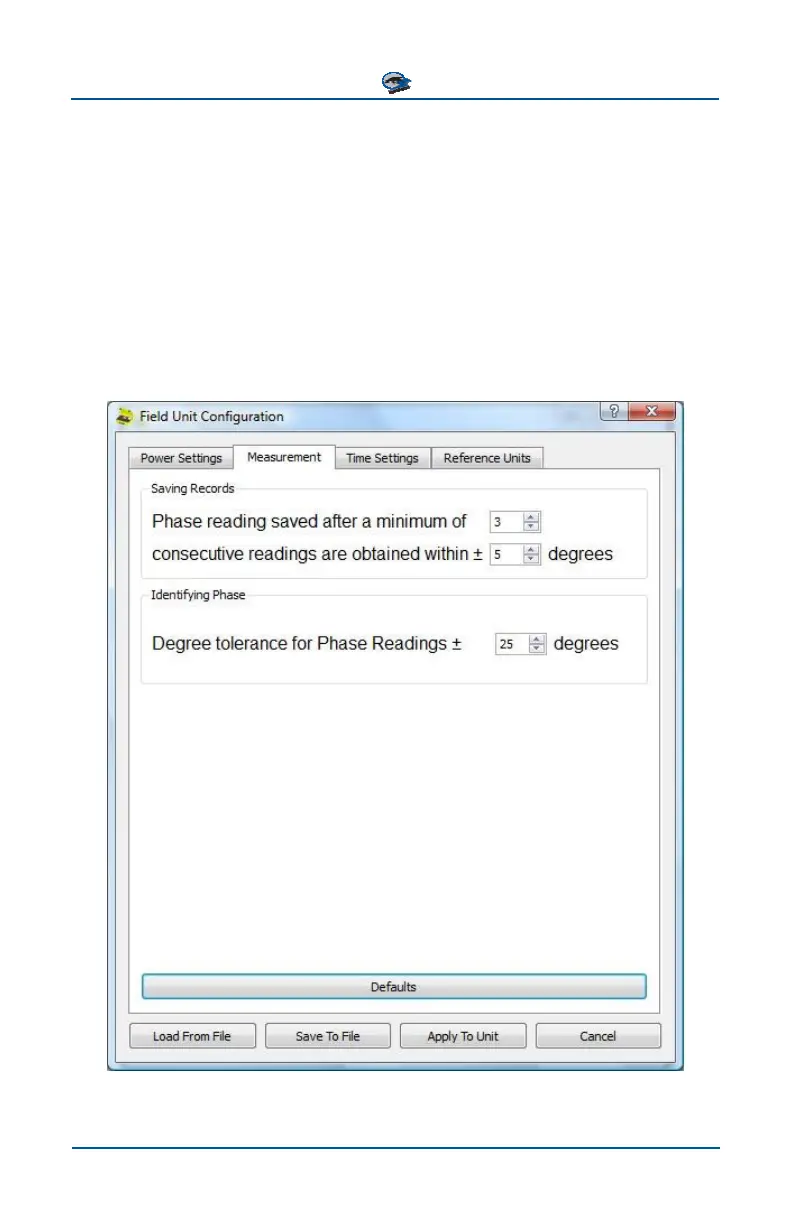
The values on the Measurement tab of the PhaseTrakker Utility’s Field Unit Con-
figuration menu cannot be set on the Field Unit. These values can be set only by
using the PhaseTrakker Utility. Once set, these values do not typically need to be
changed.
The Saving Records group sets the criteria to ensure a stable phase reading be-
fore a record is saved. By default, a new record will be saved after 3 consecu-
tive phase readings within 5° tolerance. The Identifying Phase group sets the
Degree Tolerance used when matching measurements to the configured Phase
Angles.
Select “Defaults” to set these preferences to factory default values. After pref-
erence selections are made, click “Apply To Unit” to write them to the Field Unit.



 To Next Page