PhaseTrakker AP30 PhaseTrakker Utility
43
Reference Units
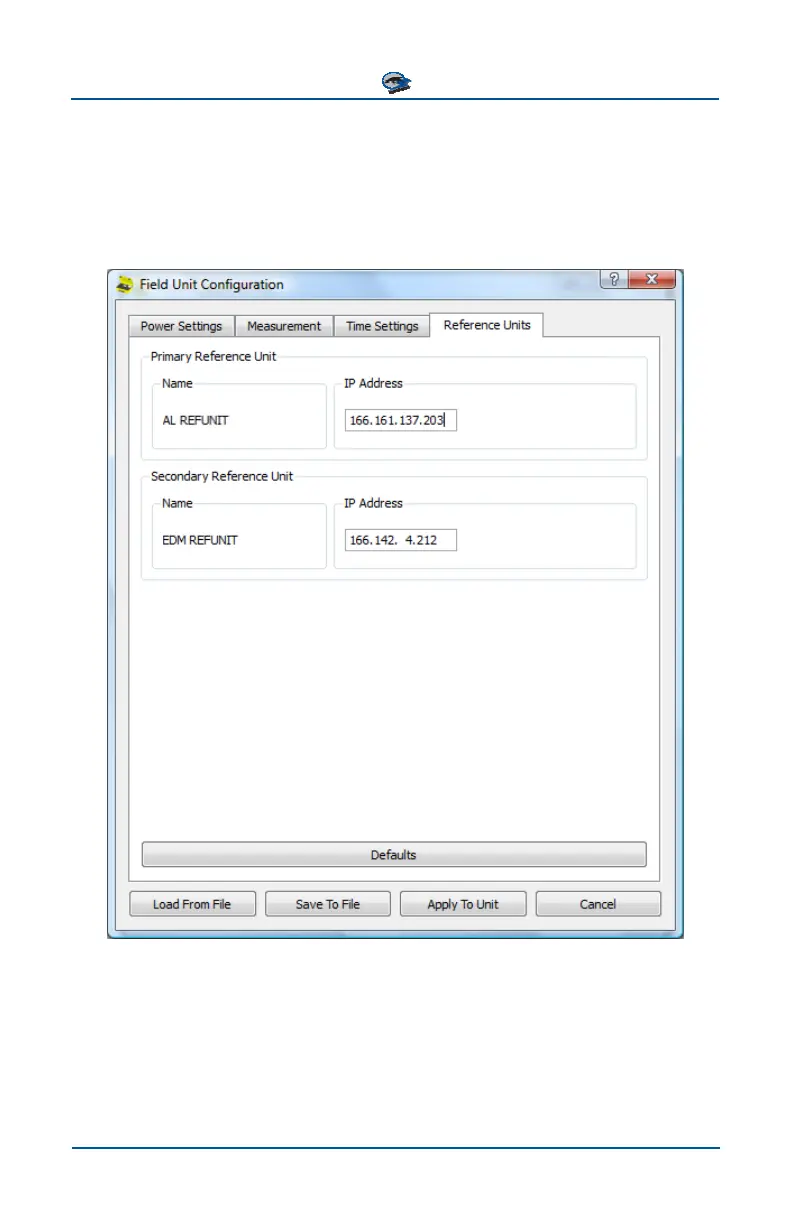
The Reference Units tab of the PhaseTrakker Utility’s Field Unit Configuration
menu allows configuration of the same values that are set by the Reference Units
menus on the Field Unit. The IP Addresses for the primary and secondary Refer-
ence Units are entered. Enter all zeros to remove a Reference Unit.
Select “Defaults” to set these preferences to factory default values. After the
Reference Unit addresses are entered, click “Apply To Unit” to write them to the
Field Unit.



 To Next Page