CET Electric Technology
22
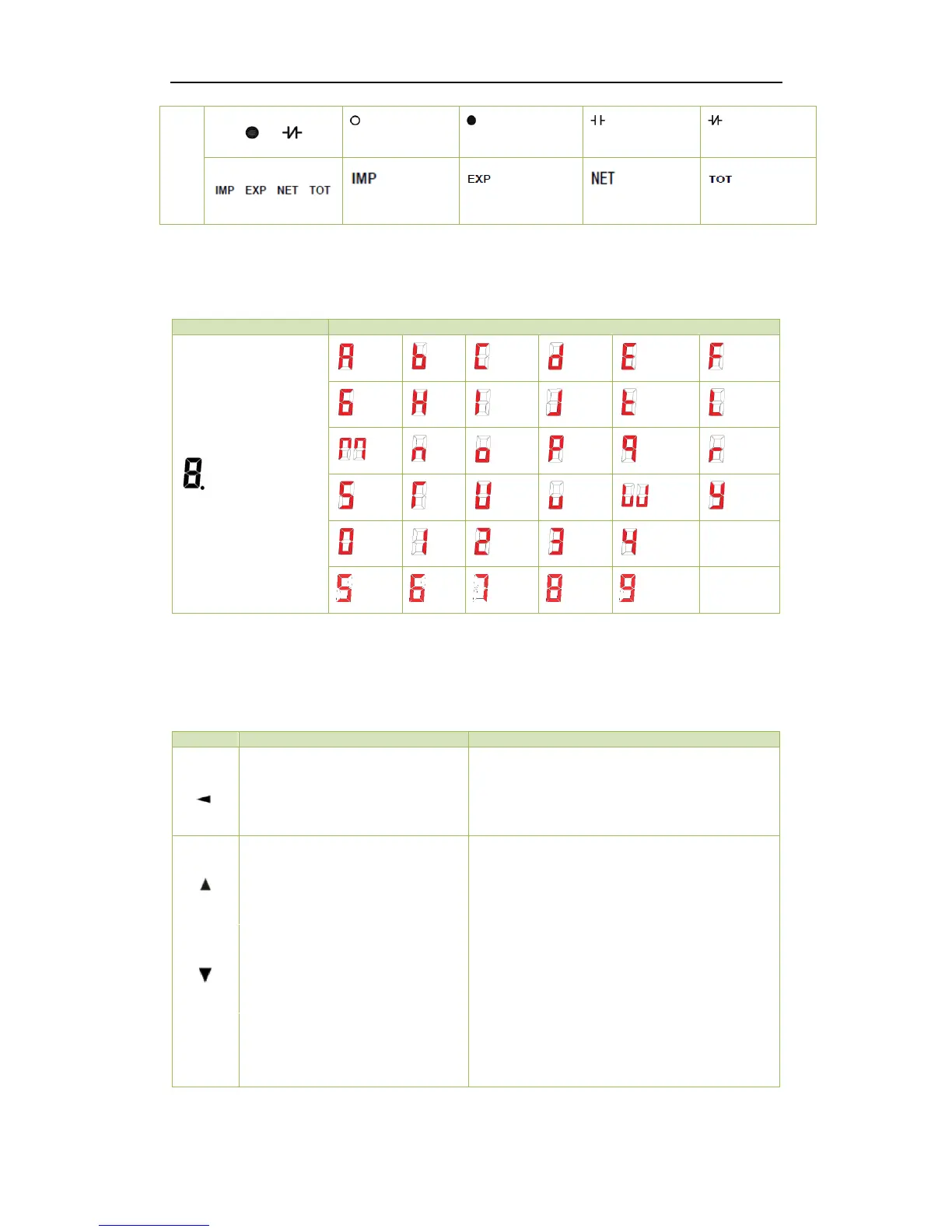
Table 3-1 LCD Display Symbols
3.1.3 LED Display Symbols
The following table shows the special LED display symbols:
Table 3-2 LED Display Segments
3.2 Using the Front Panel Buttons
The button definitions under Display Mode and Setup Mode are explained in the following table. The
default password is 0.
Pressing this button scrolls through
the available measurements under
the System menu.
Before a parameter is selected for modification,
pressing this button goes back to the last menu.
If a parameter is already selected, pressing this
button moves the cursor to the left by one
position for a numeric value and has no effect for
an enumerated value.
Pressing this button scrolls through
the available measurements under
the Phase menu.
Before a parameter is selected for modification,
pressing this button advances to the last menu or
parameter in a particular menu. If a parameter is
already selected, pressing this button increments
a numeric value or advances to the next
enumerated value in the selection list.
Pressing this button scrolls through
the energy measurements.
Before a parameter is selected for modification,
pressing this button advances to the next menu or
parameter in a particular menu. If a parameter is
already selected, pressing this button decrements
a numeric value or goes back to the last
enumerated value in the selection list.
Pressing this button for two
seconds toggles between Data
Display and Setup Configuration.
Once inside the Setup Configuration mode,
pressing this button selects the parameter for
modification. After changing the parameter,
pressing this button again saves the new setting
into memory.
Table 3-3 Buttons Description



 To Next Page