E L A N H O M E S Y S T E M S
© ELAN Home Systems 2009 • All rights reserved. Page 9
D12 INSTALLATION MANUAL
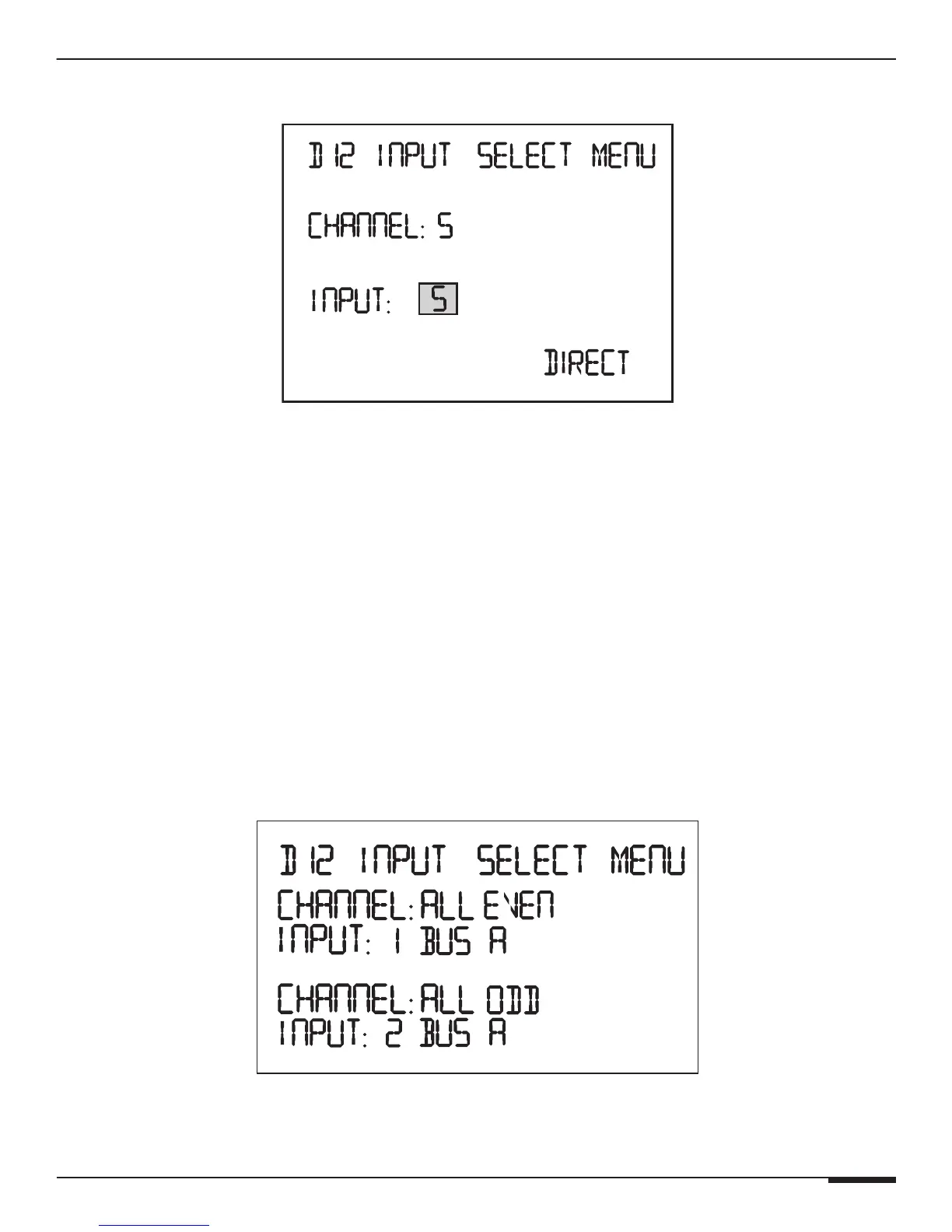
This example is with Channel 5 selected.
Channel 5 Selected
• Input 5 Direct: Default, Channel's audio is taken from audio input 5
• Input 5 + 6 Mono Direct: Channel's audio is the sum of audio input 5 and 6 (Mono)
• Input 1 Bus A: Channel's audio is taken from audio input 1 which is Bus A
• Input 1 + 2 Mono Bus A: Channel's audio is the sum of audio input 1 and 2 (Mono) which is Bus A
• Input 7 Bus B: Channel's audio is taken from audio input 7 which is Bus B
• Input 7 + 8 Mono Bus B: Channel's audio is the sum of audio input 7 and 8 (Mono) which is Bus B
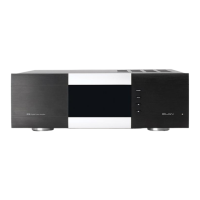
This example is with Channel ALL EVEN and Channel ALL ODD selected. Instead of a single channel's audio
being affected like the previous examples demonstrated, all 12 channels are being affected.
• All of the Odd channels (1, 3, 5, 7, 9, 11) are taken from Audio Input 1 which is Bus A and All of the Even chan-
nels (2, 4, 6, 8, 10, 12) are taken from audio input 2 which is Bus A
All Channel Selected



 To Next Page