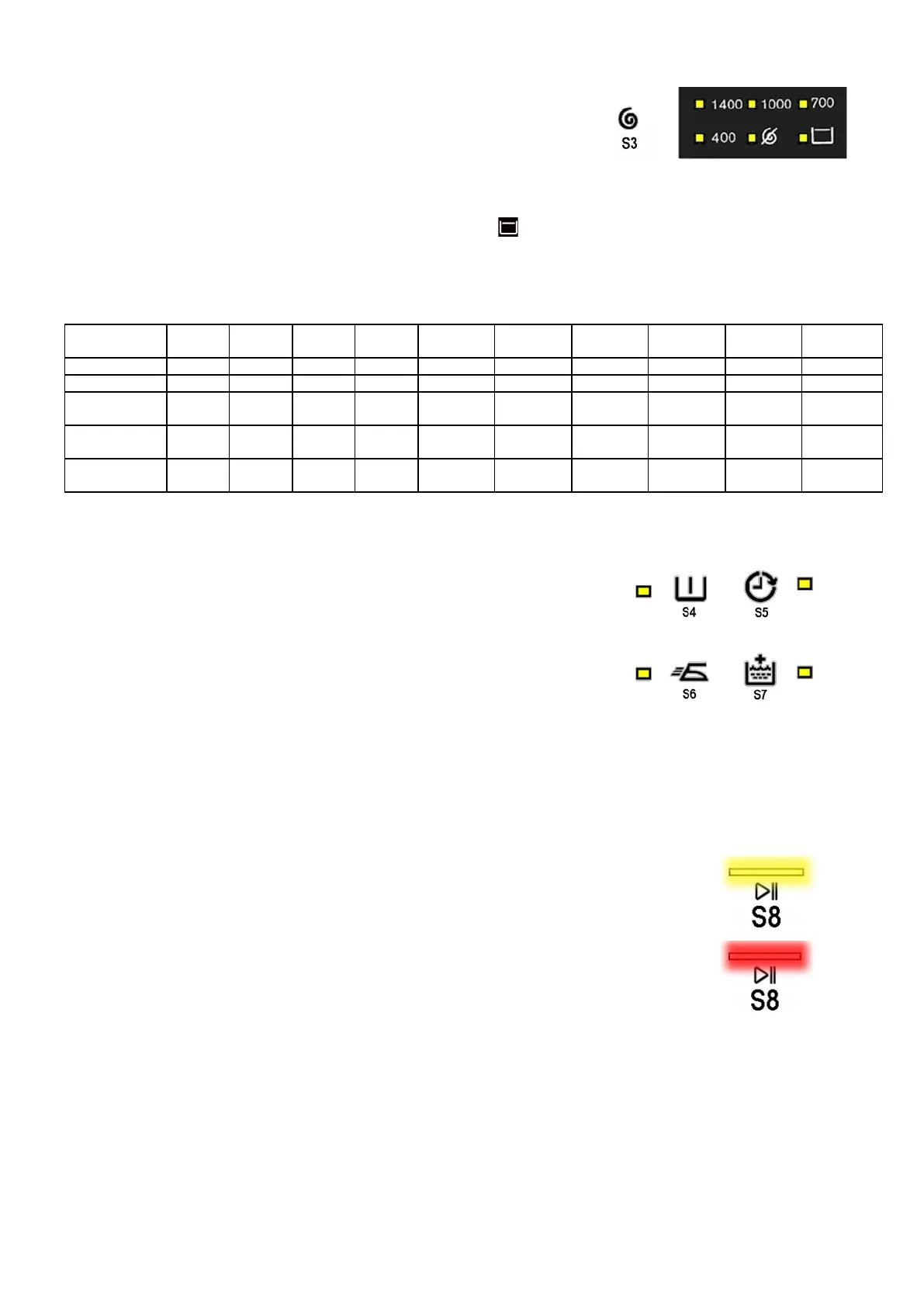
• Sensor no. 3: SPIN SPEED (configurable)
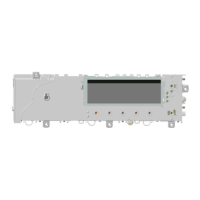
The spin speed is always associated with the second sensor, in
combination with the six LEDs located in the bottom left hand corner
of the display.
The initial spin speed displayed is that set for the chosen programme.
Touching the sensor you can reduce the spin speed, indicated by the LED near the silk-screen printed value
on the control panel coming on. Once the lowest speed has been reached you can, if you wish, select “No
spin”, “Stop water in tub” lighting up the relative symbol , or “Night cycle” (if compatible with the selected
programme).
The next selection will be the highest speed available for the selected programme.
The speeds that can be combined with the six LEDs are shown in the following table.
800 1,000 1,000 1,200 1,200-1,400
1,200-1,400
1,400-1,600
1,400-1,600
1,400-1,600
1,400-1,600
Intermediate
400
400 400 400 400 800 800
Intermediate
Last selection
• Sensor no. 4-5-6-7 (configurable)
Each of the sensors located on the right hand side of the display can be
combined with a LED and are used to choose one of the following four
selected options:
Delayed start
Extra-rinse
Easy Iron
Pre-wash
Depending on the option/choices, the programme duration time is
updated (via the three digits).
• Sensor no. 8
The function of this sensor is to START/PAUSE.
Touch this sensor to start a washing cycle, or to pause a washing cycle already under way.
It contains two LEDs:
A yellow one which flashes when the appliance is in set-up, pause; it stays
on when the cycle is under way and turns off when the cycle has ended.
A red one that flashes (150 ms off, 150 ms on) in the event of an alarm or
incorrect selection, such as: an incompatible option, an incorrect temperature
for the chosen programme or the rotation of the programme selector dial or
the selection of an option while a washing cycle is under way.
Technical Support - DMM 12/124 599 75 58-67 Rev.04



 To Next Page