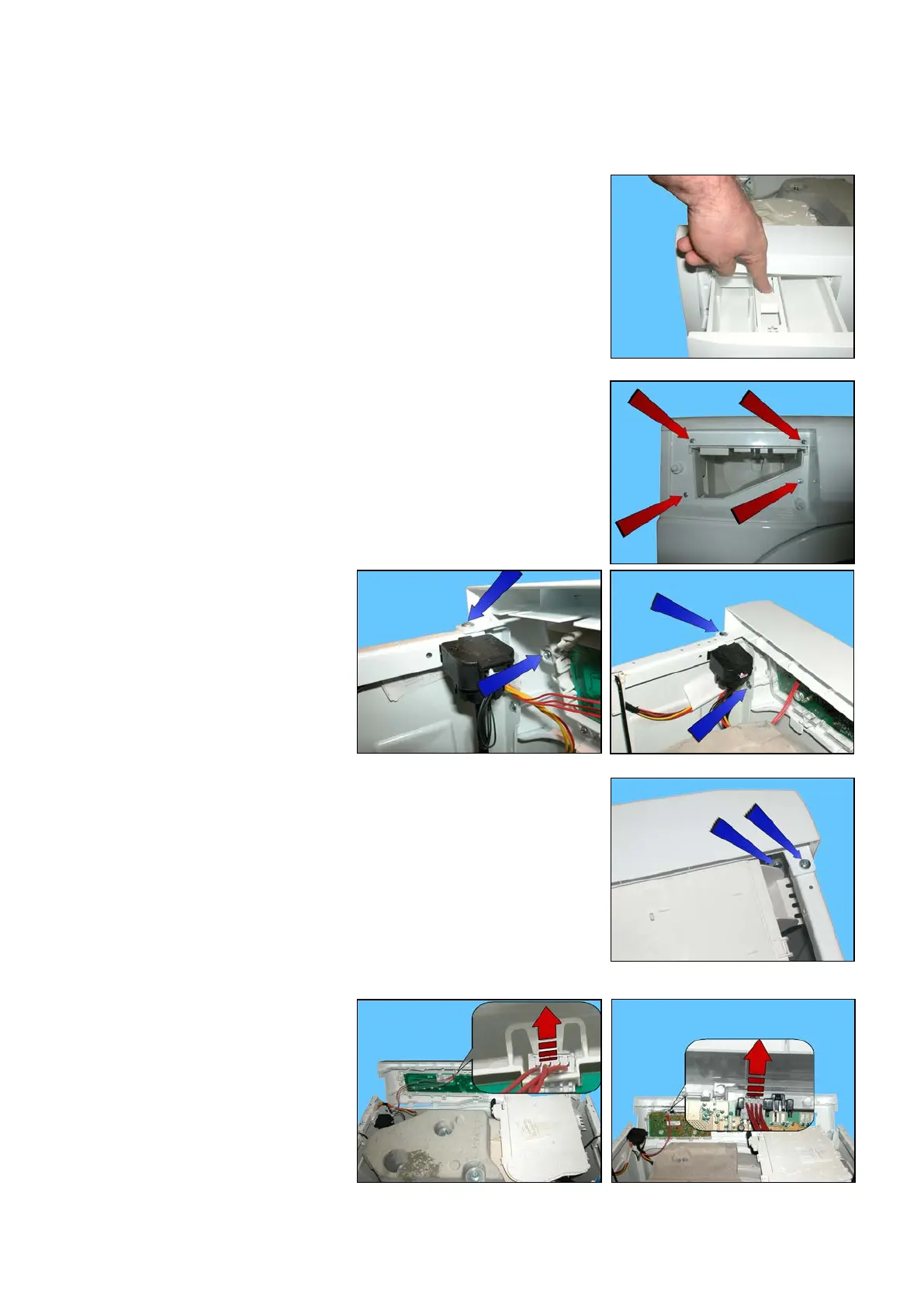
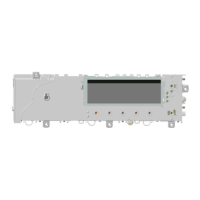
23.2.2 Control panel
Remove the worktop (see relevant paragraph).
Pull the detergent dispenser out and at the same time press the stop
locking it in place.
Loosen the screws that attach the control panel to the detergent tray.
Unscrew the two screws that hold
the control panel to the unit, blue
arrows, left side (seen from behind).
Unscrew the two screws that hold the control panel to the unit, blue
arrows, right side (seen from behind).
Move the control panel forwards and
remove the connector.
Technical Support - DMM 98/124 599 75 58-67 Rev.04



 To Next Page