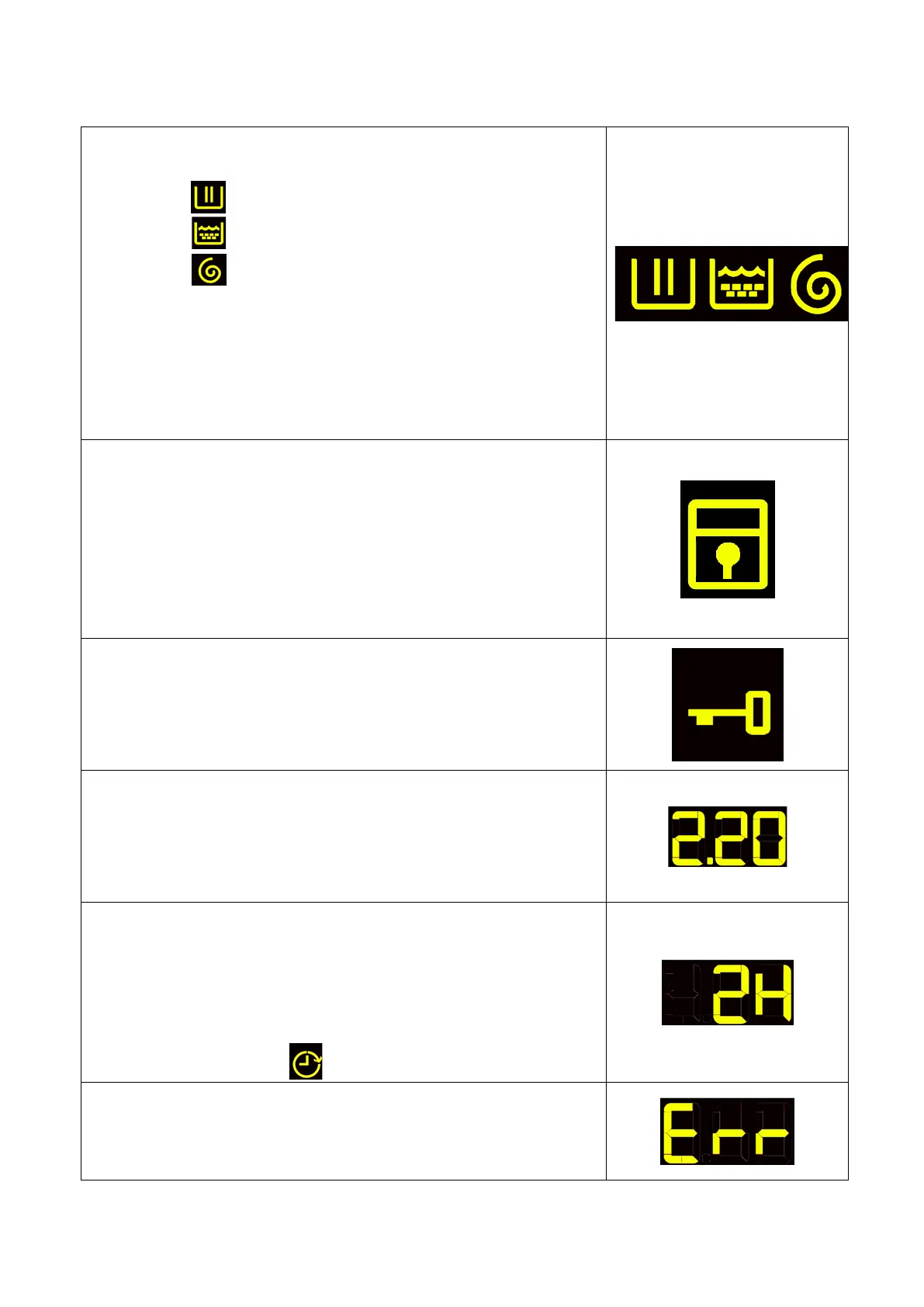
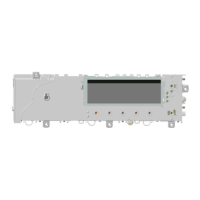
LCD
The information described below also appears on the LCD:
• Programme phases
The three icons shown have the following meanings, respectively:
− Wash
− Rinse
− Spin
They are lit during the selecting phase to display which phases the
programme includes.
During the programme the icon for the phase in progress flashes, and
when the phase has ended it remains lit continuously. The same applies
when the machine is in pause during the cycle.
• Padlock
The icon lights up when the “child lock” is on.
To indicate that all the sensors are disabled to prevent children from
modifying, starting or pausing the cycle. Touch any sensor or turn the
selector dial during its activation and the icon will flash.
A sensor combination needs to be pressed to activate/deactivate it.
It may be silk-screen printed on the control panel or described in the
instruction manual.
• Door closed sensor
Lights up when the safety device stops door opening and switches off
when the door can be opened.
It flashes when the device is about to unlock the door (it is noticed with
PTC delaying devices, which need one or two minutes to open).
• Washing programme time
This appears after a washing programme has been selected. This time
corresponds to the time required for the maximum wash load for each
type of programme.
After the programme has started, the time decreases (and is updated)
minute by minute.
• Delayed start
Selected on the related sensor. After the START/PAUSE sensor has
been touched, the countdown starts and the delay time decreases
hour by hour, from a delay of 2 hours up to 20 hours( 30' 60'
90' 2h 3h ... 20h 0h).
During the last 2 hours, it decreases by 30 min. at a time.
During the delayed start, the LED beside the silk-screen printed
symbol on the front panel remains permanently lit.
• Selection incorrect
Displays the flashing message “Err”, for one second.
When a function not compatible with the chosen programme is
selected, or if the selector is turned when a cycle is in progress.
Technical Support - DMM 28/124 599 75 58-67 Rev.04



 To Next Page