SOI/DT 2010-03 dmm 77/78 599 72 84-41
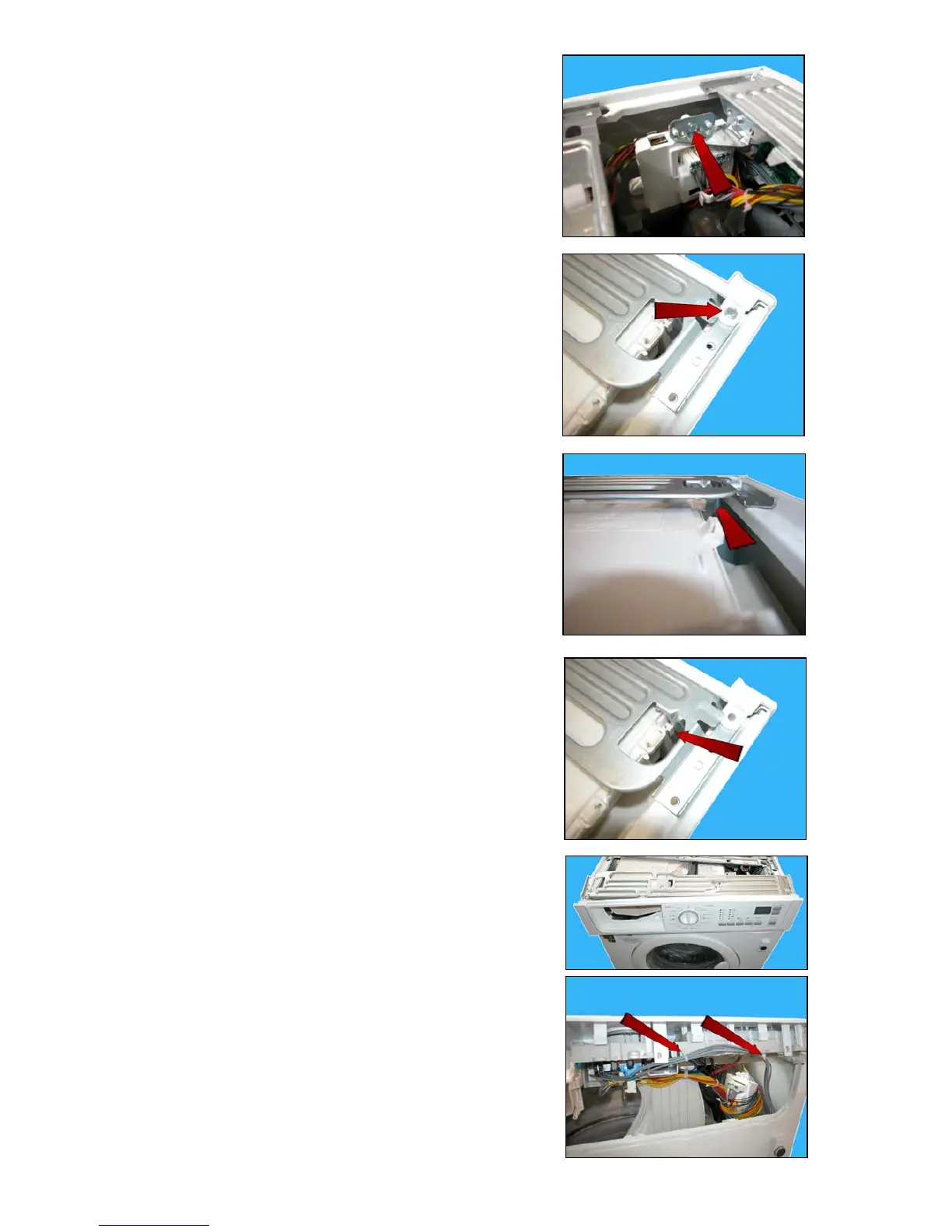
f. Loosen the screw which secures the PCB (which controls the WD
section) to the bracket, extract it and position it so that it can
facilitate the removal of the control panel.
g. Loosen the two screws which secure the control panel to the
crosspiece.
h. Release the hooks which secure the control panel to the cabinet,
one on the right and the other on the left.
i. Release the hook which secures the crosspiece to the conveyor.
j. Extract the crosspiece from the control panel, lift up and rotate
the control panel.
k. Cut the two clamps which secure the wiring of the microdoor.



 To Next Page