Electrolux
EFS - Dishwashing Systems Platform
Electrolux Professional
DOC. NO. 5956.573.05 P. 3 6 / 8 8
A4.7 SENSOR ADJUSTMENT
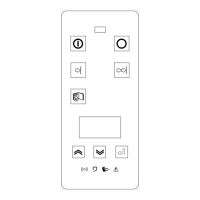
Press the “Confirm” button - “C” (Figure 1) - when the selection arrow indicates the item SENS. ADJUST.
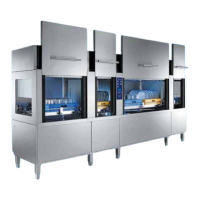
(Modular RT's) or when the item
(Compact RT's) is displayed, to access the procedure for setting the
machine pressure sensors.
The pressure sensors are fitted inside the electronic boards and read the levels of the Duo Rinse tank, wash
tank, prewash tank and Airgap. It is advisable to carry out this procedure when replacing one of the following
boards:
1 - Air gap level sensor card (Atmospheric RT's)
2 - Prewash module power board (Modular RT's)
2 - Wash module power board (Modular RT's)
4 - Rinse module power board (Modular RT's)
5 - Wash+Rinse module power board (Compact RT's)
The Rack Type leaves the factory with the pressure sensors already set to the optimum value.
Pressure sensor setting cannot be carried out if an error in communication between the Rack Type boards is
in progress.
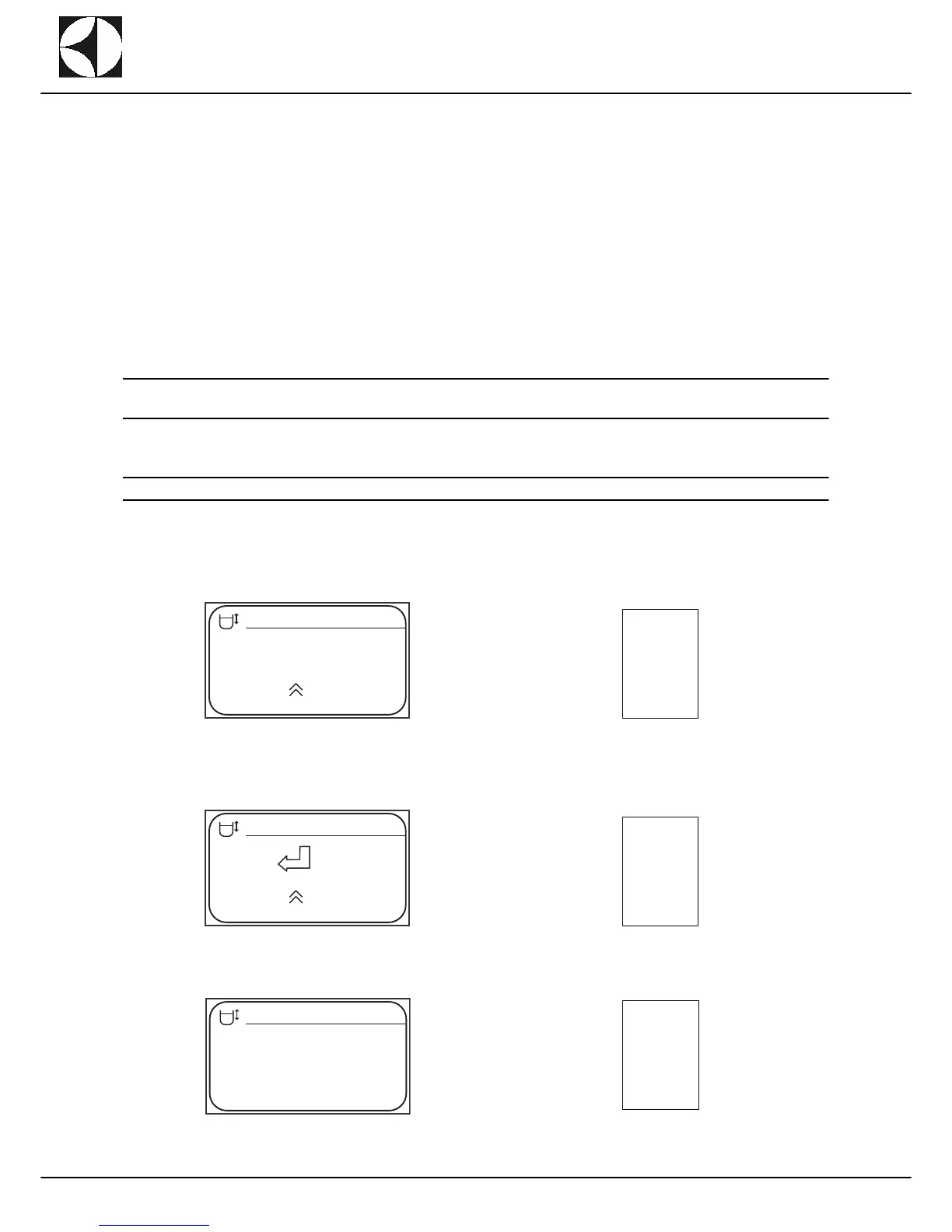
In this case the display will show:
If the communication is working correctly the dispaly informs the user that the machine is ready for carrying
out pressure sensor setting.
Press the confirm key - “C” (Figure 1) - and the setting cycle is started:


 To Next Page