P100
User Manual
22
Chapter 4 Illumination and Aiming
Aiming
There is a projecting device on the scanner that is used to project a special image when reading, which
characterizes the center of the scene image taken by the scanner. When the scanner is used for
shooting, the image is projected on the reading target, and the scanner aims at the reading target,
which makes it easier to read the target.
Normal: The aiming device will light up and project the image during the reading process, and the
other times goes out.
No aiming: the aiming device is off and not projected.
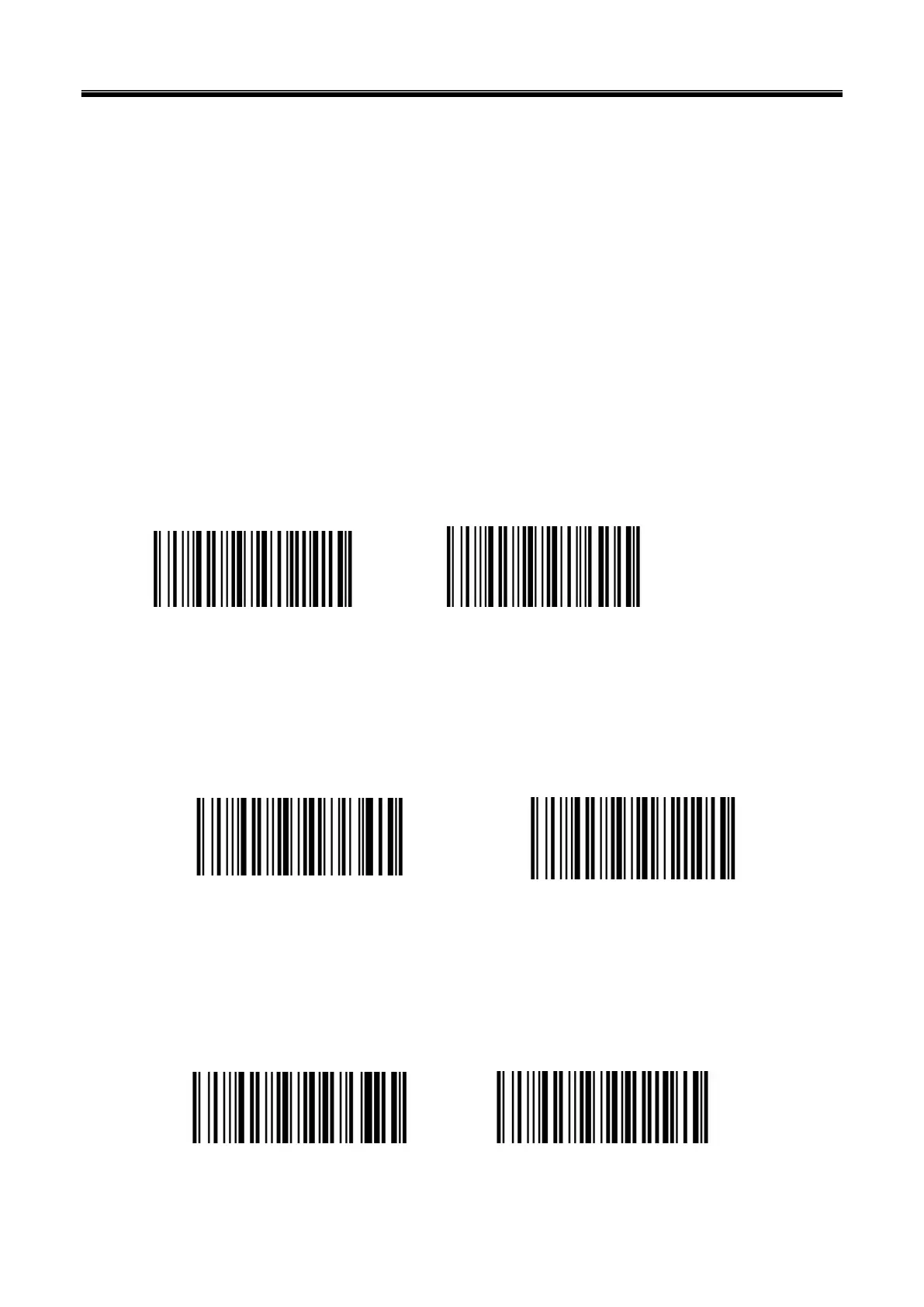
Aiming OFF Aiming ON
Illumination
There is a fill illuminating device on the scanner that is used to illuminate the reading area when
reading. It can be set to turn off and fill illuminating level. (Please refer to Chapter 8 for the lighting
level setting)
Illumination ON Illumination OFF
Read success prompt tone
After reading successfully, the scanner can output PWM signal to drive the external buzzer circuit to
make sound. The sound signal can be turned on or off by setting. The corresponding settings can be
made through the following setting codes.
Turn on Turn off



 To Next Page