P100
User Manual
40
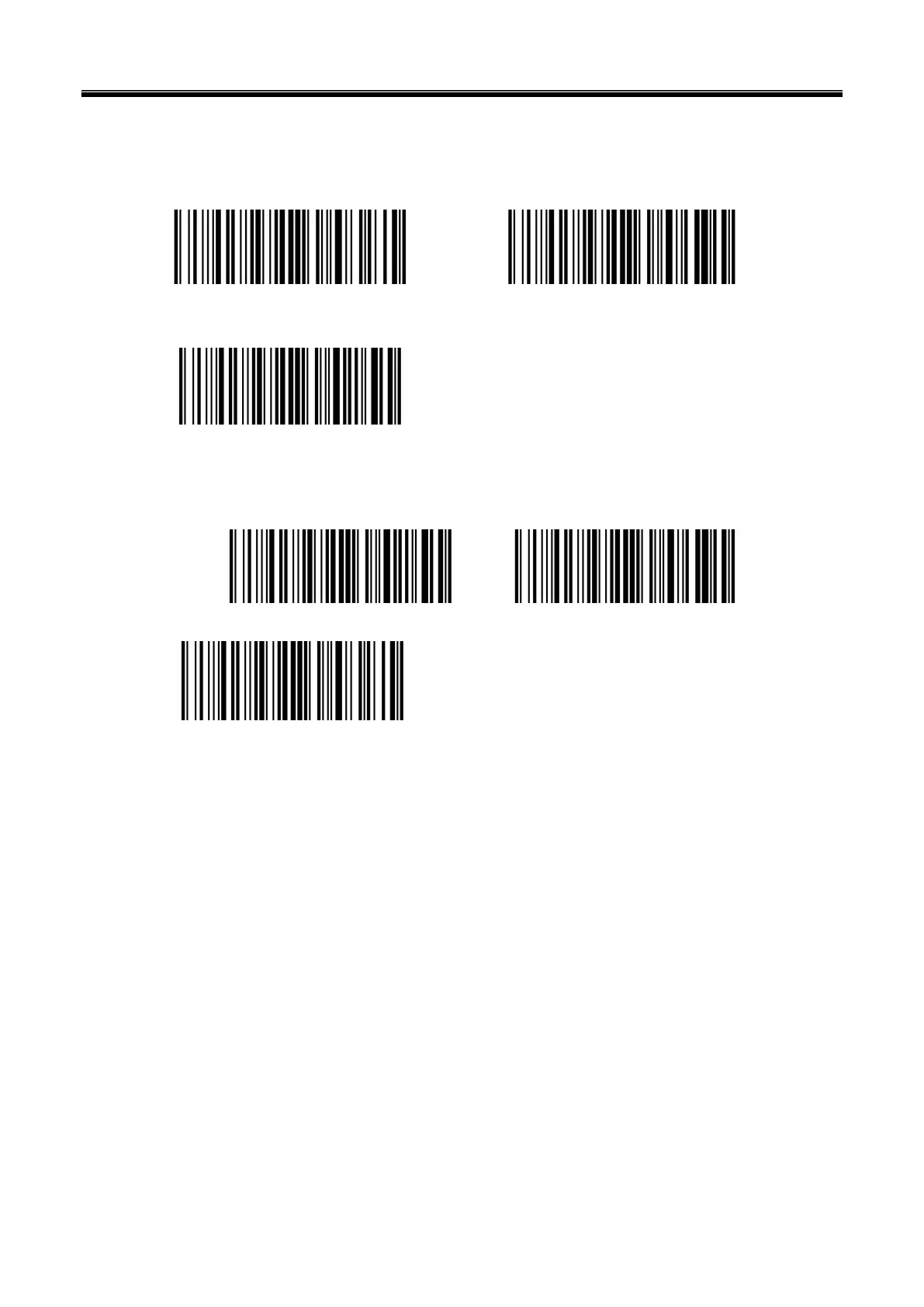
Han Xin
Anti-color
Auto (Default) Only read Anti-color color
Disable
Inverse
Disable (Default) Enable
Auto
Chapter 7 Troubleshooting
Q: There are some barcodes cannot be scanned.
A: Check the barcode type, open the barcode function; if it is verified, try to turn off.
Q: The barcode data is incorrect.
A: Check the error display of barcodes (all barcodes errors or specific barcode error)
Q: Barcode can be read but not displayed.
A: Firstly, confirm the working mode of the scanner. If it is in RS-232 serial port mode, you need to
connect with serial cable; if it is in USB virtual serial port mode, you need to connect with USB



 To Next Page