(((ELKRON))) - MP110
3.3.3 Open input visualization
One ore more open inputs are signalled by led flashing . . Too
access visualization, press key
.Visualization mode is the same as
the memorized alarms.
3.3.4 Excluded input visualization
One ore more excluded inputs are signalled by led flashing . Too
access visualization, see : VISUALIZE/EXCLUDE/INCLUDE inputs pro-
cedure
3.3.5 Software release visualisation
This procedure can be actuated through KP100D - LCD only
• Press key
C
followed by
2
key . The display shows the control
unit model as well as the relevant software version:
MP110 A Vx.xx (A= italian or UK or France or Spain version)
• Pressing key
1
you visualize the software release of all the
equipments connected to the system:
Read. Vxx (key reader)
Keypad Vxx (keypads)
Exp. Vxx (expansions)
• To exit press
.
3.3.6 Choice of base message on
display
This procedure can be carried out with KP100D - LCD keypad only
• ELKRON logo: press key
C
followed by key
• Date/time: press key
C
followed by key
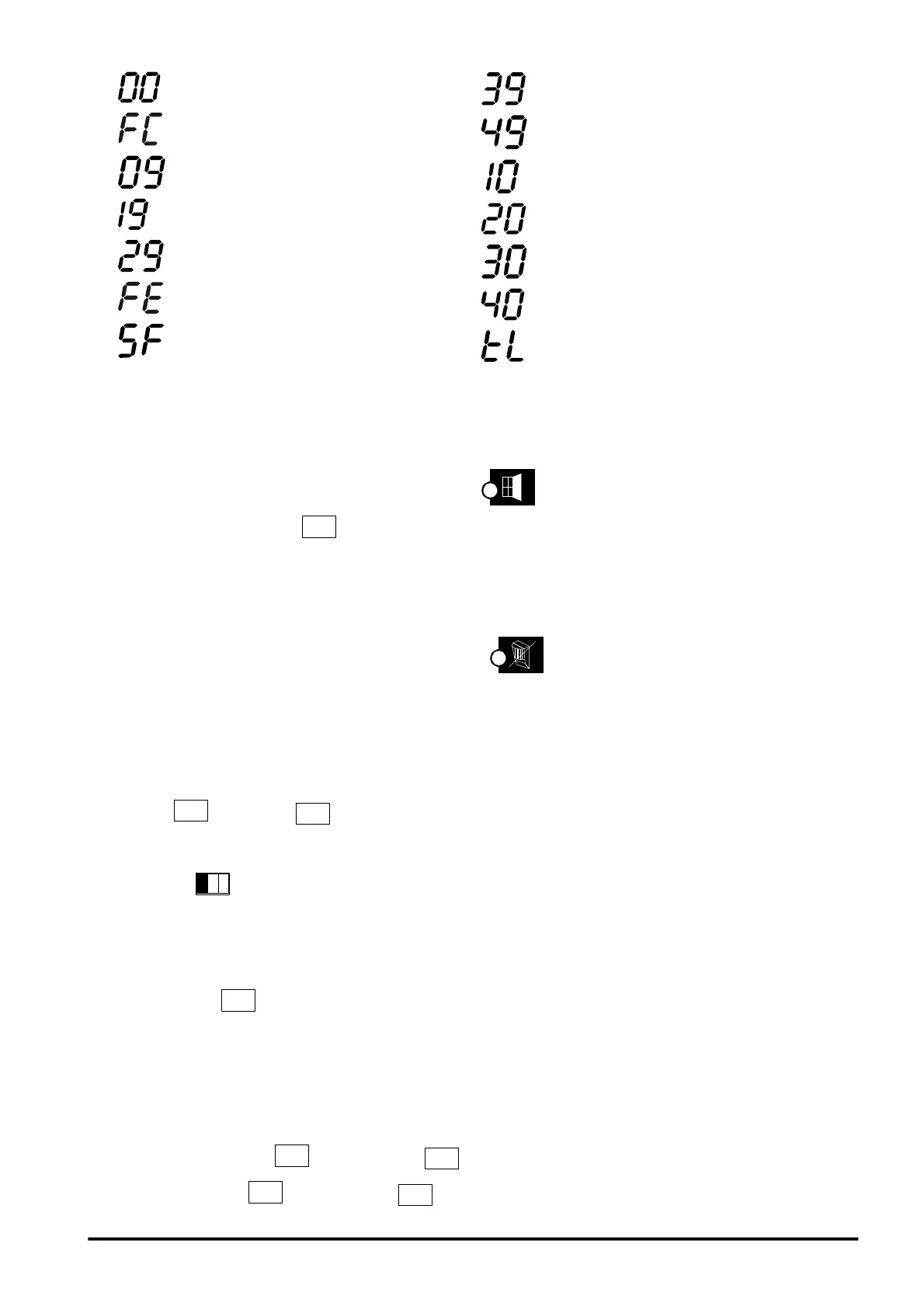
CONTROL UNIT OPENING TAMPER
FALSE CODE
T/A CONTROL UNIT INPUT
WIRE INPUT t/A EXP.1
WIRE INPUTt/A EXP.2
FALSE KEY
BUS TAMPER
WIRE INPUT t/A EXP.3
WIRE INPUT t/A EXP.4
EXP.1 OPENING TAMPER
EXP.2 OPENING TAMPER
EXP.3 OPENING TAMPER
EXP.4 OPENING TAMPER
TELEPHONE LINE TAMPER
29



 To Next Page