(((ELKRON))) - MP110
4.7 Clock - Segment Keypad
4.7.1 Time visualisation
- Press
C
, followed by key
.
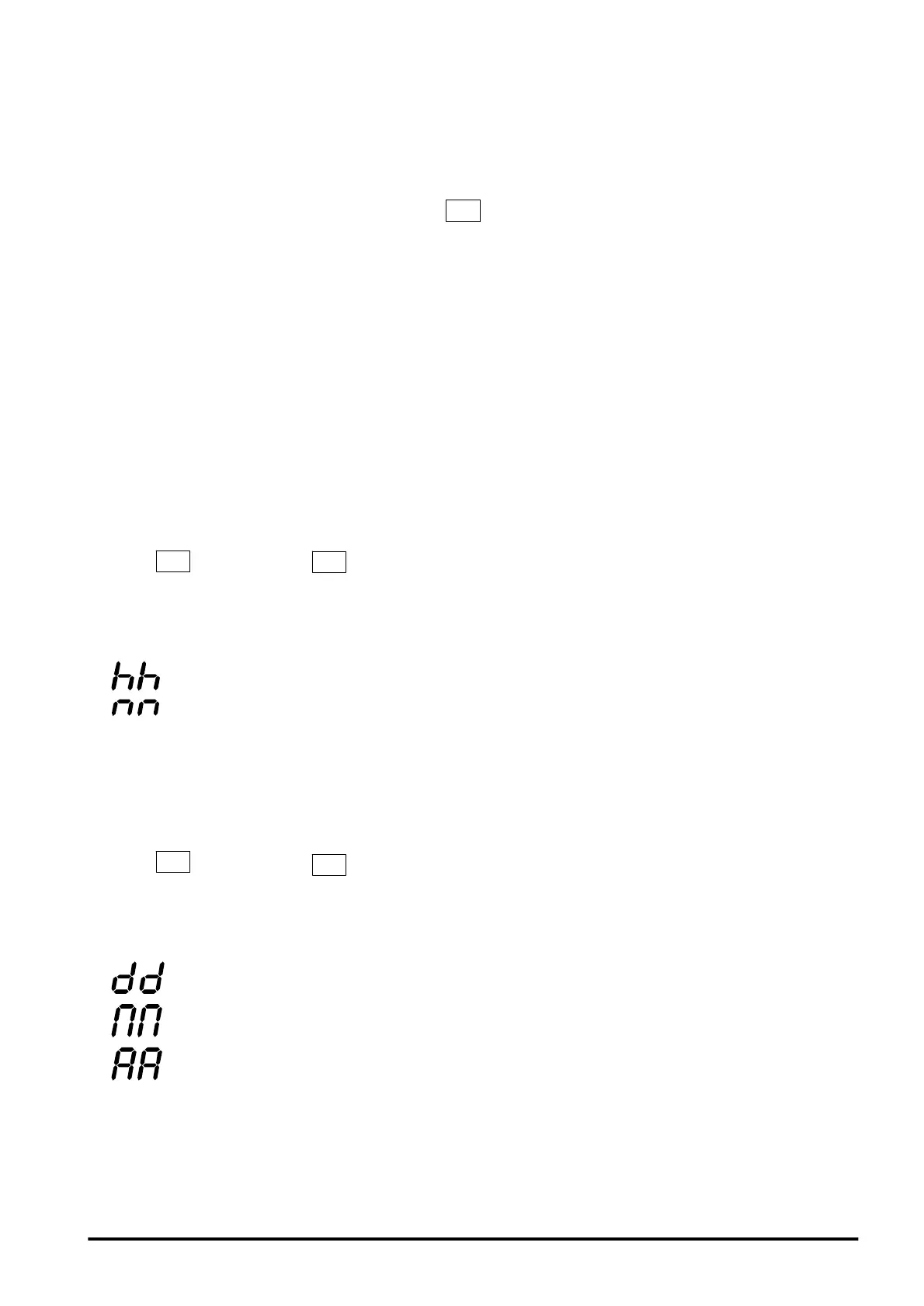
- The display visualizes in sequence approx. every 1 second the
following information:
• flashing: ‘hours’ from 00 to 12.
• flashing: ‘minutes’ from 00 to 59.
• exit from procedure.
4.7.2 Date visualization
- Press
C
, followed by key
5
.
- The display visualizes in sequence approx. every 1 second the
following information:
• nn flashing, where nn = day of the month
• nn where nn = month from 1 to 12
• nn flashing where nn = year from 00 to 99 (00=2000, 01=2001,
etc.)
• exit from procedure.
4. By means of the numeric keys enter the date of the desired day (2 digits
from 0 to 31)
5. Enter a value from 01 to 12 (2 digits) corresponding to the desired month
6. Enter a value from 00 to 99 (2 digits) corresponding to the desired year
7. To confirm and store the entered date, press key
• The system carries out no control on the consistency of the entered
data; the operator shall therefore ascertain that the programmed day/
month data are correct before confirming. When quitting by timeout, the
modification is not saved.
45



 To Next Page