(((ELKRON))) - MP110
4.8 System test
- Enter the access MASTER or ENGINEER code.
- Press key
+ key
3
. All leds turn on. A 30s delay is armed
during which the system test is carried out.
- By pressing key
, you access the alarm siren test and all alarm
actuators can be tested for 5s. To stop the alarm , press
again
or
.
- By pressing key
, you access the input test procedure, any alarm
memory is turned off and a 10min delay is armed , after which you
automatically quit the test.
- After arming the test procedure, the sensor effectiveness can be tested
by means of the WALK-TEST (you walk in front of the sensor). The
keypad display will show the number of the sensor in alarm, while the
buzzer will generate a sound for 5 seconds. NB. During the test CHIME
outputs are also armed.
- If you walk in front of a “disabled” sensor, it is visualized on the display
but the buzzer will generate no sound. This means that a disabled input
is only stored but generates no alarm.
- By pressing key
from procedure, then it is possible to see the
tested inputs resulted effective by means of the stored alarm visuali-
zation procedure (key
+key
1
) or by visualizing the event log.
- By pressing key
, you access the alarm siren test and all alarm
actuators can be tested for 5s. To stop the alarm press
again or
.
Note: The test phase is signalled on all keypads and all commutators of the
plant by means of appropriate indications on the displays and the
slow flashing of the 3 sector leds.
NOTE
Test events are also
memorized in the event
historical file
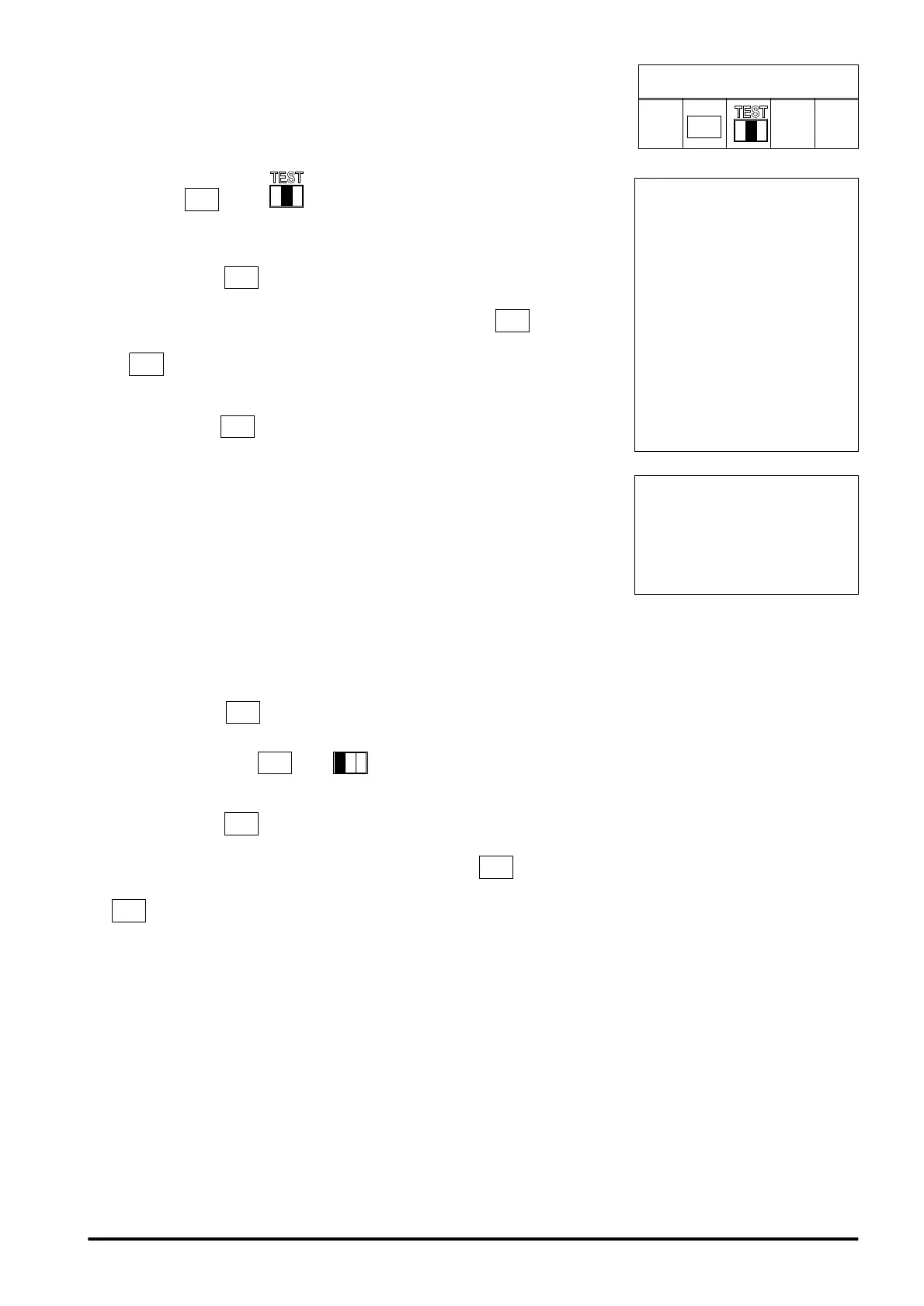
PROCEDURE ACCESS
COD.
UT.1/3
3
NOTE
During the TEST proce-
dure, the system maintains
the “inputs cut-out” and the
“alarms count”
programmings; therefore,
the outputs are not ena-
bled by alarms coming
from the cut-out inputs or
by input alarms, which
have completed the set
number of cycles.
47



 To Next Page