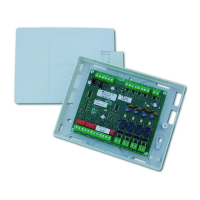
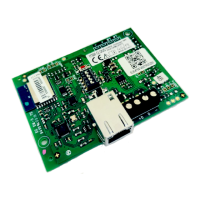
(((ELKRON))) - MP110
CODE 1 (MASTER) 1 11111 1 nnnnn (n=0/9)
CODE 2 (USER 2) 2 22222 2 nnnnn (n=0/9)
CODE 3 (INSTALLAT.) 3 33333 3 nnnnn (n=0/9)
CODE 4 (
REMOTE CONT.)
4 44444 4 nnnnn (n=0/9)
CODE 5 (USER 5) 5 55555 5 nnnnn (n=0/9)
CODE 6 (USER 6) 6 66666 6 nnnnn (n=0/9)
CODE 7 (USER 7) 7 77777 7 nnnnn (n=0/9)
CODE 8 (USER 8) 8 88888 8 nnnnn (n=0/9)
KP100 KEYBOARD
digit visualization
During the code entry,
KP100 keyboard (led
display) shows a
sequence of the
segments in order to
visualize the entries as
these are carried out
KP100D KEYBOARD
digit visualization
During the code entry
KP100 keyboard
(display display)
whenever a key is
pressed an asterisk is
visualized
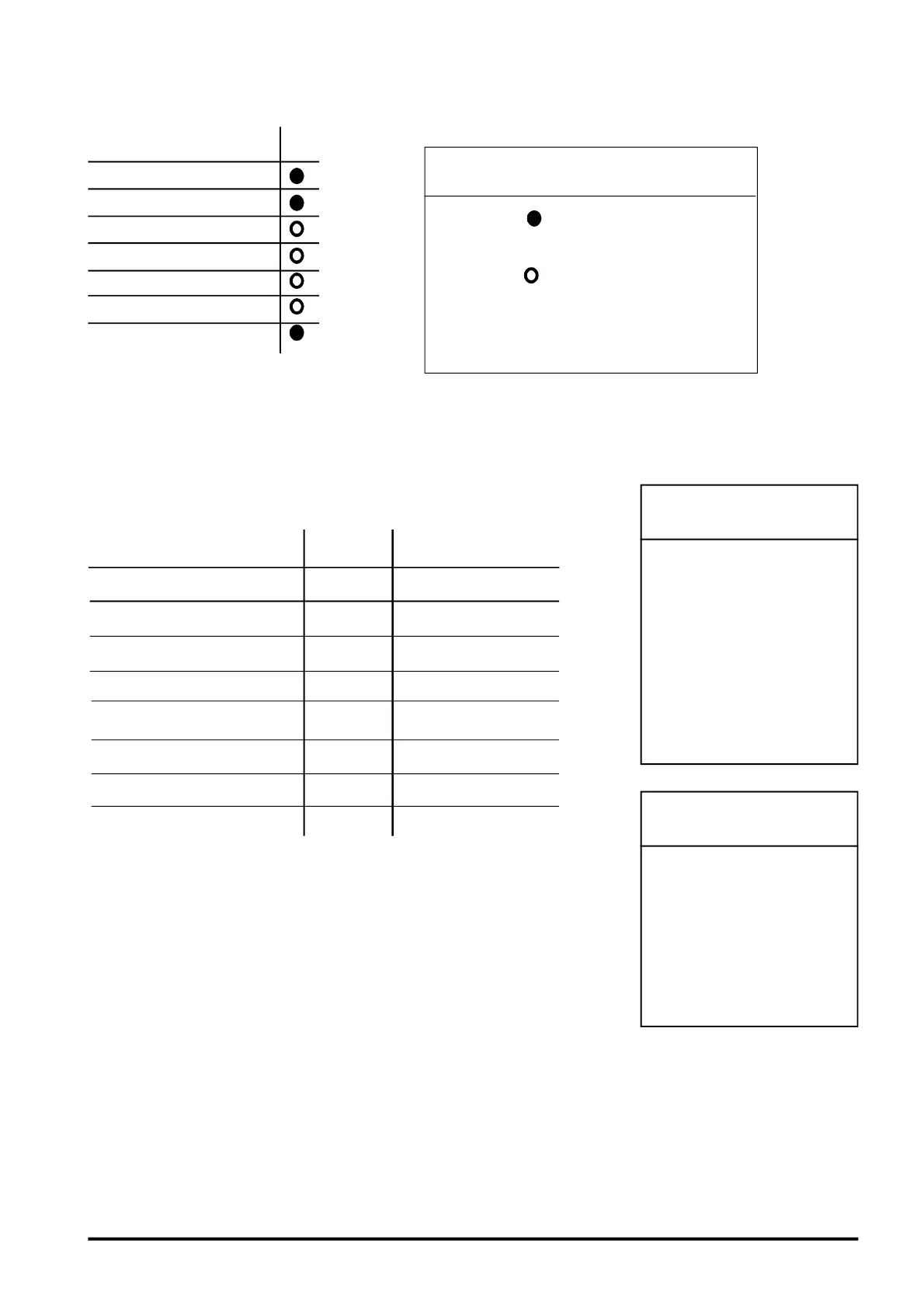
LPA OUTPUT
Burglary alarm
Tamper alarm
Panic alarm
Fire alarm
Technological alarm
CHIME Signalling
Failure alarm
3.1.9 Factory parameters: LPA output
HOW TO READ TABLE
The symbol indicates the zone as pro-
grammed in factory.
The symbol indicates that the zone may
be programmed.
The white space indicates that the zone
may not be programmed.
• Consisting of 6 digits:the first digit ( fixed) identifies the operator, the
other 5 represent the real code which can be modified by the operator.
• If a correct and enabled code is entered, the buzzer beeps twice
otherwise a long error beep is generated. The master user code is always
enabled; it is necessary to enable the other codes (see para 4.2).
• Codes 1,2,3 are associated to the 3 sectors and the association cannot
be modified. Codes 5,6,7,8 in default are associated to no sector and are
therefore disabled.
• In default the engineer’s code is enabled and remains enabled until the
first arming (from keypad with any user code or from electronic key).
• Every visualization/bypassing/reentering procedure, once enabled, starts
a 1 minute timeout (which is set to zero every time the button is
pressed). If the timeout ends, the procedure is automatically terminated
without saving the modifications carried out.
• In almost all procedures the button sequence is identical for the two
models of keypad ( LED and Display). Obviously the mode of the display
warnings will change.
3.2 Access codes
FACTORY
CODE
PROGRAMMABILITY
26



 To Next Page