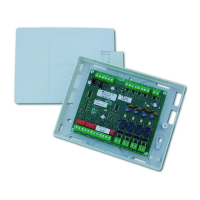
(((ELKRON))) - MP110
3.3 Visualization input status
PROCEDURES ACCESSIBLE TO ALL USERS WITHOUT CODE
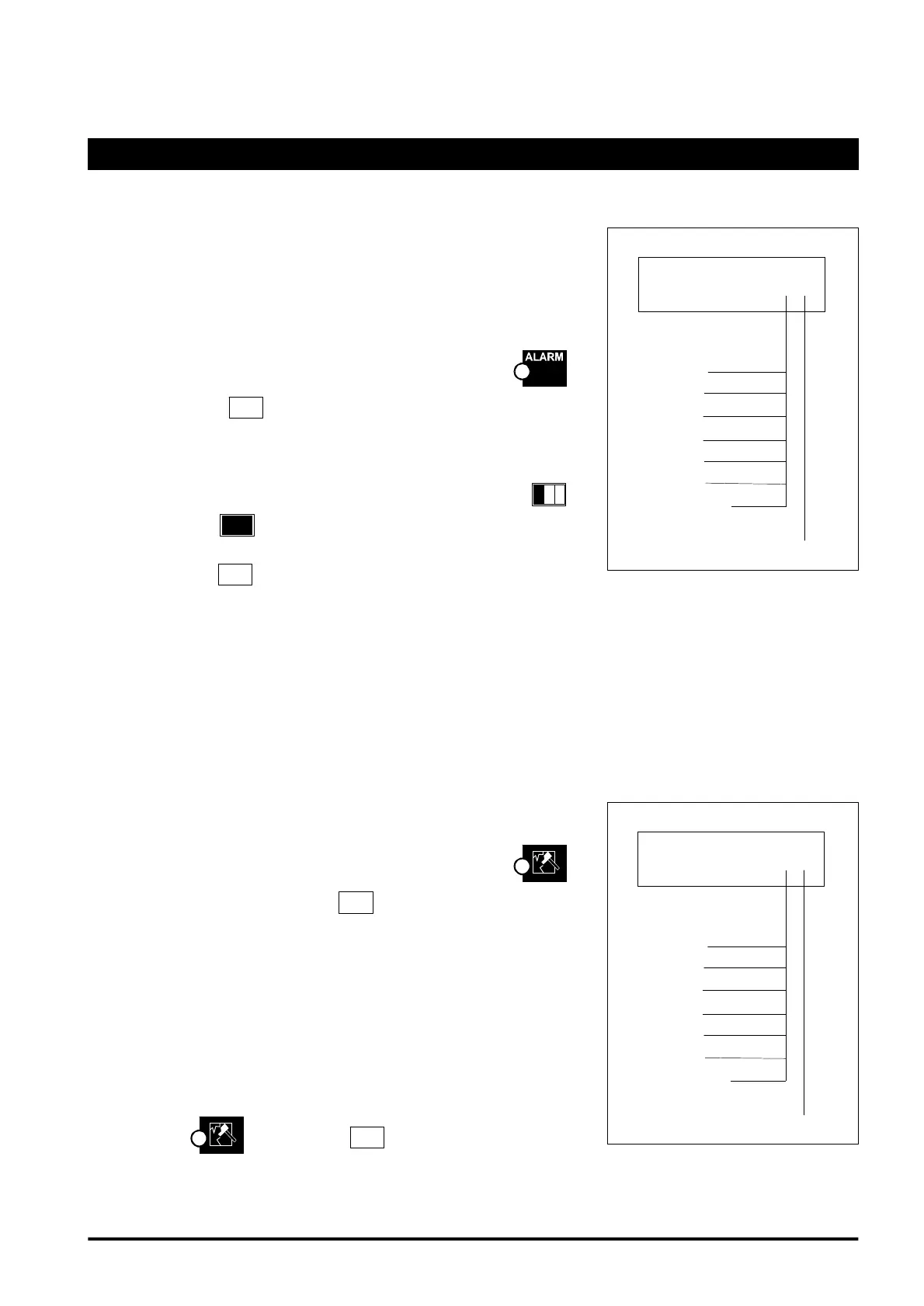
3.3.1 Memorized alarm
visualization
LCD Keyboard: KP100D
• One or more memorized alarms are signalled by led flashing .
By pressing key
you access the visualization of memorized
alarms
• The message “ALARM ZONE nn” is displayed (where nn is the number
of sensor, see table at side)
• To visualize in rotation the other inputs press key consecutively
1
.
By pressing key
during visualization the first input of the list is
shown . At the end of the list the display shows -END OF DATA-
• By pressing key
with no memorized alarms, the display shows
"NO DATA" message
Segments Keyboard: KP100
By pressing key A with no visualized alarms the display shows "_ _"
3.3.2 Memorized tamper
visualization
LCD Keyboard - KP100D
• One or more memorized tampers are signalled by led flashing .
To access visualization, press key
S
.
• The message “TAMPER ZONE nn” is displayed (where nn is the number
of the sensor, see table at side of page)
• The “TEL LINE TAMPER” indication is displayed if there is tampering
with the telephone line .
• The “PERIPHERAL LINE TAMPER” indication is displayed if there is
tampering with the BUS line.
Segments Keyboard: KP100
If one or more tamperings have been stored, these are indicated by the
flashing of the led. Press the
S
key to display them.
The following will be displayed: (see next page)
Zone Alarm _ _
0= C.UNIT
1=exp.1
2=exp.2
3=exp.3
4=exp.4
A=readers
B=keyboards
0 to 8
Tamper Zone _ _
0= C.UNIT
1=exp.1
2=exp.2
3=exp.3
4=exp.4
A=readers
B=keyboards
0 to 8
28



 To Next Page