(((ELKRON))) - MP110
OPTION LCD DISPLAY: LED DISPLAY:
A) Integral programming
“PROGRAMMING KEYS”
“-” flashing
B) Adding a key “ADDING KEYS “
flashing
C) Reading a code from a key “KEY CODE READ”
flashing
D) Controlling programmed keys “CHECKING KEY”
flashing
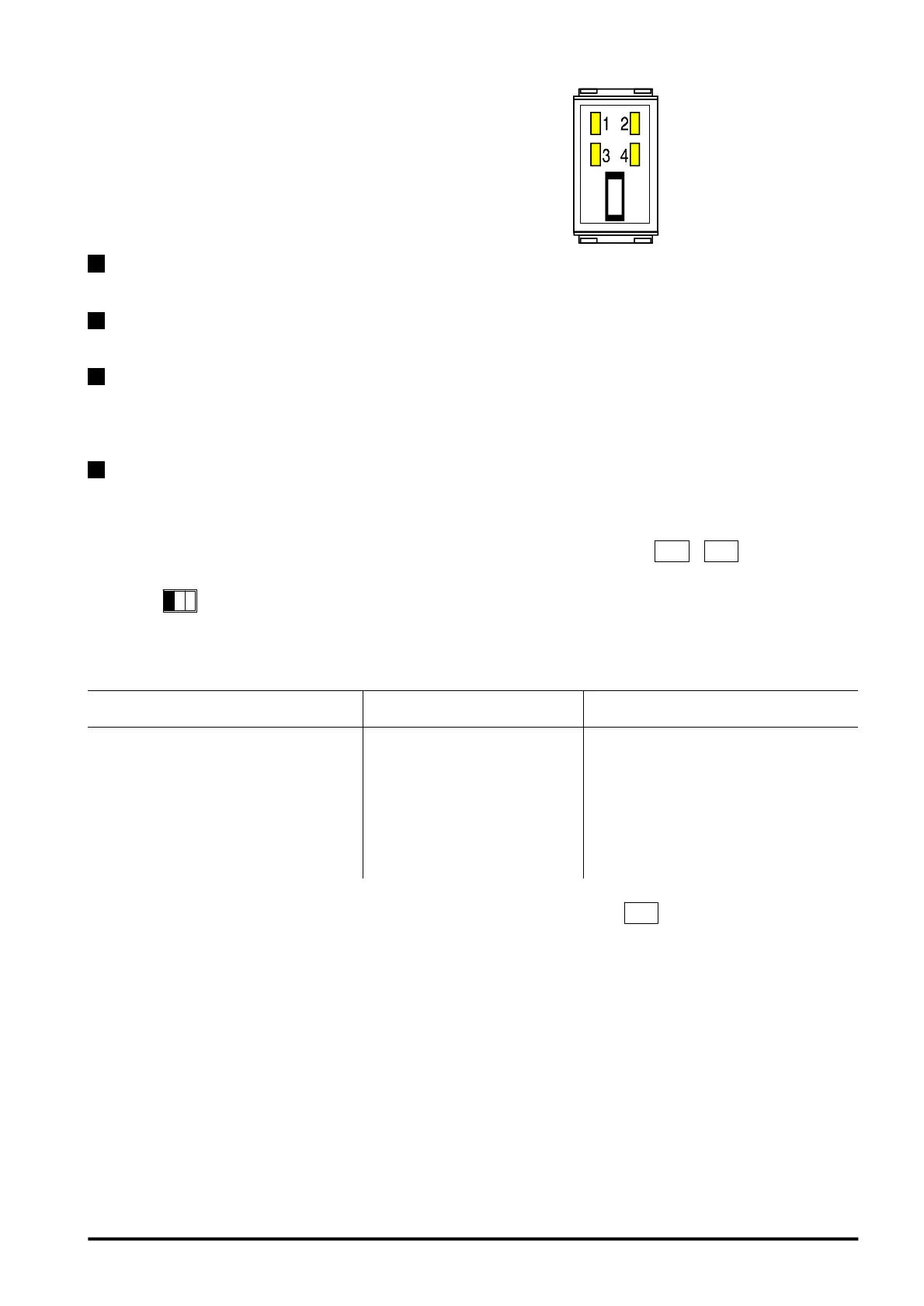
3.5 Electronic key
Programming
• After selecting the desired option, confirm selection by pressing key
. From now on, 1 minute time
out is activated waiting for the introduction of a key. This timeout is set to zero whenever a key is inserted. The
procedure beginning is shown by the led flashing ( LCD or LED keyboard)
This procedure allows to carry out the following programmings:
- STORAGE OF A NEW KEY
For storing a key code in a new system or changing the code of all keys in case one key is lost
- ADDING A KEY
For adding one or more keys to an existing system
KEY CODE DUPLICATION
For storing a key code in a second system by copying it from a previously programmed key. With this function it
is possible to check one or more systems with a single key. For example, the home system and the office
system will both recognize the same key (without needing to use 2 different keys).
CHECK OF STORED KEYS
For checking previously programmed keys, by verifying correctness of code, the key number and the zones
controlled.
To access procedure enter MASTER or INSTALLER code followed by keys
+
By key
1
select one of the following options:
31



 To Next Page