(((ELKRON))) - MP110
I= Burglary
5= Tamper
P= Panic
t= Technical
F= Fire
C= Chime
h= Failure
5. After selecting the desired option, press key
to associate or not
the current alarm event.
6. By leaving the procedure with key
the selections made are
saved. Press key
1
to visualize programmings in brief (see item
3).
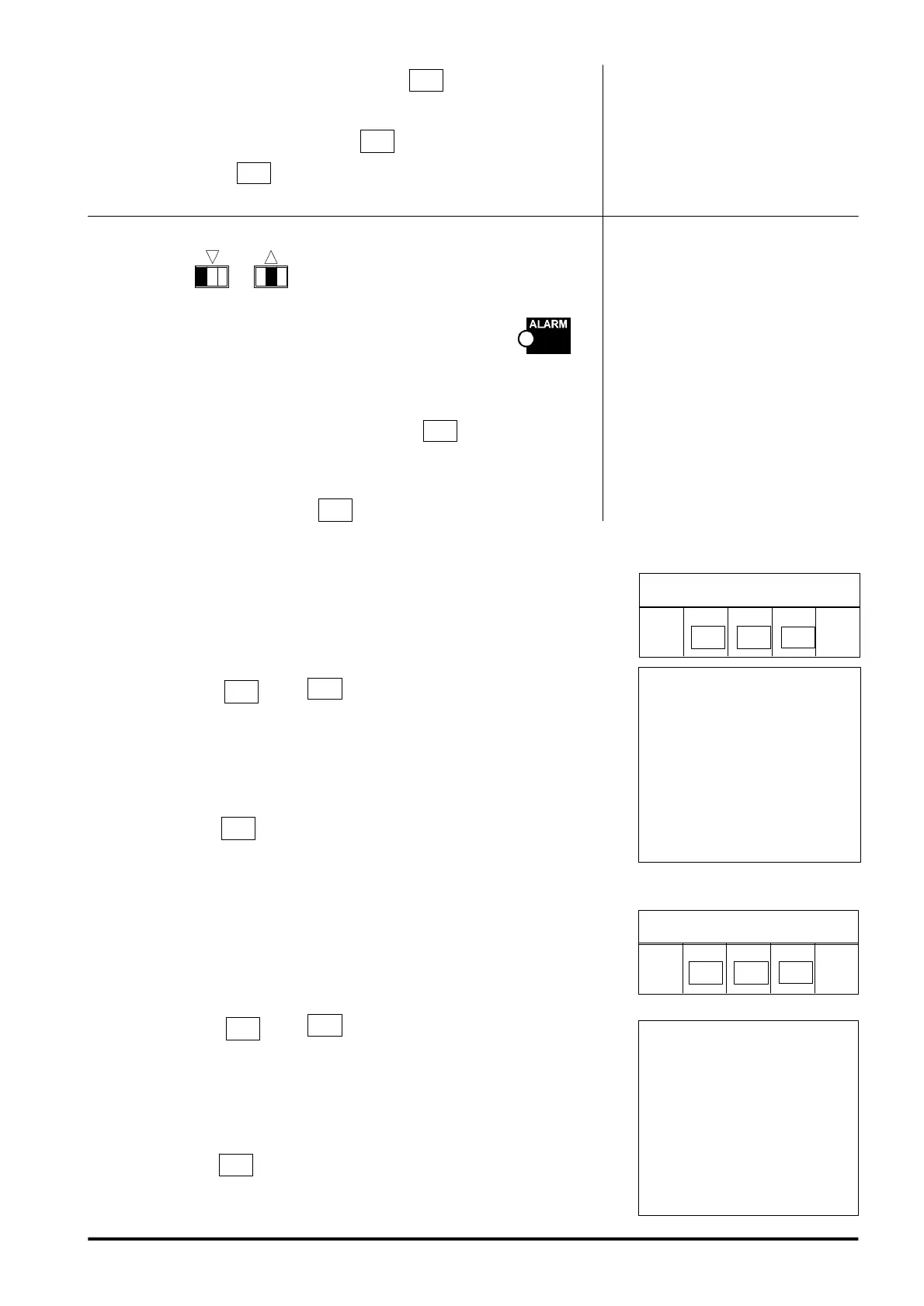
LED KEYBOARD
3. Press keys
1
to select in sequence the possible events
associable to LPA output. The events, identified by a letter, are
visualized on the display one at a time ( see side table); if led
is on , it means that the current option is associated, if it is off it
means that the option is not associated.
4. After selecting the desired option, press key
to associate or
dissociate the function.
Leaving the procedure by key
the selections made are saved.
5.6 Input Time programming
1. Enter installer code
2. Press twice key
+ key
5
to access procedure.
The display of LED keyboard visualized in a flashing way the
memorized input time expressed in tens of seconds.
3. Set desired time by means of the numeric keys.
4. By pressing key
you leave programming and assume the desired
value. Leaving by timeout, the previously memorized value is kept.
5.7 Alarm Time Programming
1. Enter installer code.
2. Press twice key
+ key
2
to access procedure. The display
of LED keyboard shows in a flashing way the memorized alarm time
expressed in minutes.
3. By means of the numeric keys, set the desired time.
4. By pressing key
you leave programming and assume the desired
value. Leaving by timeout, the previously memorized value is kept.
The possible values are:
00 = 00s 05 = 50s
01 = 10s 06 = 60s
02 = 20s 07 = 70s
03 = 30s 08 = 80s
04 = 40s 09 = 90s
The possible values are:
00 = 30s 05 = 5min
01 = 1min 06 = 6min
02 = 2min 07 = 7min
03 = 3min 08 = 8min
04 = 4min 09 = 9min
PROCEDURE ACCESS
INST.
CODE
PROCEDURE ACCESS
INST
CODE.
5
2
53



 To Next Page