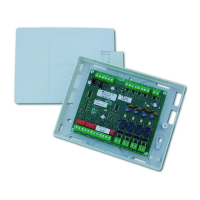
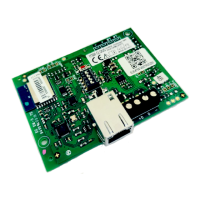
(((ELKRON))) - MP110
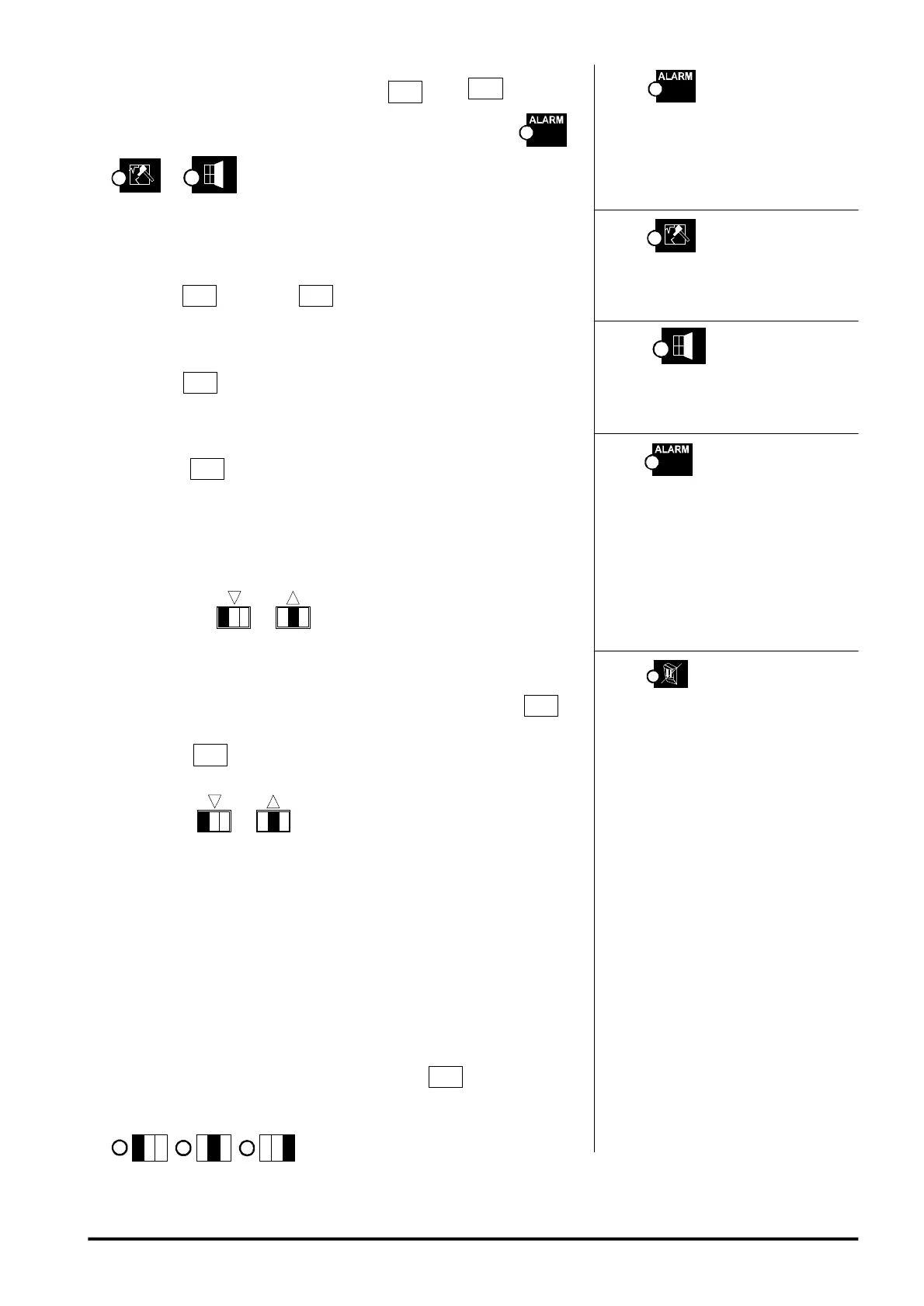
The led shows the relay ena-
bling to the tamper management with
control unit in OFF.
Led on = enabled alarm
The led shows the relay
enabling to the fire alarm manage-
ment.
Led on = enabled alarm
The led shows the level pro-
gramming.
Led on= energized relay under quies-
cent conditions
Led off= de-energized relay under
quiescent conditions
The led shows the level pro-
gramming
Led on = NH level
Led off = NL level
By programming the NH level the
output provides a positive under qui-
escent conditions
By programming the NL level the out-
put provides a positive under alarm
conditions
1. Enter the Engineer’s code and press key
+ key
4
twice: the
output 1 programming (control unit relay) is visualized (leds ,
et turn on).
Output 1 Programming (CONTROL UNIT relay)
2. NH/NL level programming ( energized or de-energized relay)
Press key
4
. Press key
to program the desired level on the
relay.
3. TAMPER IN OFF
Press key
S
to enable/disable the control unit relay for TAMPER
IN OFF.
4. FIRE ALARM MANAGEMENT
Press key
to enable/disable the output to the FIRE alarm
management.
Programming of other outputs
Follow the procedures described in item 1.
5. Through keys
1
, select the output to be programmed.
The outputs relevant to the peripherals are proposed only if these are
present. The LED keypads show the output number in a flashing mode.
6. When the output to be programmed is visualized, press key
4
.
7. Press key
to program the NH/NL level of the output under
reference.
8. Press keys
1
to select the type of alarm that the output
shall carry out. The LED keypads will show the alarm mode in a fixed
mode with a value from 0 to f according to the following table:
00 = burglary 08 = TC
01 = tamper 09 = reset
02 = panic 0A = buzzer
03 = technical 0B = system status
04 = fire 0C = open zone
05 = CHIME 0D = telephone line
06 = Failure
07 = LPA
9. If the chosen type is Burglary or TC, use key
E
to program the
AND/OR sectors mode. Moreover the sectors associated with the
output under reference are visualized by the corresponding leds
1
,
,
that turn on. It is possible to associate
The led shows the AND/OR
mode of the sectors associated to an
output of burglary type ( sector alarm)
or TC type.
BURGLARY OUTPUT PRO-
GRAMMED IN OR
The output commutates if an alarm is
generated in one of the associated
sectors.
BURGLARY OUTPUT PRO-
GRAMMED IN AND
The output commutates if the associ-
ated sectors are all armed and an
alarm is generated in one of these
sectors.
SECTOR TC IN OR
The lock positive is missing if all
associated sectors are armed.
SECTOR TC IN AND
The lock positive is missing if at least
one of the associated sectors is armed.
51



 To Next Page