EasyManua.ls Logo

Elmo GS-800 - Troubleshooting

Elmo GS-800
56 pages
Print Icon
To Next Page IconTo Next Page
To Previous Page IconTo Previous Page
Loading...
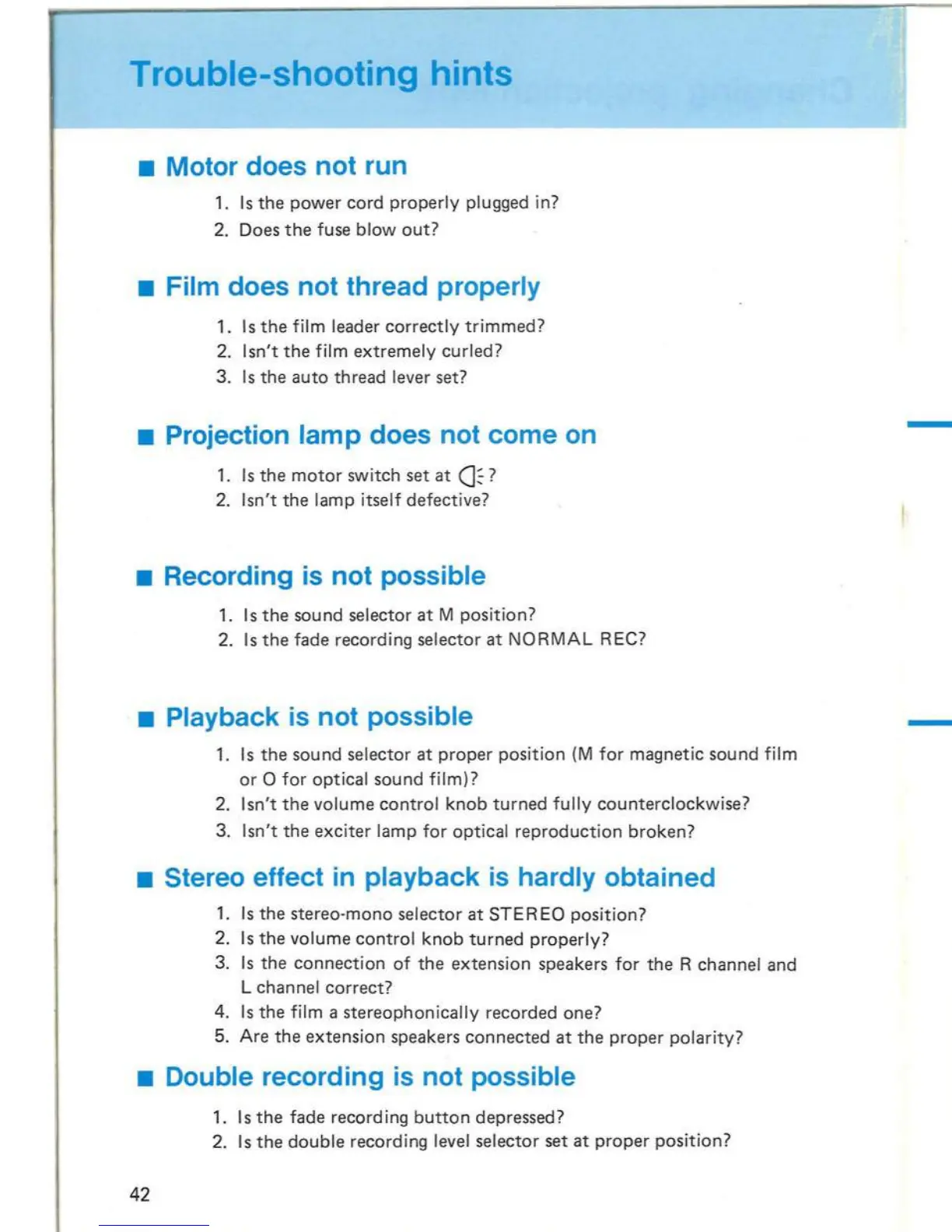
Trouble-shooting hints
Motor does not run
1.
Is
the
power
cord
properly
plugged in?
2. Does
the
fuse
blowout?
Film does not thread properly
1.
Is
the
film leader
correctly
trimmed?
2.
Isn't
the
film
extremely
curled?
3.
Is
the
auto
thread
lever set?
Projection lam p does not come
on
1.
Is
the
motor
switch
set
at
(}
?
2.
Isn't
the
lamp itself defective?
Recording
is
not possible
1.
Is
the
sound selector
at
M
position?
2.
Is
the
fade recording selector
at
NORMAL
REe?
Playback
is
not possible
1.
Is
the
sound
selector
at
proper
position
(M
for
magnetic
sound
film
or
0
for
optical
sound
film)?
2.
Isn't
the
volume
control
knob
turned
fully
counterclockwise?
3.
Isn't
the
exciter
lamp
for
optical
reproduction
broken?
Stereo effect
in
playback
is
hardly obtained
1.
Is
the
stereo-mono
selector
at
STEREO
position?
2.
Is
the
volume
control
knob
turned
properly?
3.
Is
the
connection
of
the
extension
speakers for
the
R channel and
L
channel
correct?
4.
Is
the
film a
stereophonically
recorded
one?
5. Are
the
extens
i
on
speakers
connected
at
the
proper
polarity?
Double recording
is
not possible
1. I s
the
fade record ing
button
depressed?
2.
I s
the
double
recording level selector
set
at
proper
position?
42
Adjust
the
focus
with
the
focus
knob
.
@- @
©:":@
k::::::::;====:;::::::==~
@,
. ; .
&1
_,&1
0
0>
@@
@
If a frame line appears
on
the
screen,
eliminate it
from
the
screen
with
the
framer
.
Focus
knob
Framer
11

Related product manuals