16
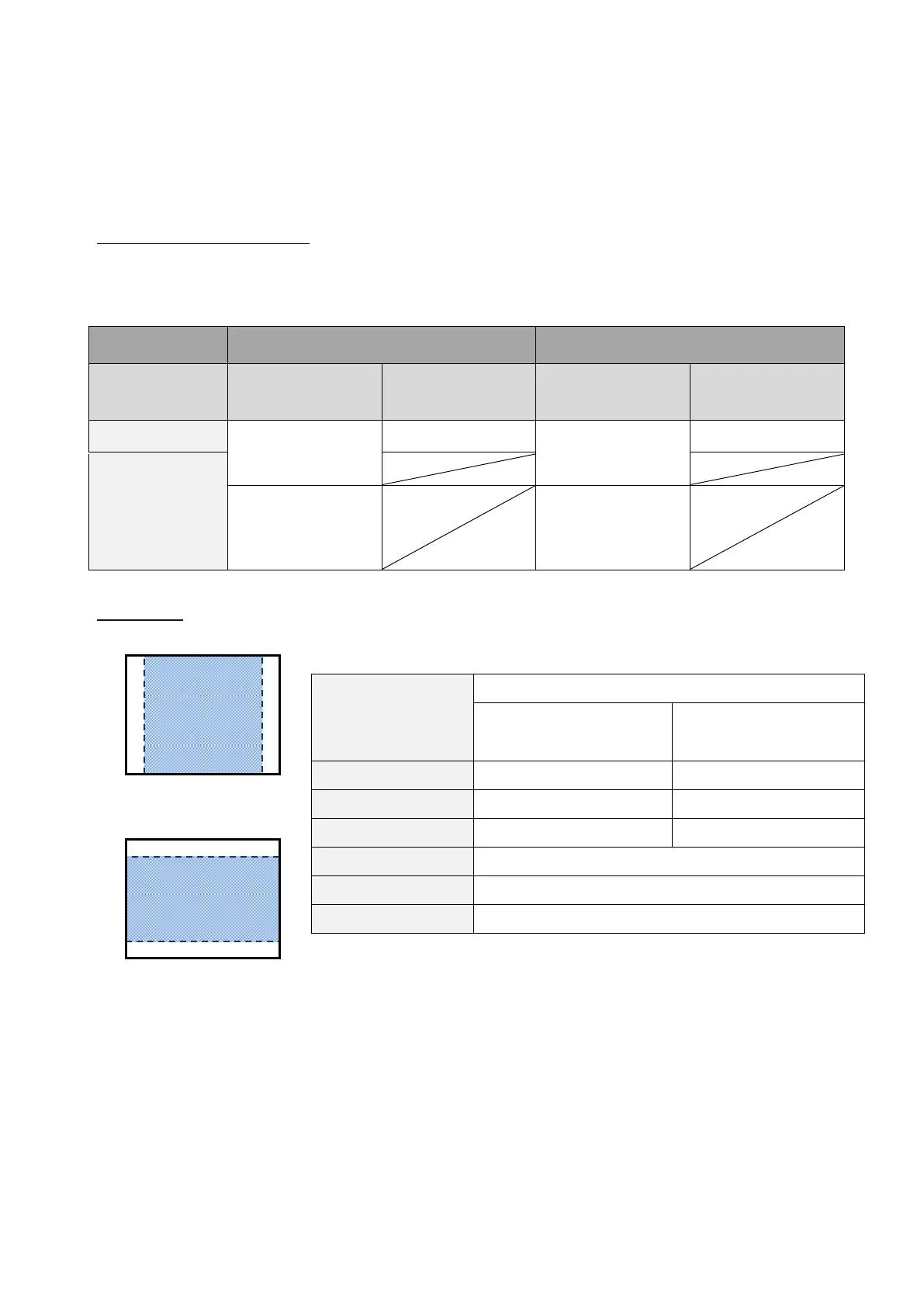
◆SIZE OF IMAGES BEING OUTPUT
The output resolution is different according to the setting of the Resolution/Output mode selection.
The product can output images with the following aspect ratio. Pay attention to the shooting
conditions.
RGB output and HDMI output
When HDMI output is possible, both RGB output and HDMI output are output in the same resolution.
*RGB output is not possible when HDMI output resolution is 4K (3840×2160).
Aspect ratio
①FULL(4:3)
②NORMAL(16:9)
※Set the USB output resolution to 4K/30fps or 1080p/30fps.
RGB output is not possible when the resolution is 4K.
※The viewing angle of the output image is as follows:
・HDMI out: Normal (16:9) / Full (4:3)
・RGB out only: 1080p/ XGA
※Depending on the condition of the arm, the maximum angle of view that can be captured will
change.
※The aspect ratio of the output image is 16:9 when the Viewing angle is set to NORMAL (16:9).
Depending on the monitor used, you will see black bars on the top and bottom of the image.



 To Next Page