28
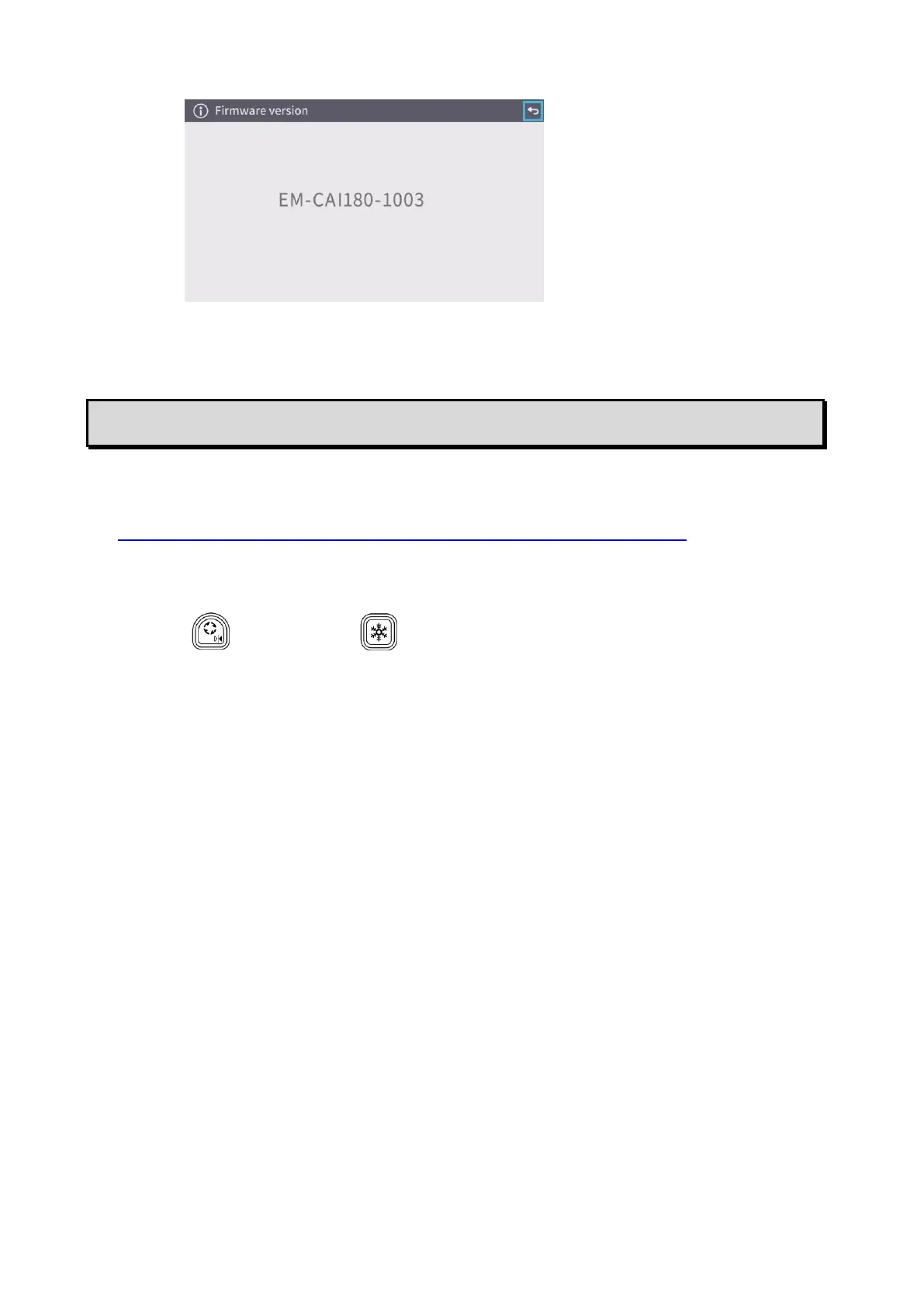
7. FW version
To display the version of the firmware of the product.
➐ FW UPDATE PROCEDURE
1.Download the FW from the following website and save the FW (*fex ) to the SD card.
(Save it to the top level of the SD card, no other files, etc.)
https://www.elmoeurope.com/index.php/en/download-service/firmware-updates
2.Insert the SD card into MX-P3.
3.Connect the AC adapter and confirming that the status LED is lit in red,
press t[ ] button and [ ] button at the same time.
4.The Status LED turns purple.
5.The FW update will begin. The product will automatically restart in 1 minute.
6.The Status LED turns red.
7.The FW update is complete.



 To Next Page