➍ USING THE PRODUCT
◆ADJUSTING THE SIZE
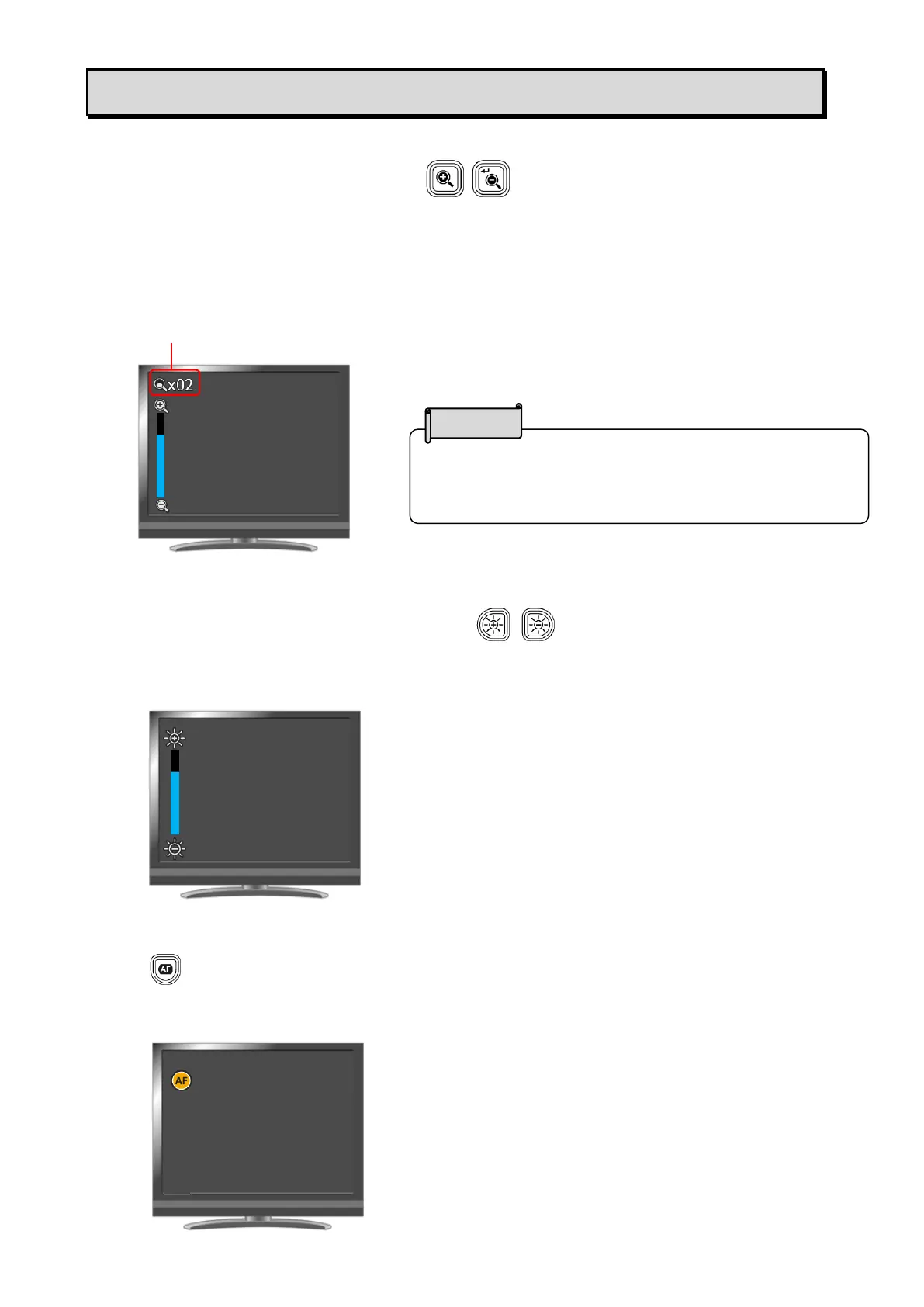
The size of the image can be adjusted using [ / ] buttons on the operating panel.
(The size of the image cannot be adjusted if YUY2 format is selected when the product is connected
to a computer via the USB cable.)
The current zoom ratio and operation status do not appear when outputting images to a computer via
the USB cable.
◆ADJUSTING THE BRIGHTNESS
The brightness of the image can be adjusted using [ / ] buttons on the operating panel. The
operation status will appear on the screen.
To initialize the brightness level, press these buttons at the same time.
( The operation status does not appear when outputting images to a computer via the USB cable.)
◆ADJUSTING THE FOCUS
Press [ ] on the operating panel to automatically focus on the subject. The operation status will
appear during Auto Focus.
( The operation status does not appear when outputting images to a computer via the USB cable.)



 To Next Page