EasyManua.ls Logo

Elmo MX-P3 - Configuring Resolution and Viewing Angle; Setting Video Recording Quality

Elmo MX-P3
36 pages
Print Icon
To Next Page IconTo Next Page
To Previous Page IconTo Previous Page
Loading...
26
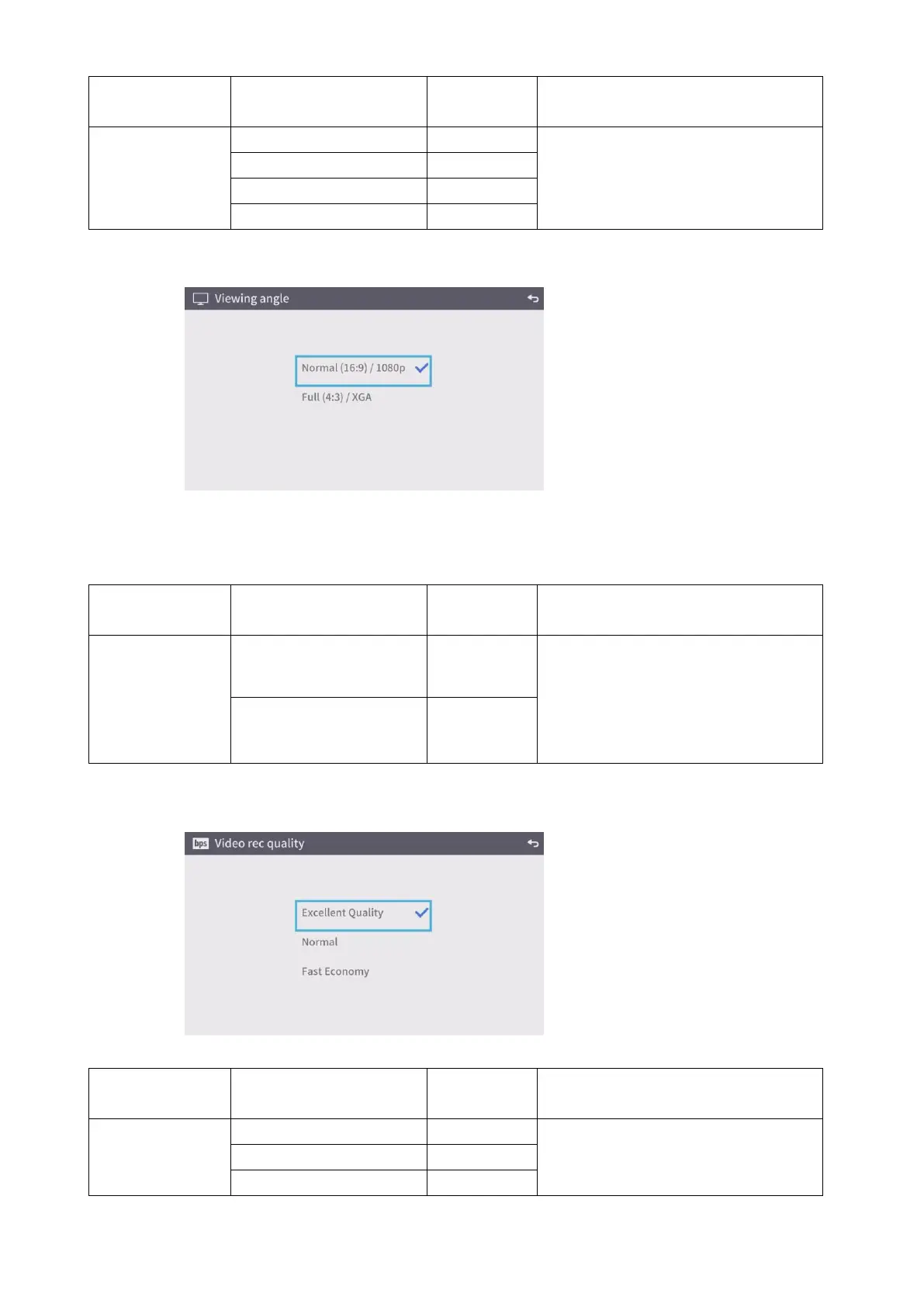
2. Viewing angle
The viewing angle setting cannot be configured when the product is connected to a running
computer via the USB cable.
3. Video recording quality
Name
Selection item
Default
setting
Function
Resolution
Auto
To set the resolution of the output
image.
HD1280×720
FHD1920×1080
UHD3840×2160
Name
Selection item
Default
setting
Function
Viewing angle
Normal16:9/1080p
To set the viewing angle of the output
image.
HDMI out: Normal/ Full
RGB out only: 1080p/ XGA
Full4:3/XGA
Name
Selection item
Default
setting
Function
Video recording
quality
High
To set the video quality for the video
recording. When “High” is selected,
the recording time becomes shorter.
Normal
Long-time (Low

Other manuals for Elmo MX-P3

Related product manuals