Restrictions: The use of certain commands is illegal in certain contexts. The reasons
for this may be:
Safety: For example, it is not safe to change the direction of the feedback while the
motor is running.
Relevance: For example, a torque command cannot be specified in speed control
mode (UM=2); in speed mode, the drive automatically sets the torque.
Consistency: A parameter may be inconsistent with the specification of other
parameters. For example, in point-to-point mode, the position absolute value (PA)
may be no higher than the maximum allowed position reference (VH[3]).
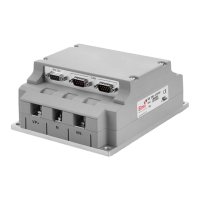
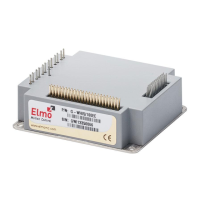
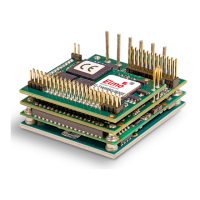
Product grade: Elmo drives come in Standard and Advanced grade (model). When
no product grade restriction is cited, the command is relevant for both grades.
Default values: Default value and storage type.
Volatile variables are reset to their defaults with each power on. Non-
volatile variables can be stored using the SV command. Stored non-
volatile values are read from storage upon power on and can be reset
to their defaults using the RS command.
Range: Range definition: For example, the position command may be
specified in the range [-1,073,741,824…-1,073,741,823]
Unit mode (UM): Defines the function of the drive. The unit modes are:
UM=1 Torque control
UM=2 Speed control
UM=3 Micro-stepping
UM=4 Dual-feedback position control
UM=5 Single-feedback position control
Activation: Specifies when the entered parameter value should be used.
Activation may be:
Immediate As soon as the command is processed
Triggered By another command
For example, the AC (acceleration) parameter should only affect the
next motion, triggered by the BG command.
Examples: Simple examples of the command usage. All examples are given in
RS-232 syntax.
See also: Related commands
Reference chapter Chapter or section that contains relevant details pertinent to the
in the SimplIQ command.
Software Manual:
SimplIQ Command Reference Manual Alphabetical Listing
MAN-SIMCR (Ver. 4.5)
3-2


 To Next Page