Description of the device - functional parts, operation and displays
27
4.6 EDITING THE BASIC SETTING
The Backmaster is supplied with a default national setting. The basic settings can
be changed by the user on the Settings/Service screen.
4.6.1 BASIC SETTING PARAMETERS
The following parameters can be changed in the
Settings/Service
menu:
• Day and time
• User language
• Keyboard layout
• Reports and operating data recording
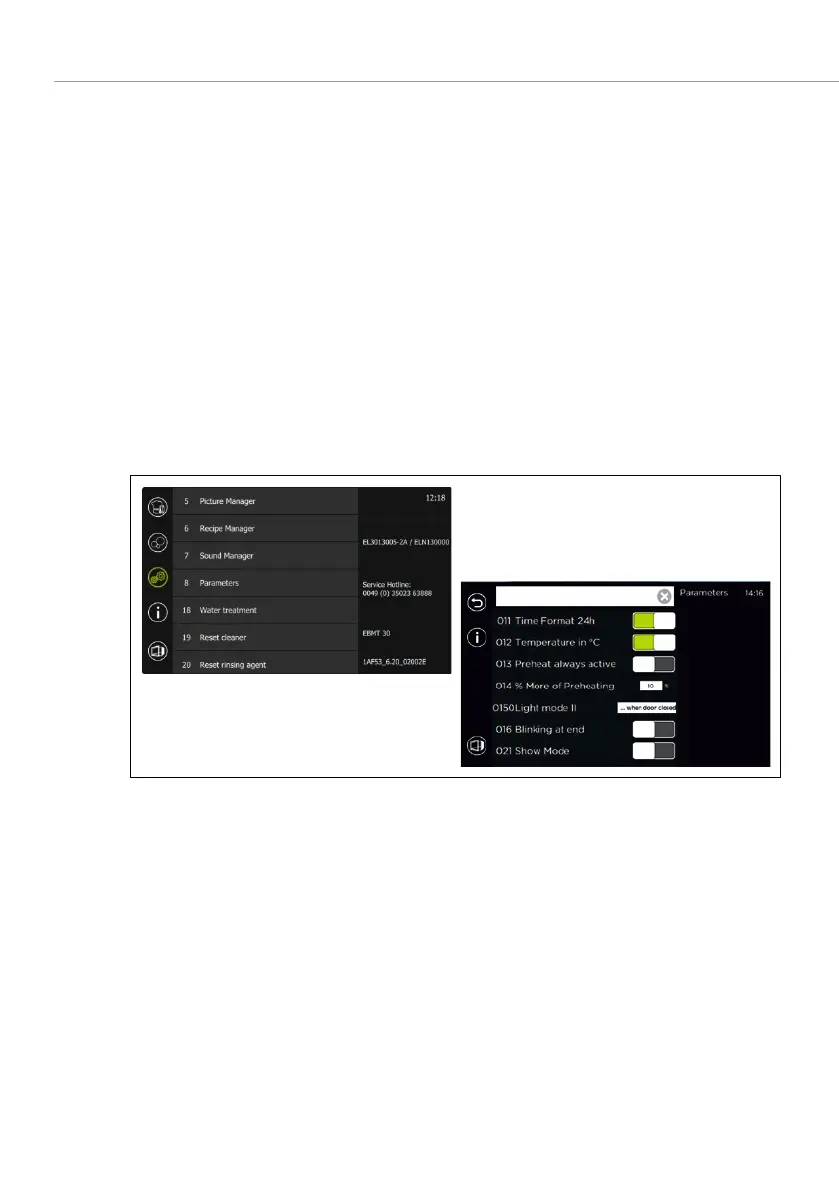
4.6.2 CHANGE THE BASIC SETTING
To change the basic settings, the following access data is required:
• Password: "
or "
Fig. 9: Process to change the parameter settings



 To Next Page