41
6.3 COPYING AND DUPLICATING PROGRAM(S)
6.3.1 PROGRAM FROM PROGRAM LIST OR LAST®20
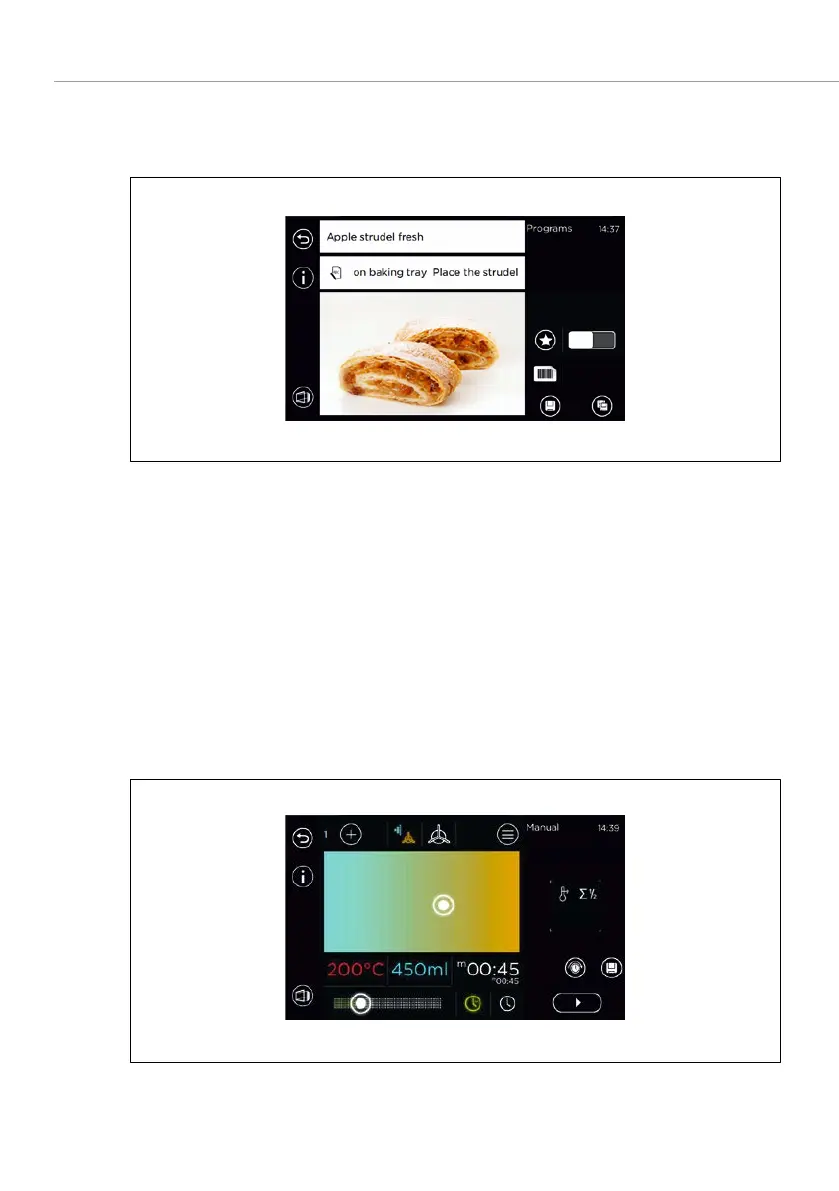
Fig. 20: Copying/duplicating a baking program from the list
1. Open program list/
.
2. Select a program.
3. Select the
field.
4. Change or add a program step.
5. Select the
field.
6. Edit the input as necessary (add to favourites and assign to a menu group,
for instance).
7. Confirm saving or duplication.
6.3.2 GENERATING A NEW BAKING PROGRAM
Fig. 21: Generating a new baking program



 To Next Page