39
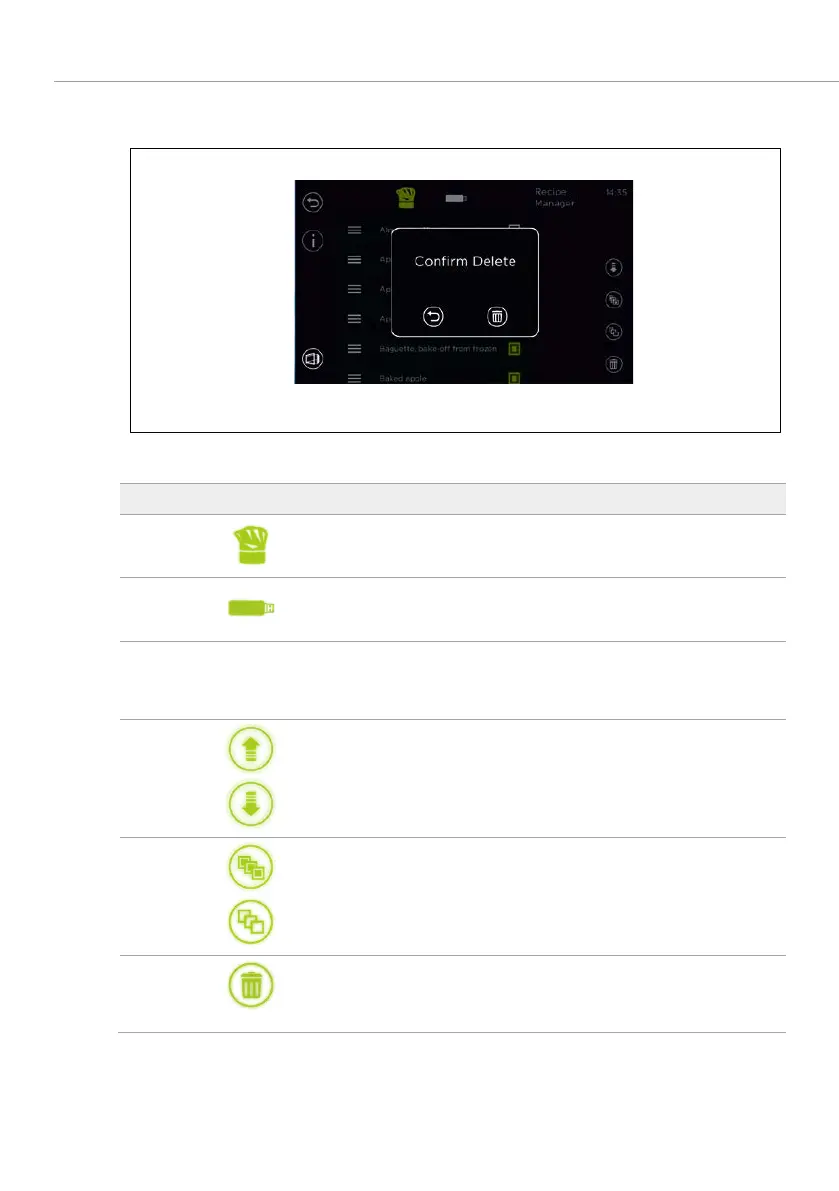
6.2 DELETE PROGRAM(S) SCREEN
Fig. 19: Deleting baking program(s)
1
field
Deletes the programs on the device.
2
Deletes the programs from the USB stick.
3 List of available baking programs or images, sounds
Selection is performed by clicking on the check
box (green).
4
fields
Uploads programs, reports, images and sounds to
the device or downloads them from the device.
5
fields
Sets (green) or removes (black) the markings for
all programs, images, sounds etc.
6
field
Selected programs, images, sounds etc. are
deleted.
Tab. 9: Symbols for program management screen / deleting



 To Next Page