45
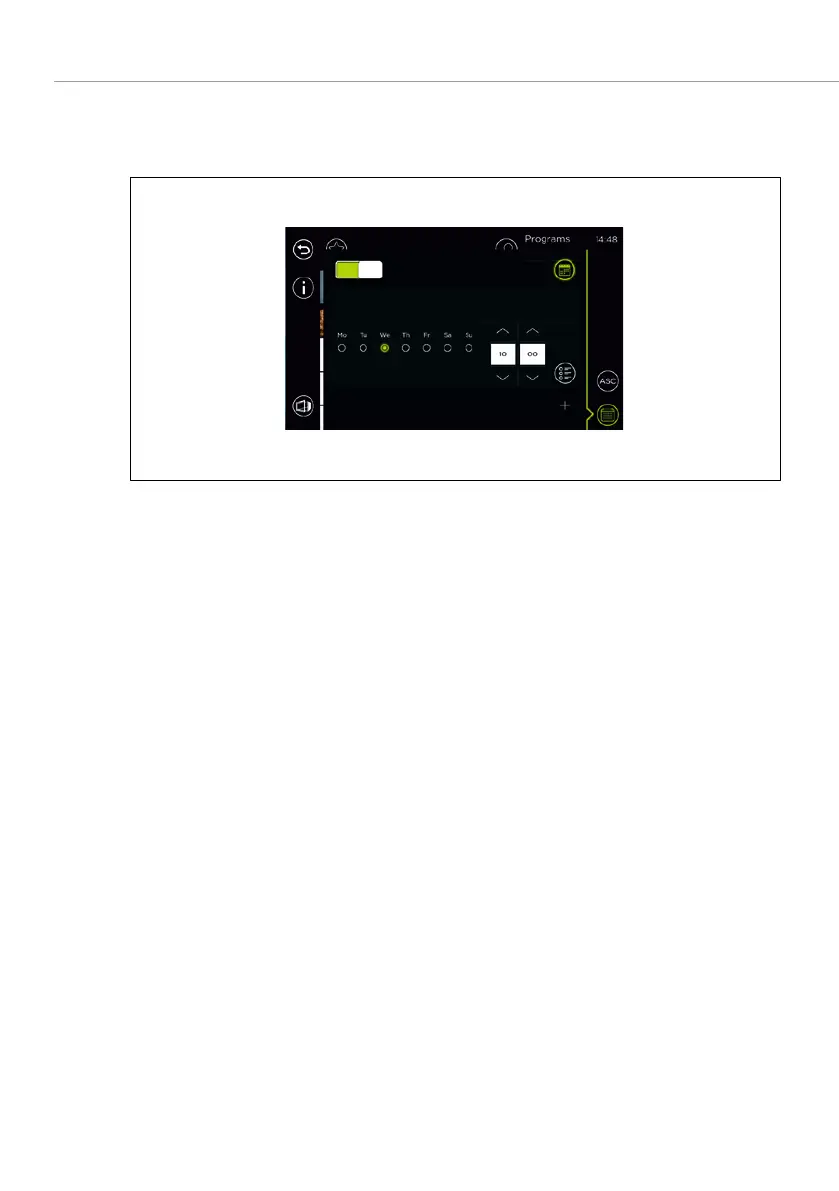
6.5 MANAGING THE WEEKLY PROGRAM
6.5.1 ADDING A WEEKLY PROGRAM
Fig. 24: Adding a weekly program
1. Open the
Program list
.
2. Select the
field.
The weekly program selection window is opened. –
Baking programs which have already been set, are displayed. –
3. Select
.
Weekly program settings are displayed. –
4. Select the desired day of the week by clicking on the selection box (appears
in green).
5. Touch the
fields to set the hours and minutes of the time.
6. Select the
.
The list of saved baking programs is displayed. –
7. Select the baking program.
The action line is displayed.
8. Select the
field.
The selected baking program has been added to the weekly program.



 To Next Page