46
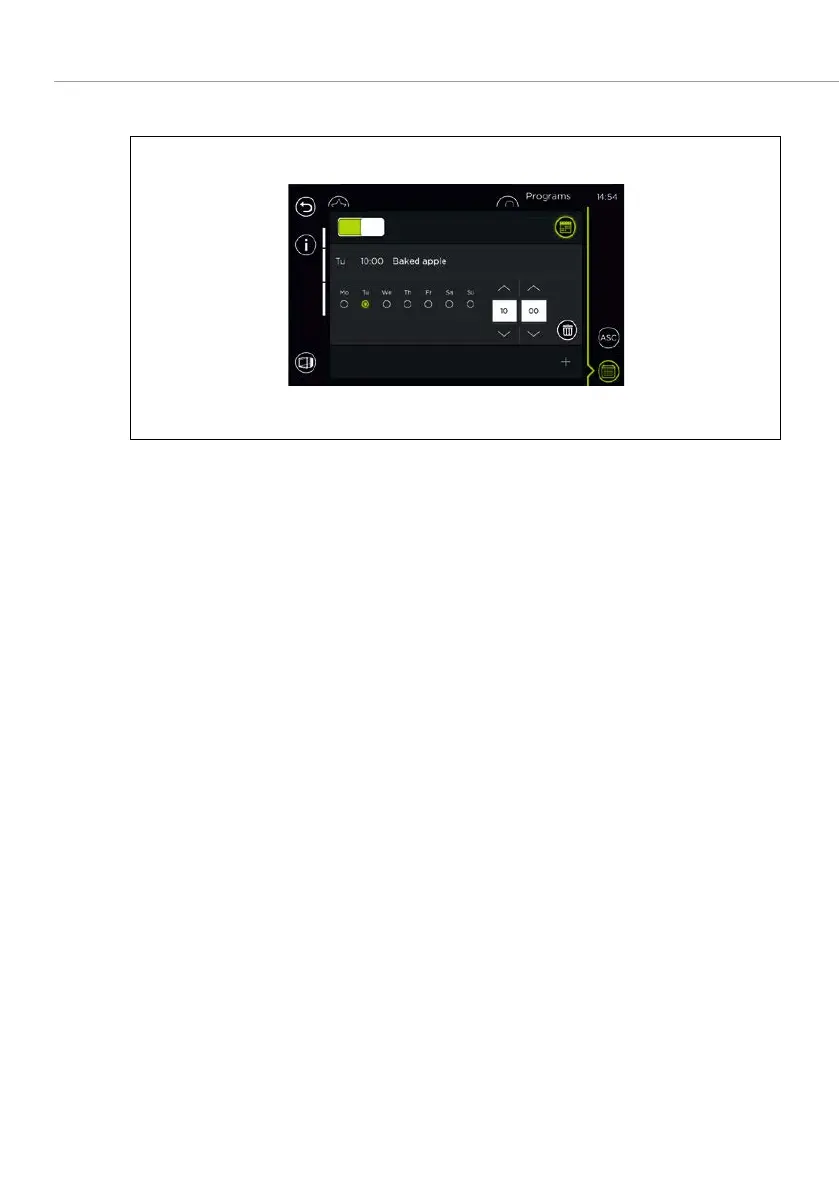
6.5.2 CHANGING OR DELETING A WEEKLY PROGRAM
Fig. 25: Changing/deleting a weekly program
1. Select a baking program which has already been added.
Weekly program settings are displayed. –
2. Change the weekly program settings.
Or
Select
to delete a cooking program from the weekly program.
6.5.3 SWITCHING ON/OFF THE WEEKLY PROGRAM
1. Activate the
switch to switch on the weekly program.
The field and
switch are highlighted in green. –
2. Deactivate the weekly program switch to switch off the weekly program.



 To Next Page