Control system structure and operation
29
5 CONTROL SYSTEM STRUCTURE AND
OPERATION
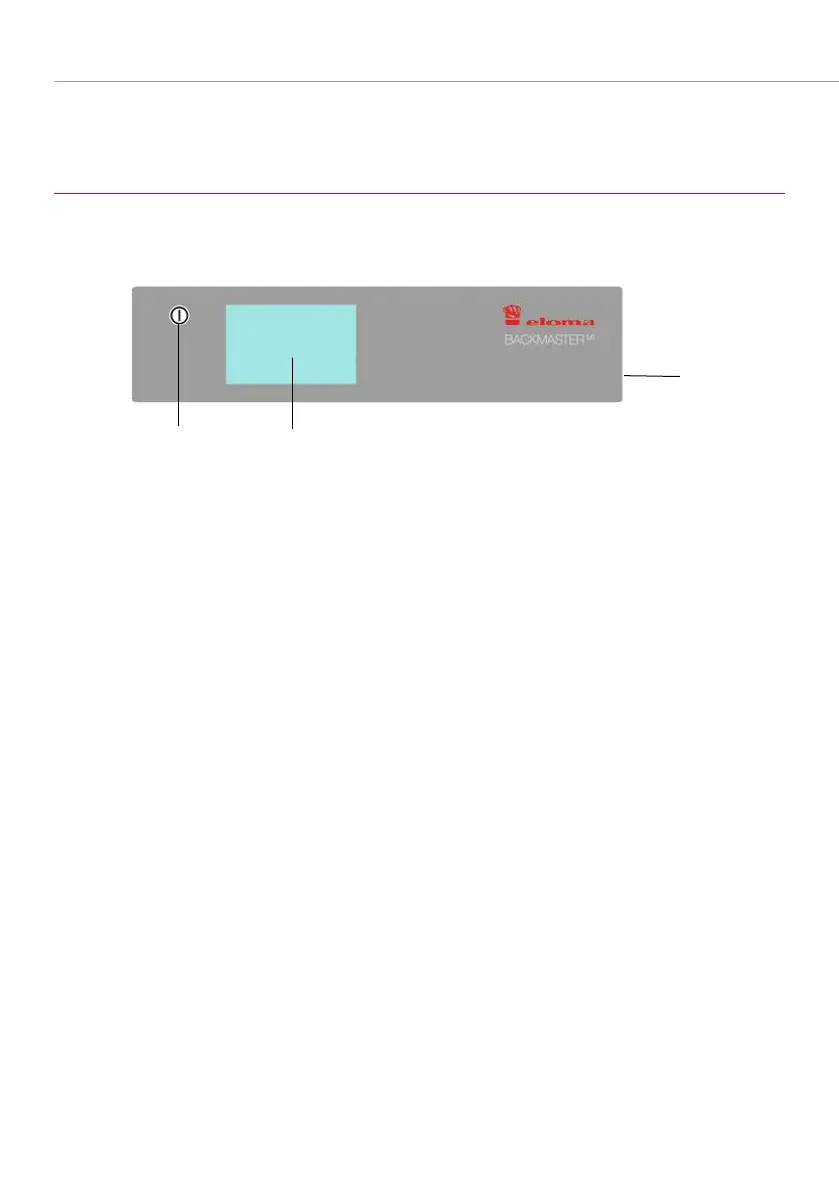
5.1 MAIN ELEMENTS OF THE OPERATING PANEL
Fig. 10: Elements of the operating panel
1 ON/OFF key
2 Touch screen panel
3 Port for USB stick
Switches the Backmaster EB 30
MT
/ EB 30 XL
MT
on and off (membrane
keyboard)
Display, individual menu selection and input confirmation by selecting the
respective icon/button and operation using Climatic® MT monitor.
Transfer of data from/to the device



 To Next Page