43
6.4 SELECTING AND STARTING BAKING PROGRAM(S)
6.4.1 PROGRAM(S) FROM THE PROGRAM LIST/LAST®20
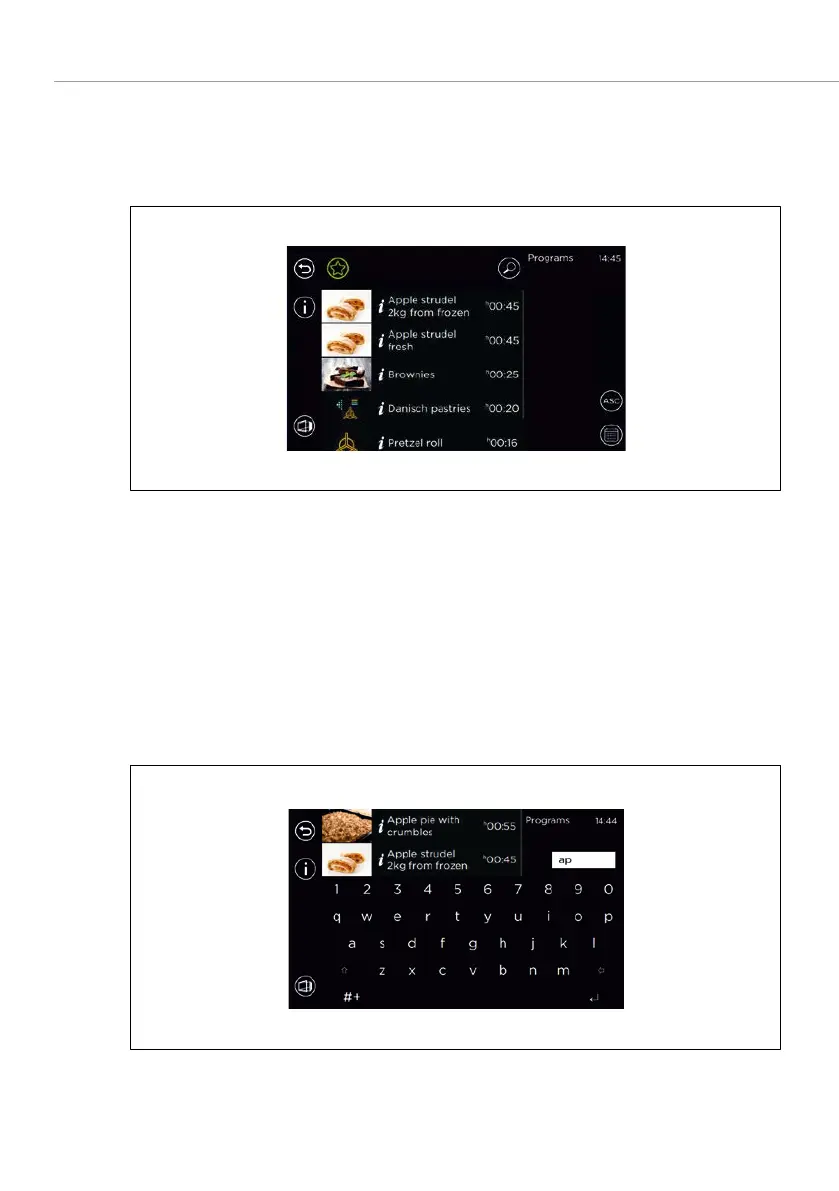
Searching for a baking program using favourites
Fig. 22: Calling up and starting a baking program from the list with favourites filter
1. Open the program list.
2. Select the
field.
The list of baking programs is reduced to the selected filter.
3. To select the baking program for which you are searching: Select the baking
program.
The action line is displayed. –
4. Select
.
Searching for a baking program by entering keywords
Fig. 23: Searching for a baking program in the list



 To Next Page