Control system structure and operation
36
The target temperature is held for a maximum of 1 hour. –
Load the device, close the door, the baking program starts with the –
first baking step.
At the end of the program a signal sounds, the door opens –
automatically (in accordance with the setting in the service menu).
The display of program progress appears on the screen. –
Additional manual steam injection is possible at all times. –
5.3.2 ADDING, VIEWING AND CHANGING PROGRAM STEPS
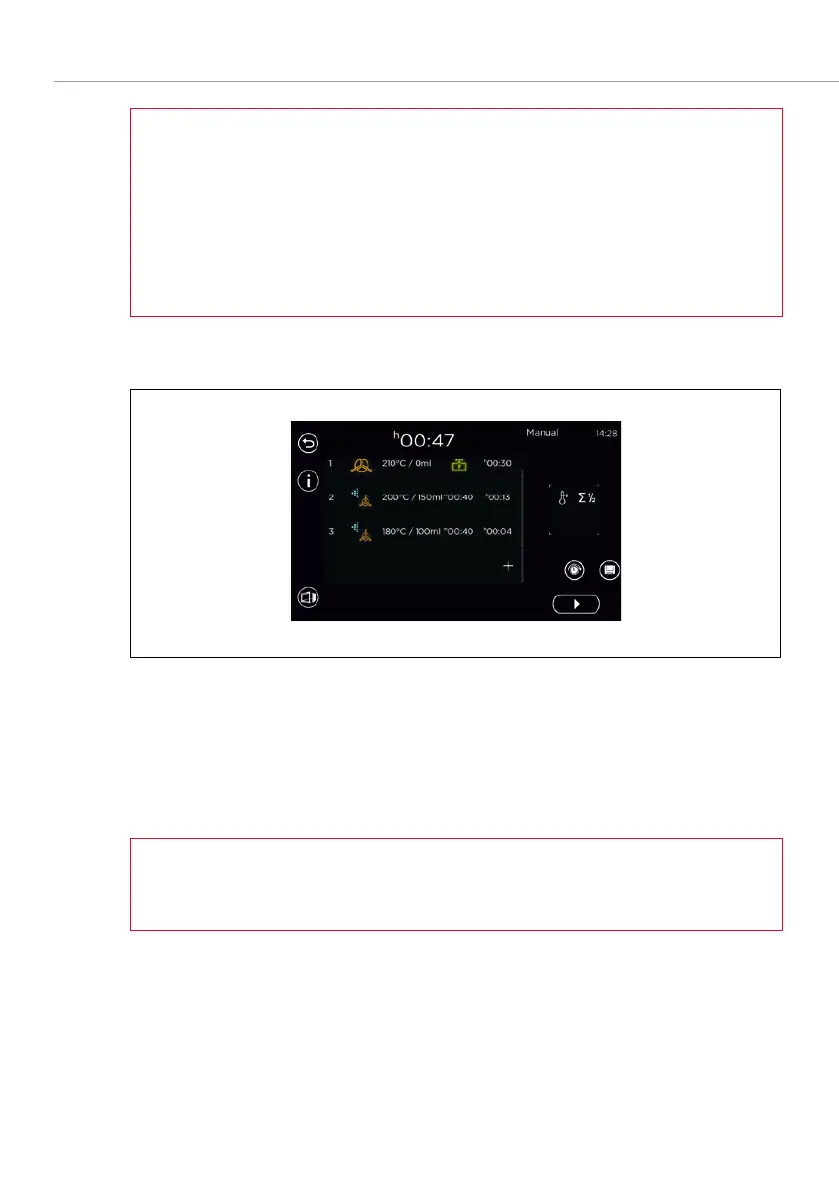
Fig. 17: Adding baking steps
Input of first step as described in section 5.3.1.
If multiple baking steps are entered, the function
has to be
selected after setting the parameters for each.
The number of baking steps is increased by one.
After entering the last baking step, save the baking program.
The maximum number of number of baking steps is 20. –
Baking steps can be edited before and during the baking process. –



 To Next Page