55
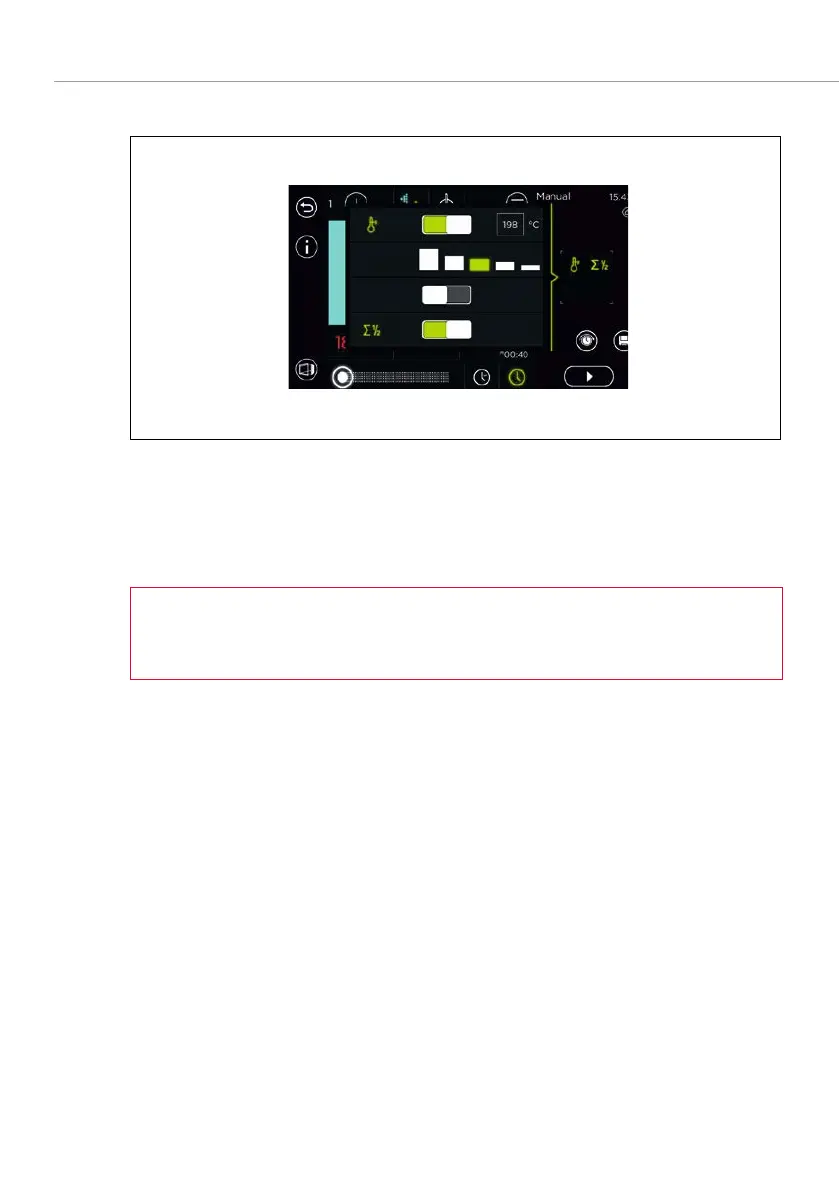
6.7.1 PREHEAT
Fig. 35: Setting the preheating temperature
1. Activating
(green).
A preconfigured temperature is displayed. –
It can be changed to suit the baked goods. –
The preconfigured preheating temperature can be changed in
Settings/Service/Parameters
.
2. Once the preconfigured temperature has been reached, an acoustic signal
sounds and preheating is stopped.
6.7.2 "HALF OCCUPANCY"
With the additional e/2 function the Backmaster is operated in energy saving
mode at half power when the baking chamber is not fully loaded.
6.7.3 FAN TIMER
A fan timing function, set by the manufacturer, can be selected as necessary.
6.7.4 TIMER
The additional timer function can be used to select the start or end time for the
baking program.



 To Next Page