9
3. Start-up in manual operation
Prior to start : Open water tap.
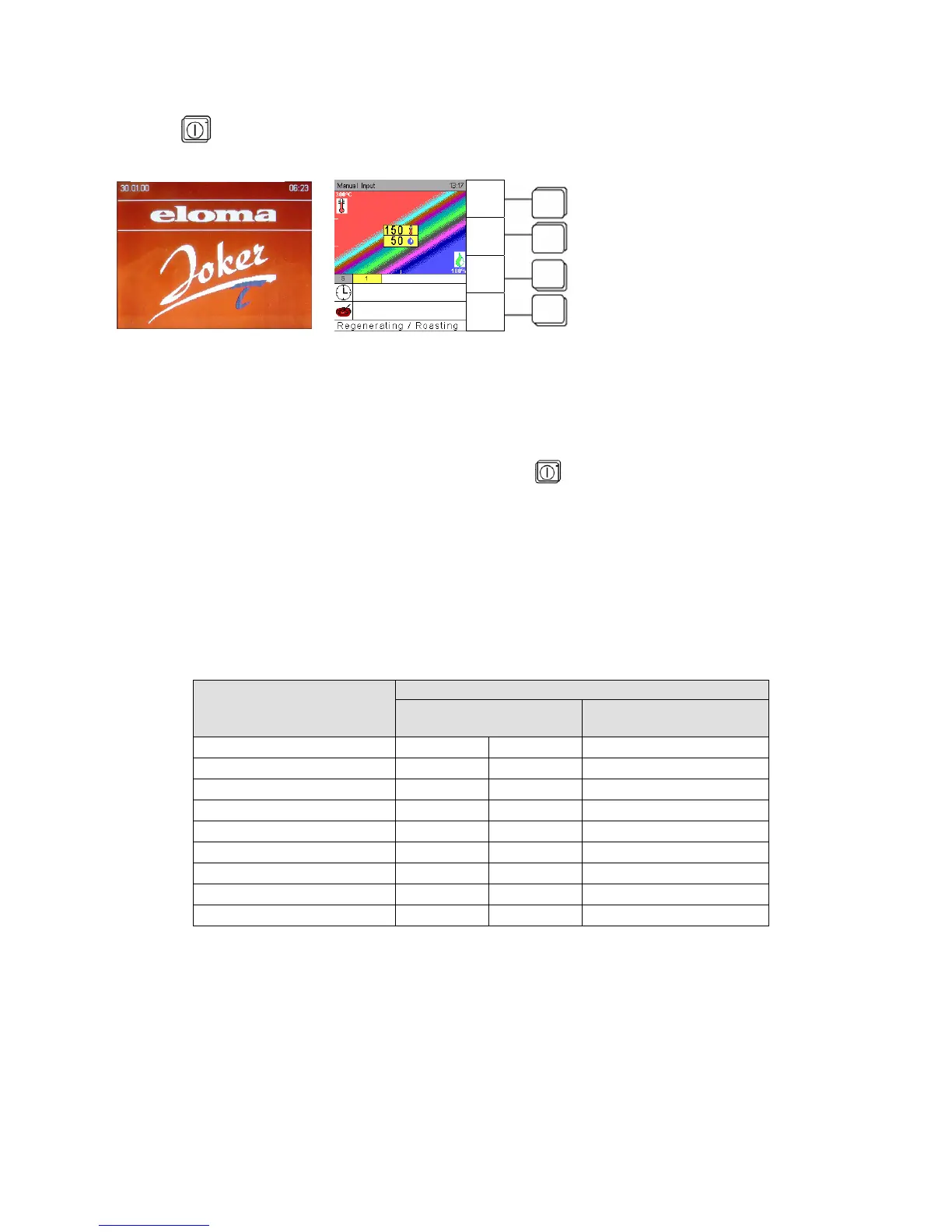
Press key ON/OFF, a start-up screen appears. The appliance is ready for work.
LED is lit.
As standard the operation mode display indicates manual input is set as first start-up screen.
Press sensor key Special program, Special and select Setup with direction arrows and confirm with OK.
Select Start Screen and select the desired startup screen.
Five possibilities are available:
Manual input – Favourites – Program list – Cooking procedure – Menu group.
The basic setting in the Climatic Cursor after ON/OFF is
temperature T = 150° C and humidity H = 50%.
Below in horizontal lines “time” and “core temperature” symbols are displayed.
3.1 Manual input
Use the Scout to select a cooking procedure by adjusting the desired temperature and humidity level.
The Climatic cursor moves accordingly. Confirm with OK.
When moving the Climatic cursor, the „Info line“ indicates the following cooking procedures:
Indication Input
Cooking procedure Temperature range in
°C / °F
Humidity range
in %
Defrosting 30 – 45 86 – 113
50 - 100
Poaching 60 – 90 140 – 194
90 - 100
Stewing 90 – 100 194 – 212
80 - 100
Steaming 95 – 130 203 – 266
60 - 100
Regenerating 90 – 160 194 – 320
25 - 75
Baking 120 – 220 248 – 428
0 - 30
Roasting 150 – 230 302 – 446
0 - 50
Grilling 180 – 275 356 – 527
0 - 10
Gratinating 220 – 300 428 – 572
0 - 5
Eloma Standby-screen
Start-up screen
Program
List
Menu
group
Cooking
process
Special
program


 To Next Page