UFM Series 6
Q.Sonic-plus
Operation and Maintenance
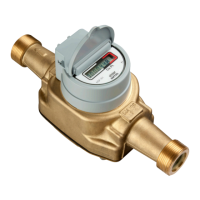
d) Correction Factors
This section provides an overview of all correction factors of the meter.
k – factor Geometry Corr. – This correction factor corrects the
size of the flow cell’s body, based upon the measurements of the
internal pressure and temperature sensors. The factor will only be
taken into account if the meter is equipped with the pressure and
temperature
sensor and when
this function is
enabled.
Enabling should
be done with the
software package
SonicExplorer
(by pressing
Configure ->
Correction ->
Geometry).
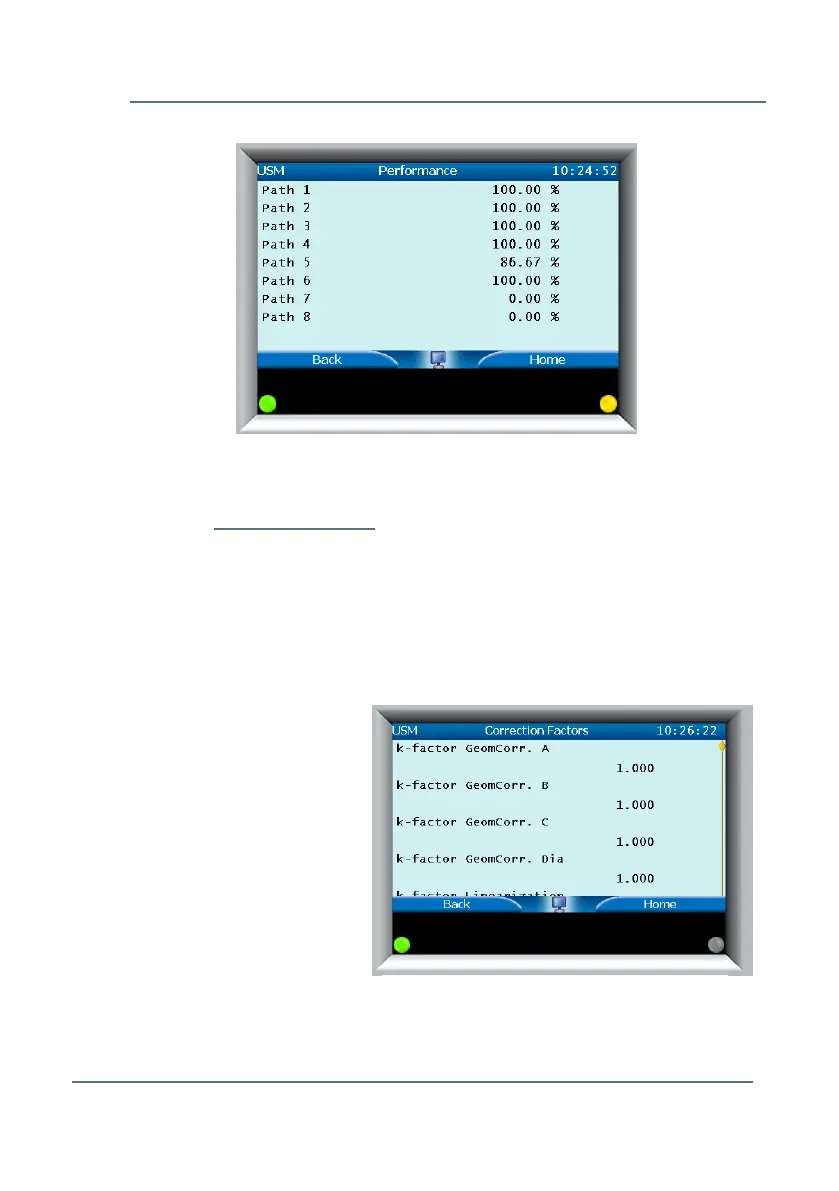
Figure 7-15: Performance display
Figure 7-16: k-factor Geometry Correction



 To Next Page