4.9 Output for electronic lock
Once the alarm is disarmed, an electronic door-lock can be opened.
Check the website www.eminent-online.com for more information.
4.10 Change language
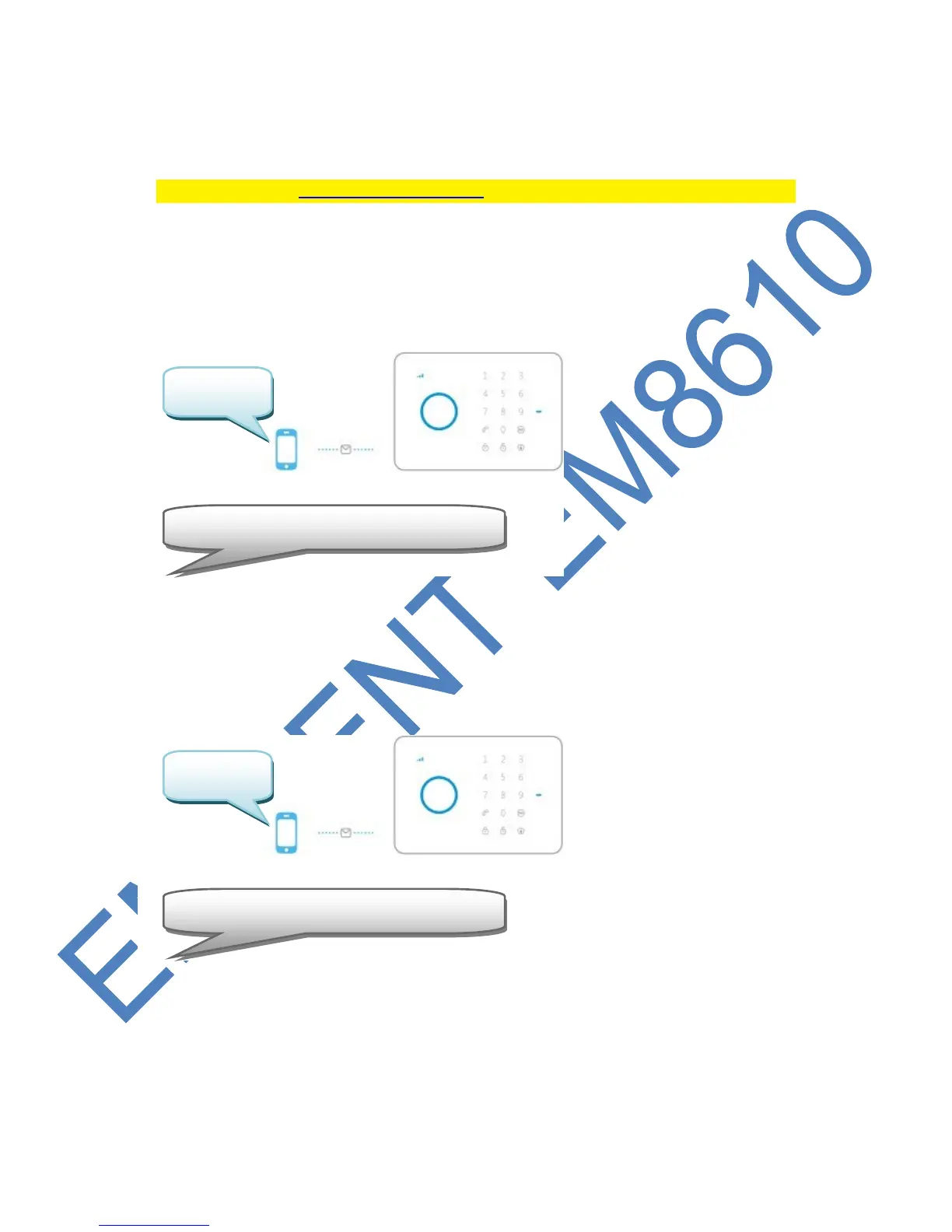
Send a text message with the text 0001 to the alarm system.
The language will be set to English.
Send a text message with the text 0031 to the alarm system.
The language will be set to Dutch.



 To Next Page