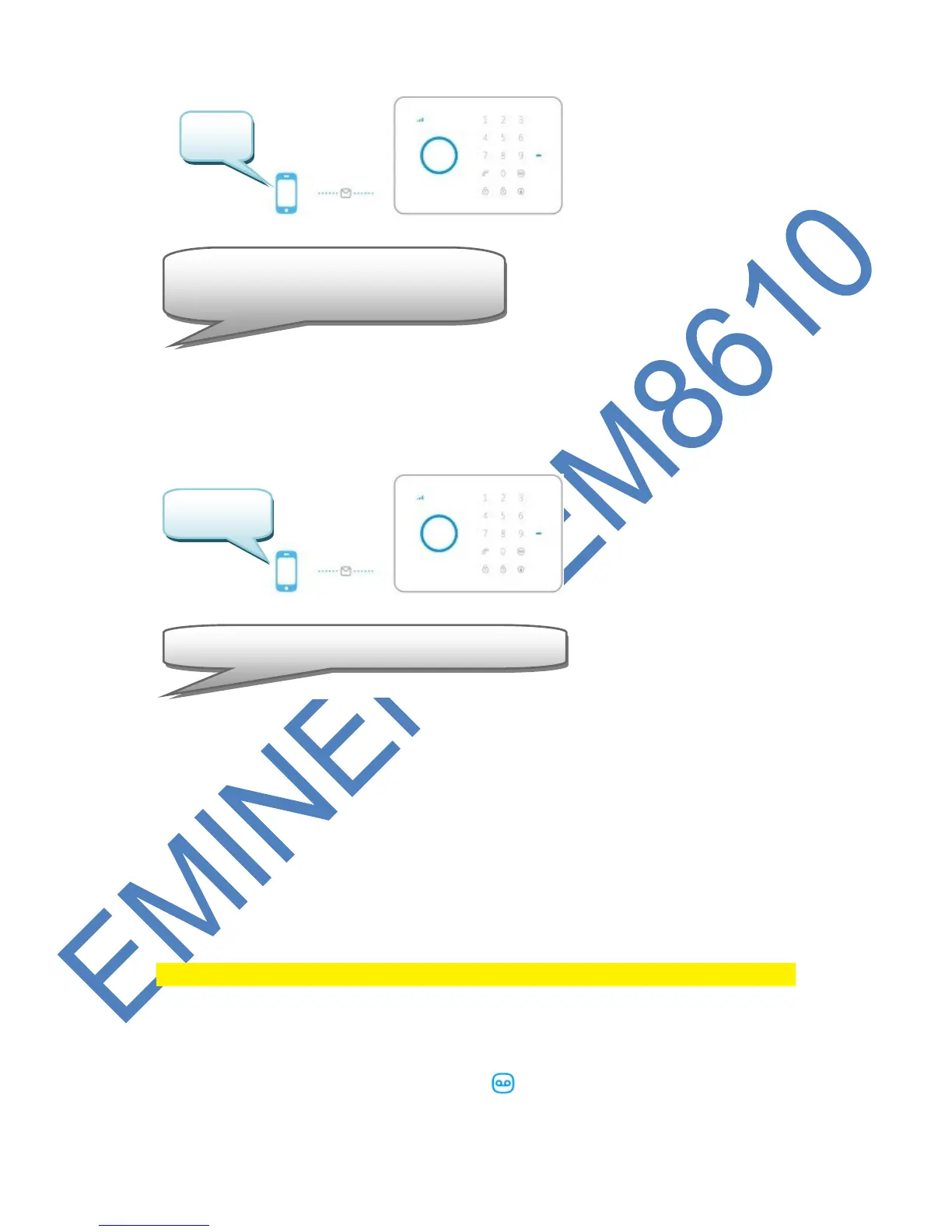
6.18 Restore factory defaults.
Also called hard reset. This needs to be done when, for example, a new SIM card is
installed.
Only programmed phone numbers can restore to factory defaults. Hard reset can
also be done by pressing the anti-sabotage button on the rear 5 times within 3
seconds.
6.19 Arm or Disarm the alarm system for free
To arm the system, call the number of the alarm system. Disconnect when it’s ringing.
The system will call you back. Do not pick up the phone but disconnect the
connection. The alarm is armed.
To disarm the system, call the number of the alarm system and wait for the system to
terminate the connection. The alarm is deactivated.
Remark : This function will only work when the voicemail of the SIM card is disabled!
6.20 Register wireless sensors and RFID tags
6.20.1 Register new wireless sensor
Enter the password (default 1234) and press button on the control panel.
The LED will turn on. Now add the sensors by triggering the sensors piece by



 To Next Page