4.11 Text message commands
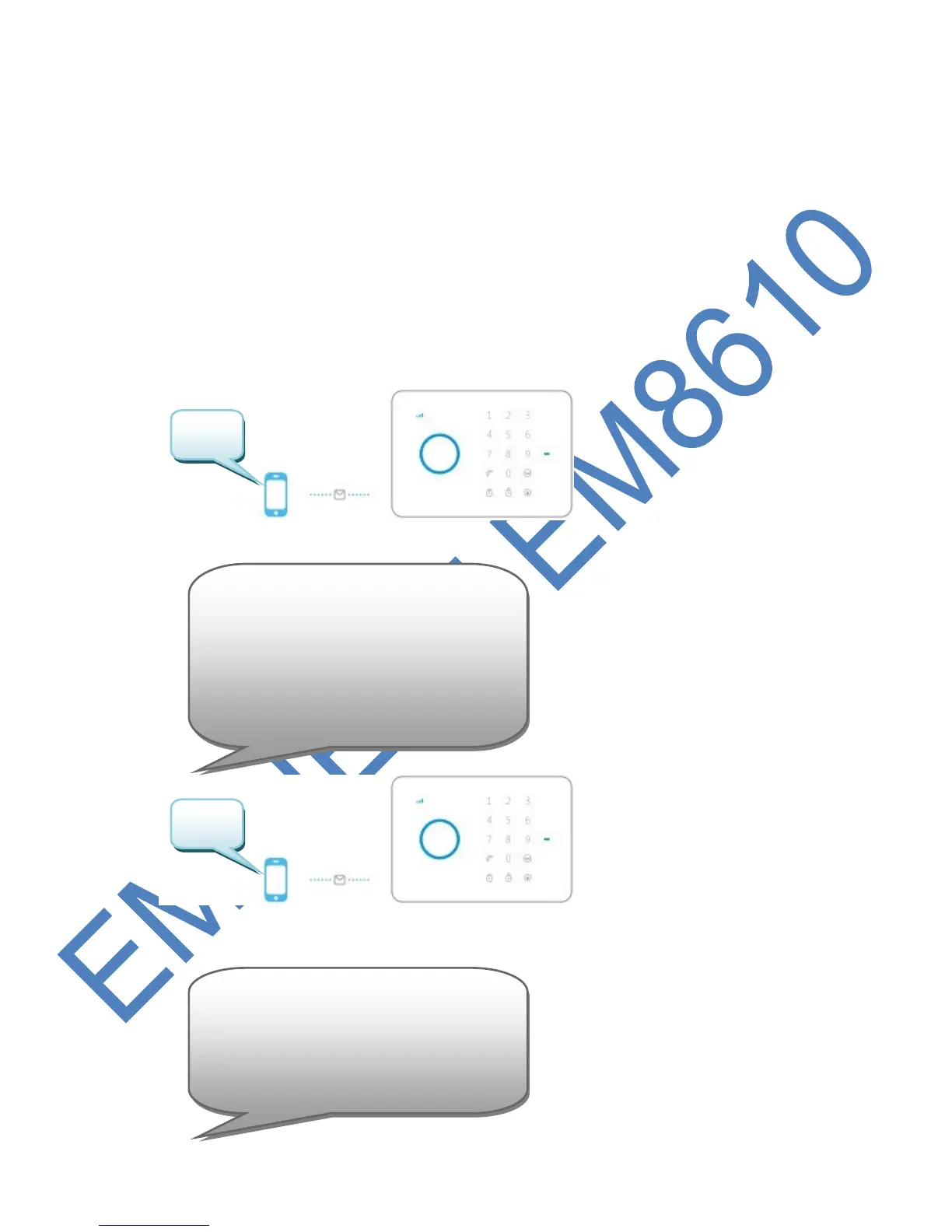
All settings of the system can be controlled and configured by sending text
messages to the system. Before you power up the alarm system install a mobile SIM
card first. Notice: make sure the PIN and voicemail of the SIM card are both
disabled. You can disable this by using the SIM card in a regular mobile phone. In
case of a Prepaid card make sure you have enough credit on the SIM card. Install
the SIM card in the alarm system. Now you can power up the alarm system wait a
few seconds for the system connect to the mobile network. You can view all the
menu settings of the alarm system by sending a text message to the alarm system.
The first part of the menu will be send to you by a text message if u send a text
message with the text ? to the SIM card of the alarm system. The second part is
send by sending ?? and part 3 by sending ???.
You will receive the following text message :
You will receive the following text message:
'5’ Store alarm phone No.
'6’ Store alarm SMS No.
'7' Store SMS No. For RFID tags
'8’ Store speed dial phone No.
'???' System setup



 To Next Page