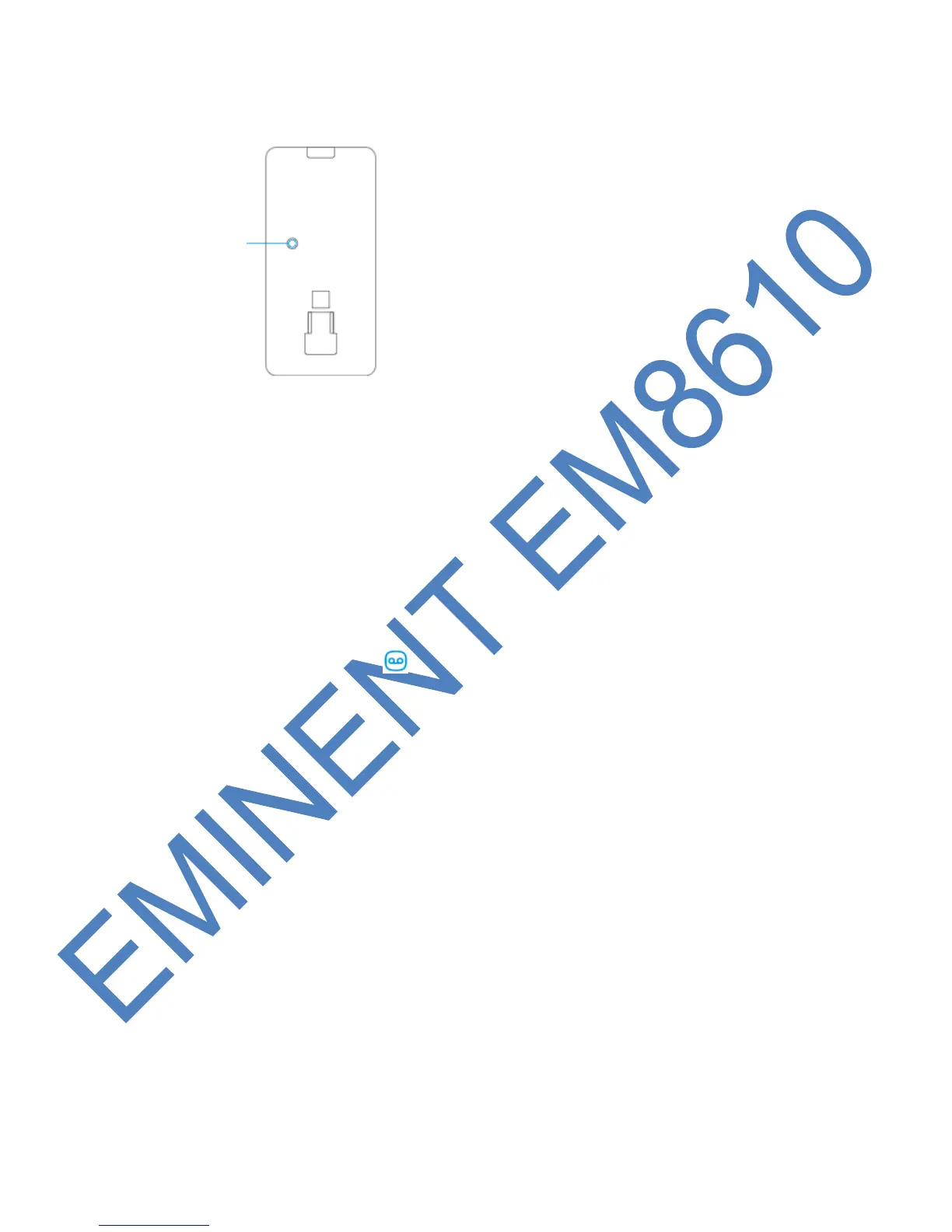
8.3 Rear motion detector
8.3.1 Test mode
After the self-test has finished press the test button once. The motion detector will
send a trigger signal (flashes 1x).
8.3.2 Activated
If the motion sensor is triggered more than 2 times within 3 minutes the device
switches automatically to power saving mode. The motion detector will activate again
if it does not register motion for a time period of 3 minutes.
8.3.3 Pair the motion detector
Enter the password and press button on the control panel.
The LED will turn on. Press 2x the test button of the motion detector you wish to
register. If you hear a beep the sensor is registered to the system. If you hear 2
beeps this indicates this sensor is already registered.
Notice: During the registration process be sure no other sensor is triggered. If a
motion detector is in the same room make sure you cover the motion detector or place
the motion detector temporarily in a different room.
8.4 Installation tips
Avoid installation of the motion detector in range of a window, air-conditioning,
radiator, refrigerator, oven, direct sunlight or other places with high temperature
fluctuation.
Do not place 2 motion detectors facing each other or within each other’s range.
Motion detectors are usually placed at 2 meters from the floor on the wall.
First install the mounting bracket before placing the motion detector in the bracket.



 To Next Page