piece. If you hear a beep the sensor is registered to the system. If you hear 2
beeps this indicates this sensor is already registered. The first sensor you register
will be Zone 1 the second sensor Zone 2 etc.
6.20.2 Register new RFID-tags
Enter the password (default 1234) and press button on the control panel.
The LED will turn on. Now add the RFID-tags piece by piece by holding the RFID
tag close to the receiver (circle left of num. pad). If you hear a beep the RFID-tag
is registered to the system. If you hear 2 beeps this indicates this RFID-tag is
already registered.
Please check the website www.eminent-online.com for a complete overview of all
available accessories.
6.21 Register wireless siren
The wireless siren is an extra accessory. To register the siren to the system press
shortly the connect button of the siren. The LED will turn on. Press the of the
control panel. You will hear a beep to notify you the registration is successful
7.0 Remote control
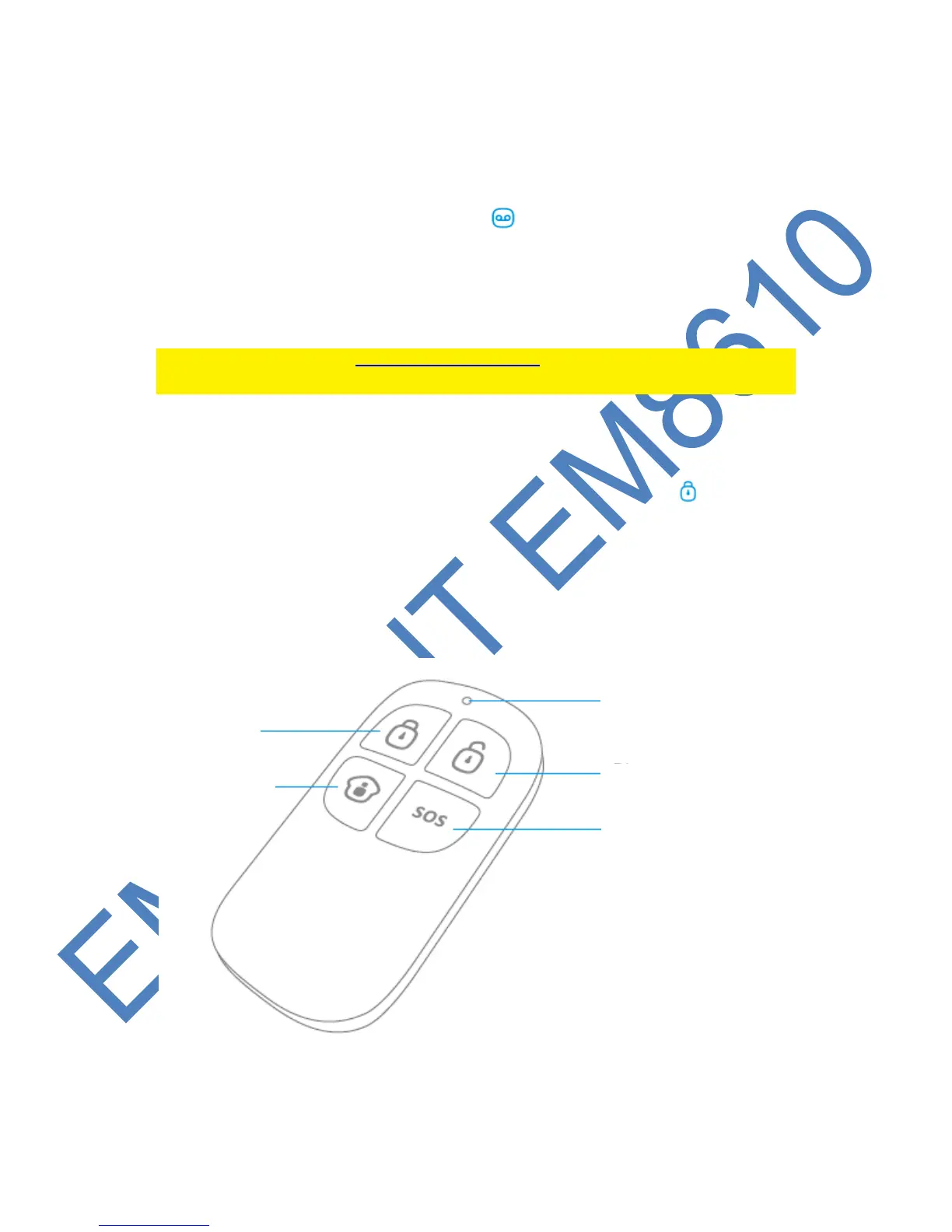
7.1 Front of remote control



 To Next Page