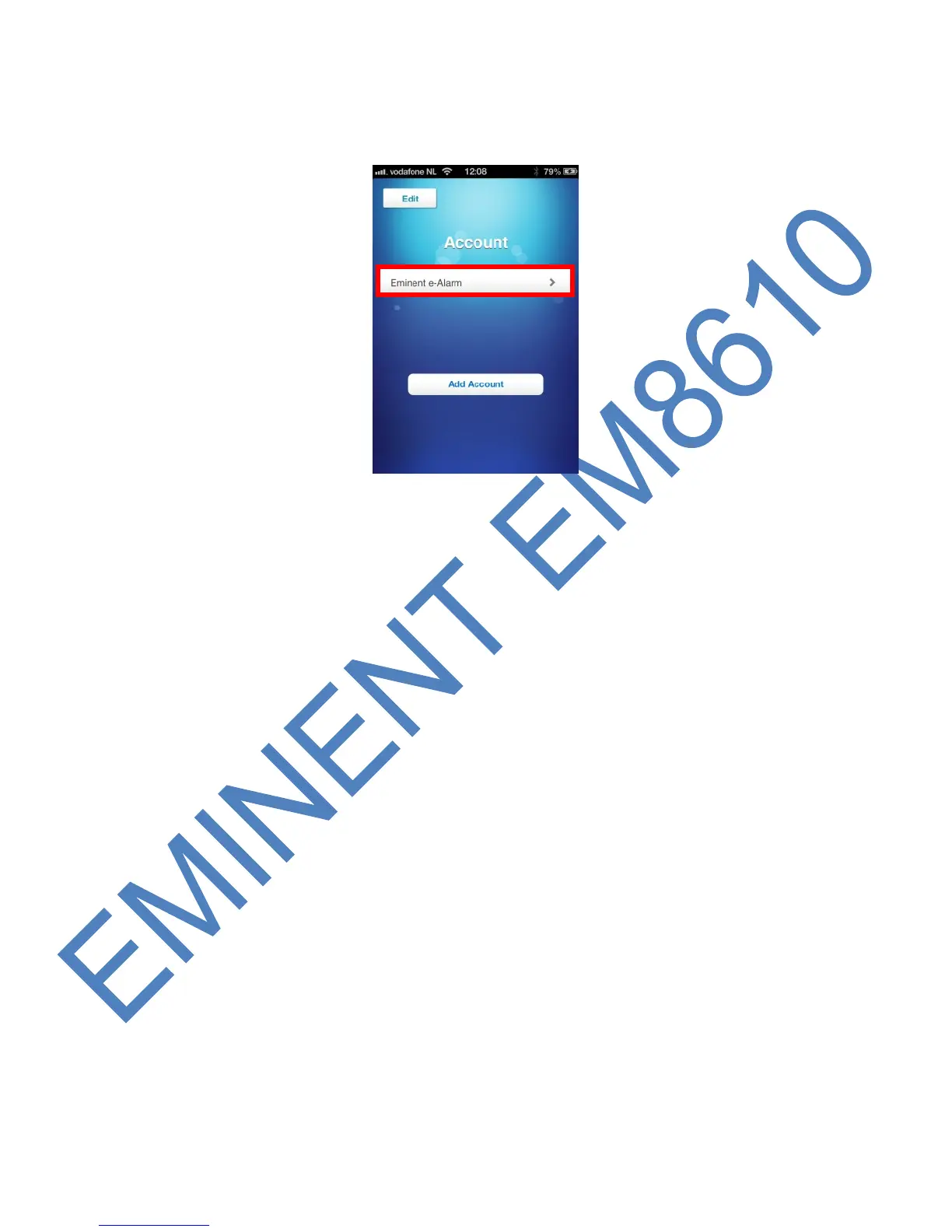
3. After you have added an account the account will appear in the start screen of the
APP. Select the account to continue.
4. After you have selected the account you will see the control panel. With the
control panel you can control the alarm system. To enter the settings menu you
need to swipe the screen to the left.
5.2 Delete an account
To delete an account, there are different methods for Apple and Android.
5.2.1 Delete an account on an Apple phone (iOS)
Press the edit button on the screen where the accounts are added.
On the left side of the account a minus sign will appear. Press the minus sign and the
account will be deleted.
5.2.2 Delete an account on an Android phone
Keep the account which needs to be removed pressed.
There will now be a message to delete the account.



 To Next Page