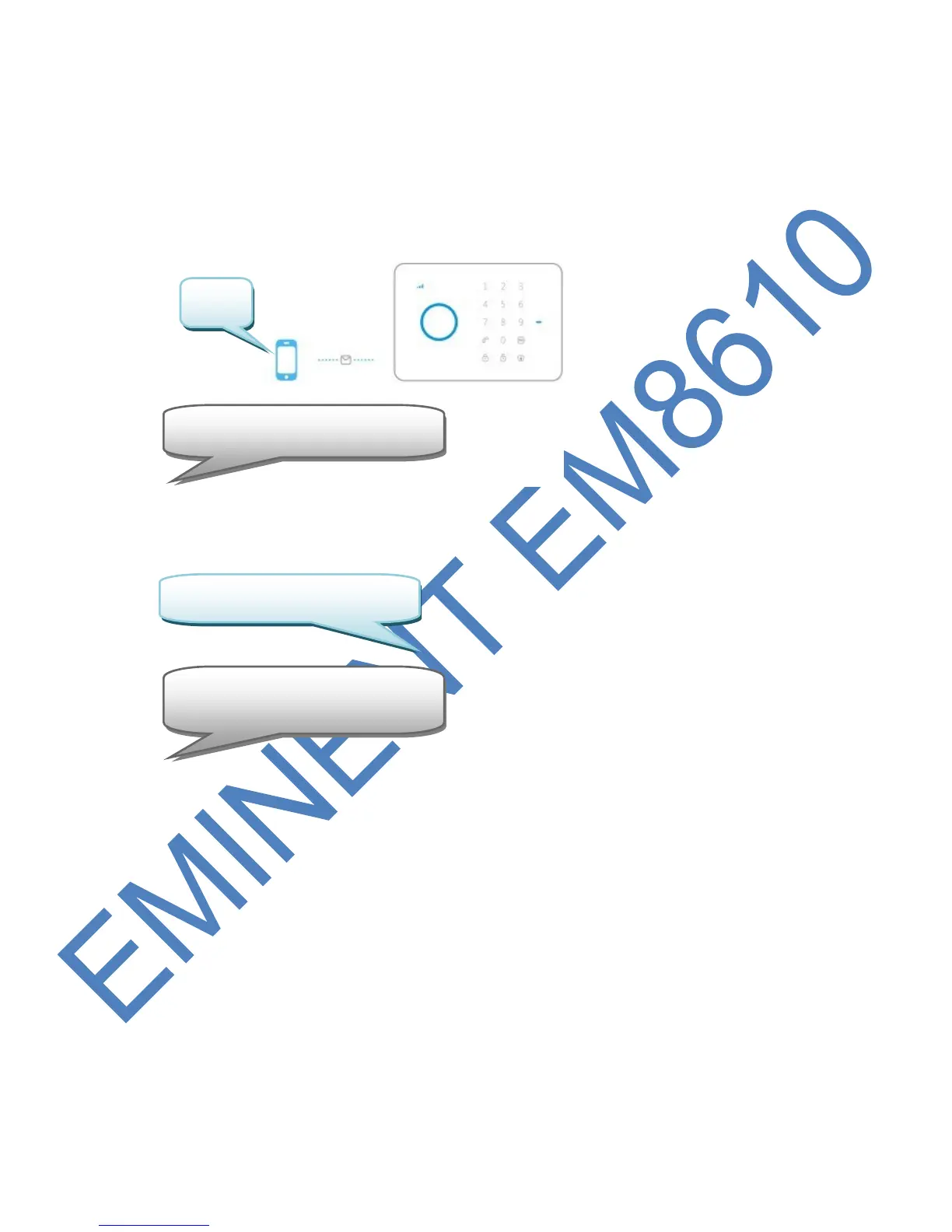
6.7 Change Sensor (zone) name
Every sensor can get a specified name (zone). Every sensor is provided with a zone
number. You can change the sensor(zone) name to a preferred name. You can
change the name of the sensors 1 to 9. Every sensor name can be used up to 30
characters. The names of the sensors above 9 cannot be changed. The text message
to change the name of sensor 1 must be 91. The text message to change the name
of sensor 2 must be 92. This can be done until the SMS text 99.
Copy above text into a new text message, modify the text and send the text message
to the GSM-number of the alarm system:
With the Eminent e-Alarm APP :



 To Next Page