6.0 Configure the alarm system
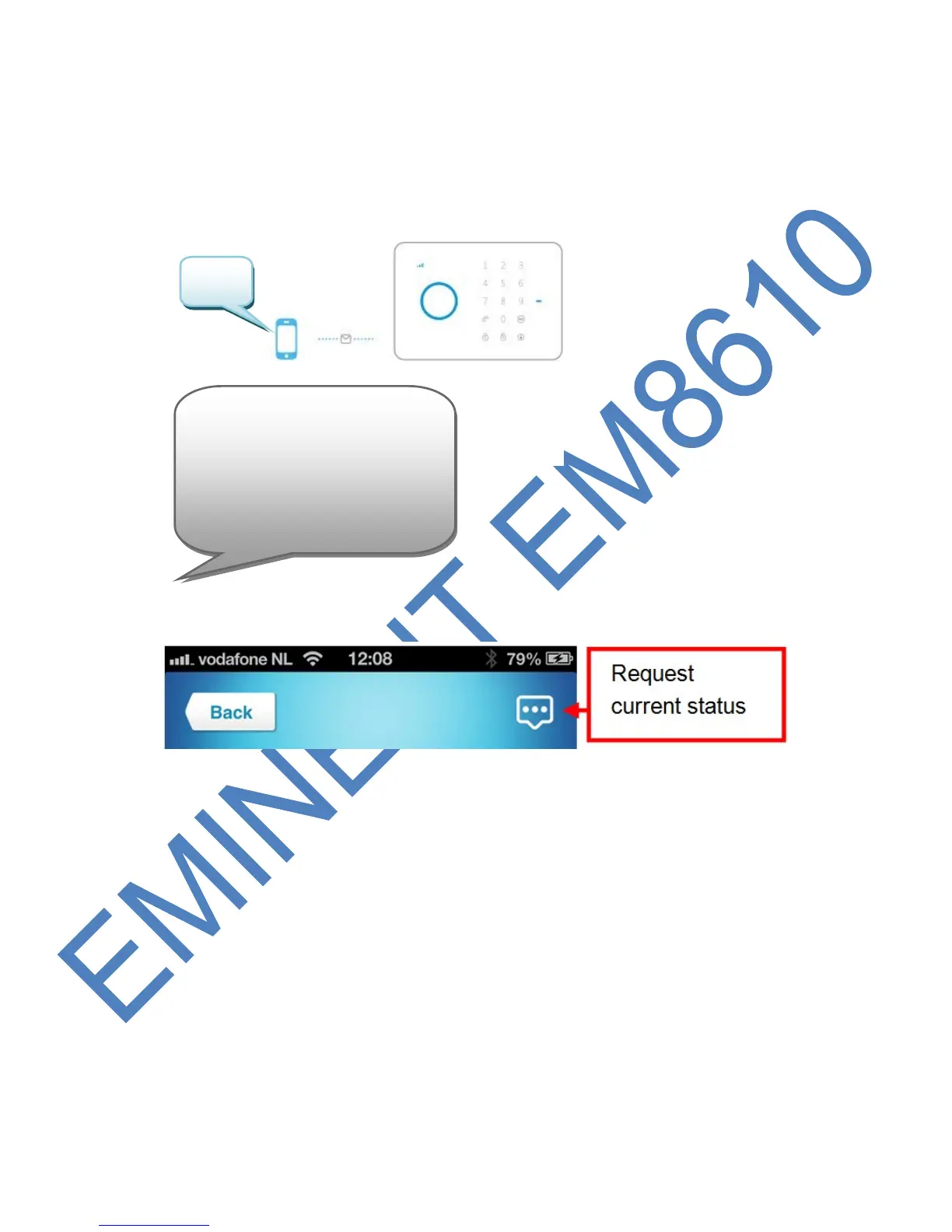
6.1 Request configuration settings
Send a text message with “00” to the SIM card number of the alarm system. You will
receive a text message with the current settings.
With the Eminent e-Alarm APP :
6.2 Configure alarm numbers
These numbers are the mobile numbers that will be called when the alarm is triggered.
Send a text message with “5” to the alarm system. You will receive a text message
with the current settings. You need to copy this message and paste it in a new text
message and add the mobile numbers behind the numbers in the message.
You need to make sure the country code is entered first. For example the country
code for the UK is 0044. You can add multiple phone numbers to the list. Send the
text message when you are finished adding the phone numbers.



 To Next Page