Remark: The motion sensor has an energy saving mode.
When the sensor is switched on and there is motion detected in the room within 3
minutes, the sensor will go into energy saving mode. This means the sensor is not
active.
When, after 3 minutes, there is no motion detected anymore the sensor will be back in
active mode.
So when you need to test the sensor, it is very important to wait for at least 3 minutes.
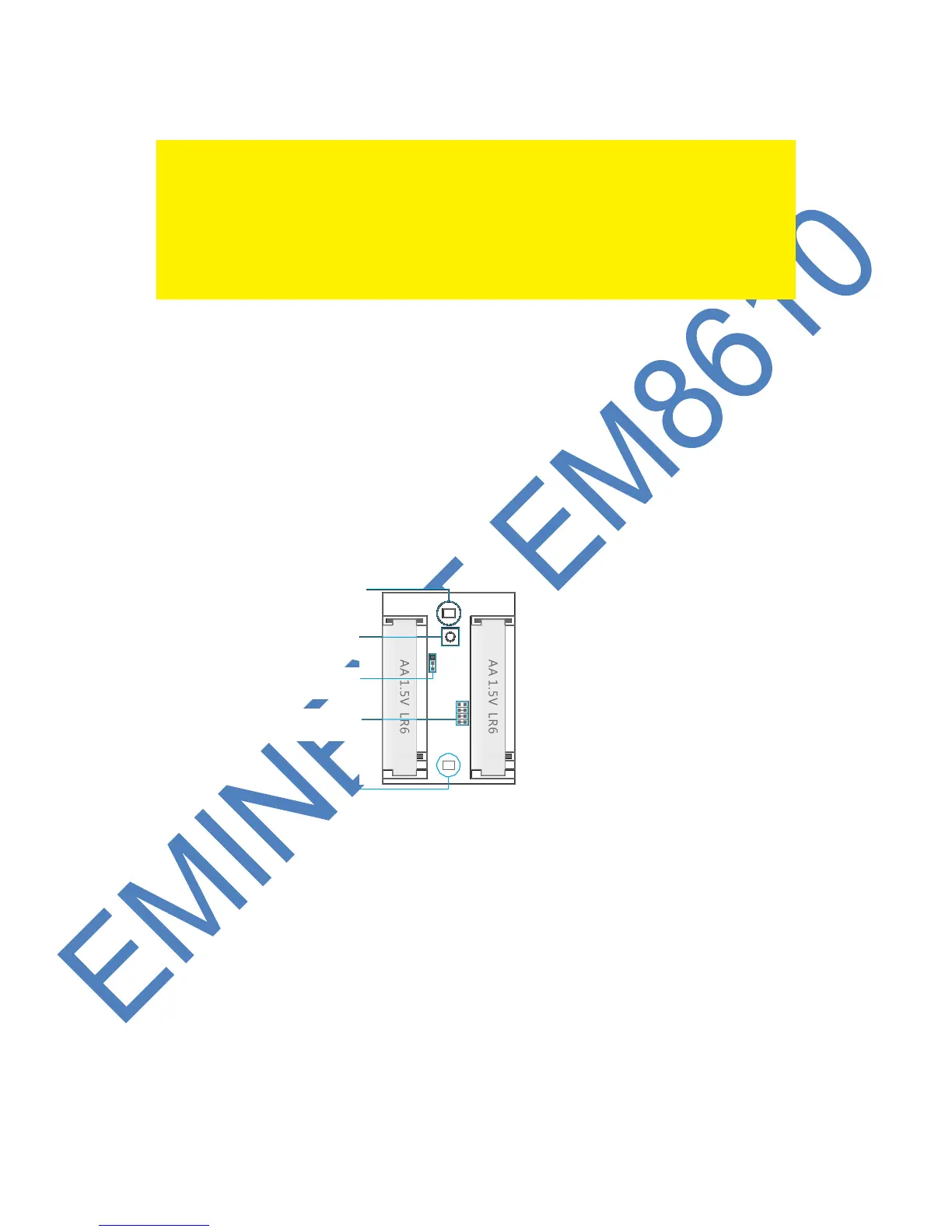
8.2 Inside the motion detector
Remove the screw on top of the motion detector and gently remove the front and
back.
8.2.1 Infrared sensors
The infrared sensors detect the motion. These sensors need to be clean at all time.
Do no touch the sensors !
8.2.2 Anti sabotage button
If the motion detector is opened this switch will detect it and trigger the alarm.
8.2.3 LED On/Off
By switching this jumper setting you can set if the LED in front of the motion detector
will be switched “On or Off”. By default this setting is turned ON (LED ON).



 To Next Page