102
10.4 Configure
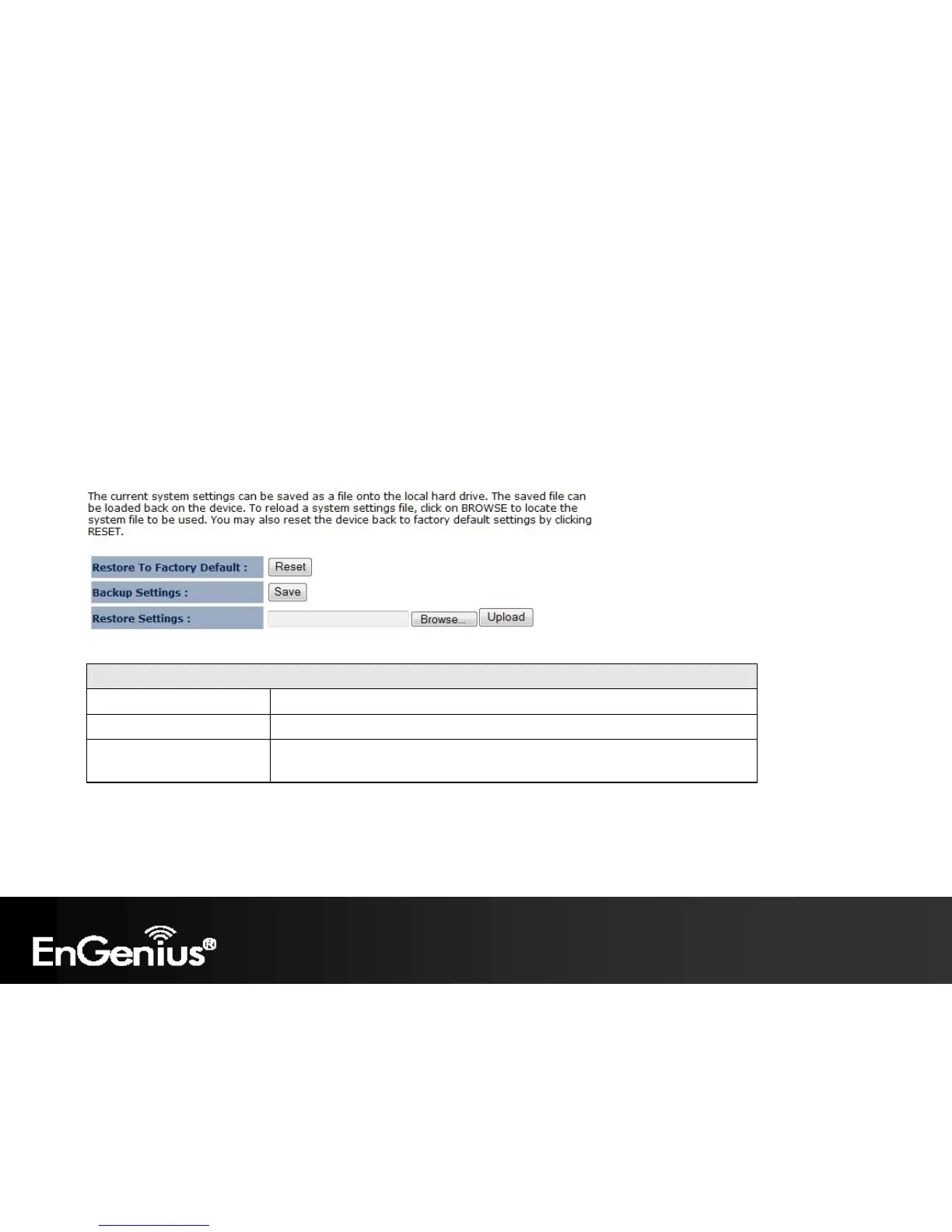
The Configure option of the Management menu allows you to save the current device configurations. When you save
the configurations, you also can re-load the saved configurations into the device through the Restore Settings. If extreme
problems occur press the Reset button of the Restore to Factory Defaults option to set all configurations to its original
default settings.
Configure
Restore to Factory Default Restores the device to factory default settings.
Backup Settings Save the current configuration settings to a file.
Restore Settings Restores a previously saved configuration file.
Click Browse to select the file. Then Upload to load the settings.















 To Next Page