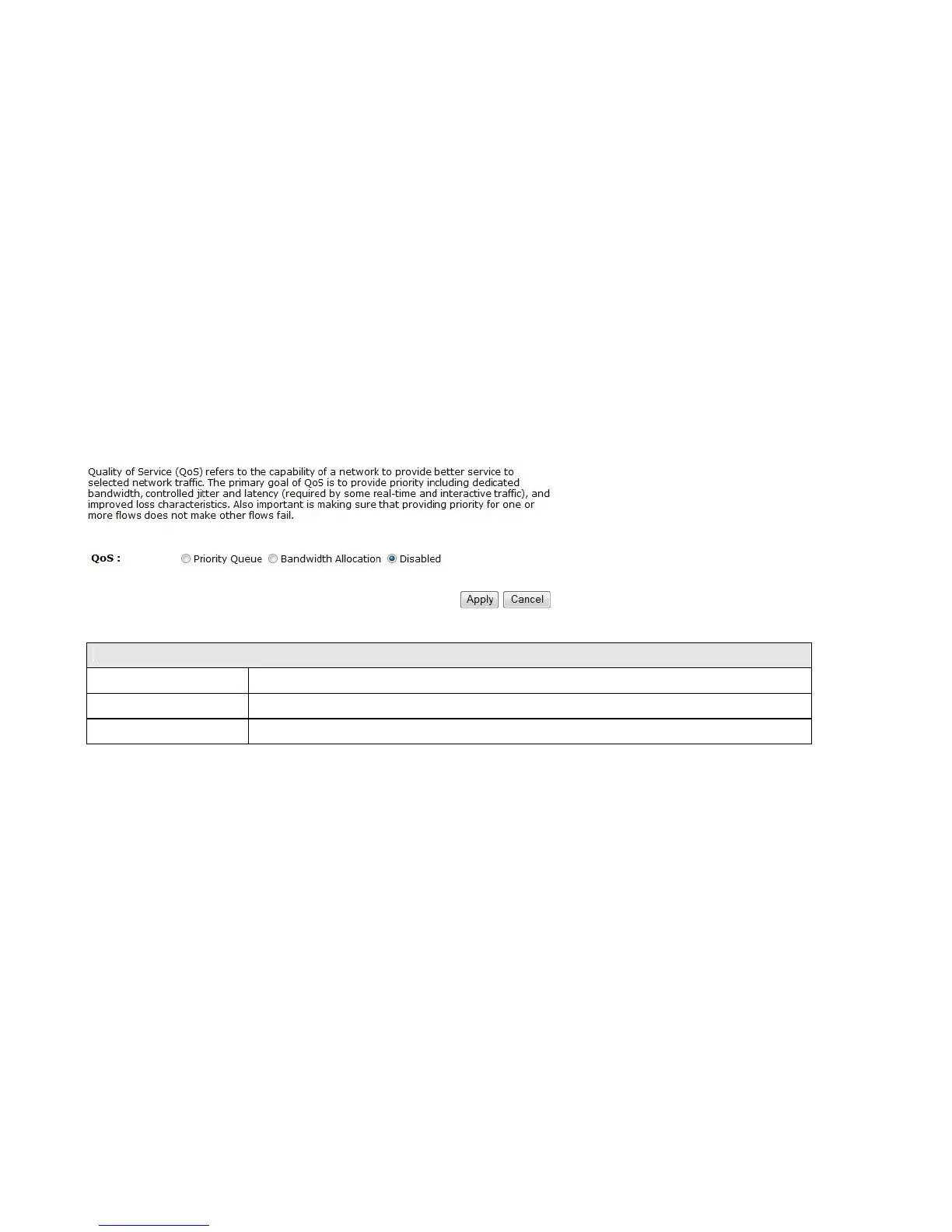
9.7 Quality of Service (QoS)
QoS allows you to control the priority that the data is transmitted over the Internet, or to reserve a specific amount of
Internet bandwidth. This is to ensure that applications get enough Internet bandwidth for a good user experience.
QoS
Priority Queue Sets the QoS method to Priority Queue.
Bandwidth Allocation Sets the QoS method to Bandwidth Allocation.
Disabled Disables the QoS feature.















 To Next Page