34
5.4 Schedule
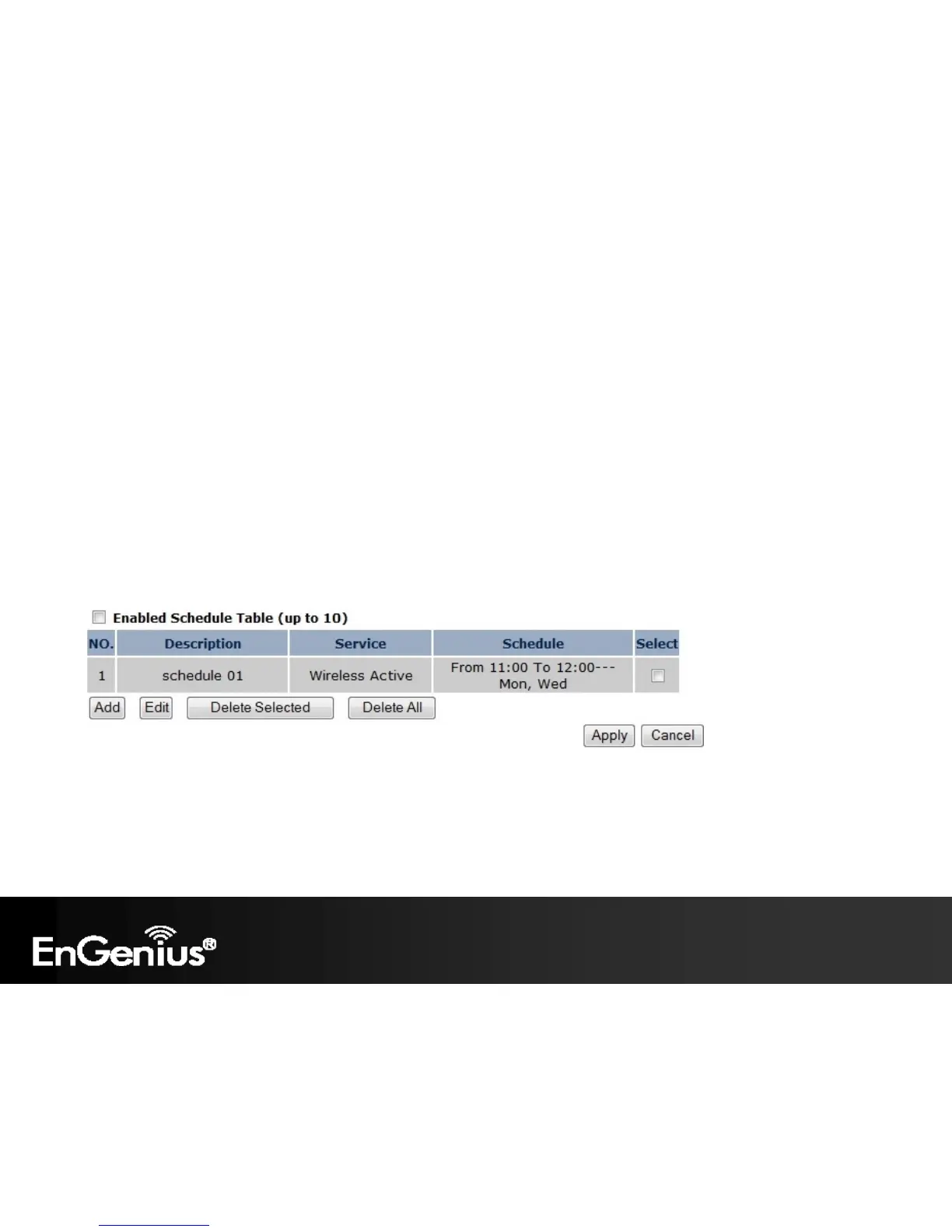
The Schedule option of the System menu allows you to set a schedule when the ECB300’s Wireless is active.
The Schedule Table will display:
NO.: The entry number of the schedule.
Description: The name given to the schedule.
Service: Displays whether the wireless service will be activate or not during the scheduled time.
Schedule: Displays when the schedule will execute.
You will also be able to Add new schedules (at most 10), Edit schedules, Delete Selected schedules, or Delete All
schedules.















 To Next Page