104
11 Tools
11.1 Time Setting
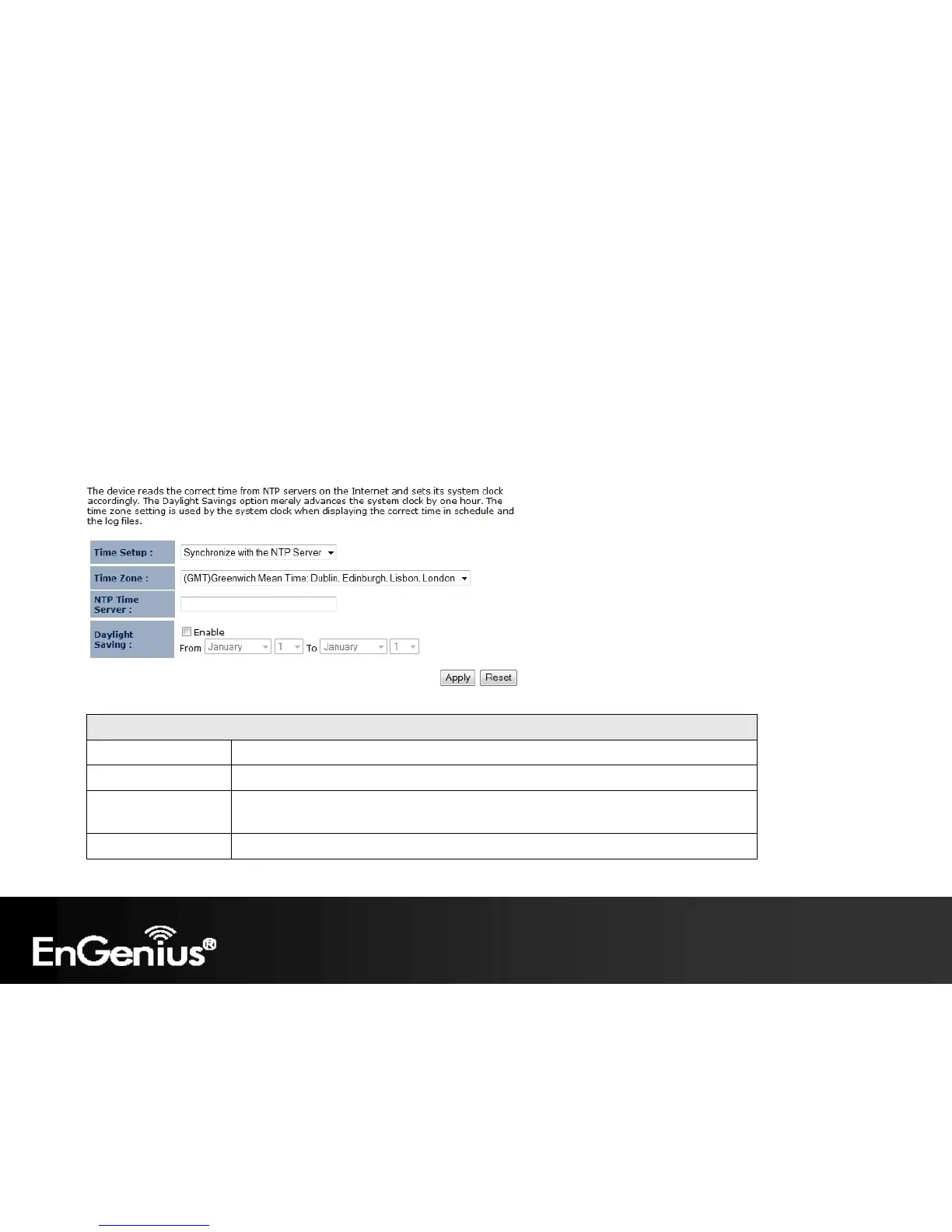
The Time Setting section of the Tools menu allows you to set the ECB300’s time.
Time
Time Setup Select the method you want to set the time.
Time Zone Select the time zone for your current location.
NTP Time Server Enter the address of the Network Time Protocol (NTP) Server to automatically
synchronize with a server on the Internet.
Daylight Savings Check whether daylight savings applies to your area.















 To Next Page