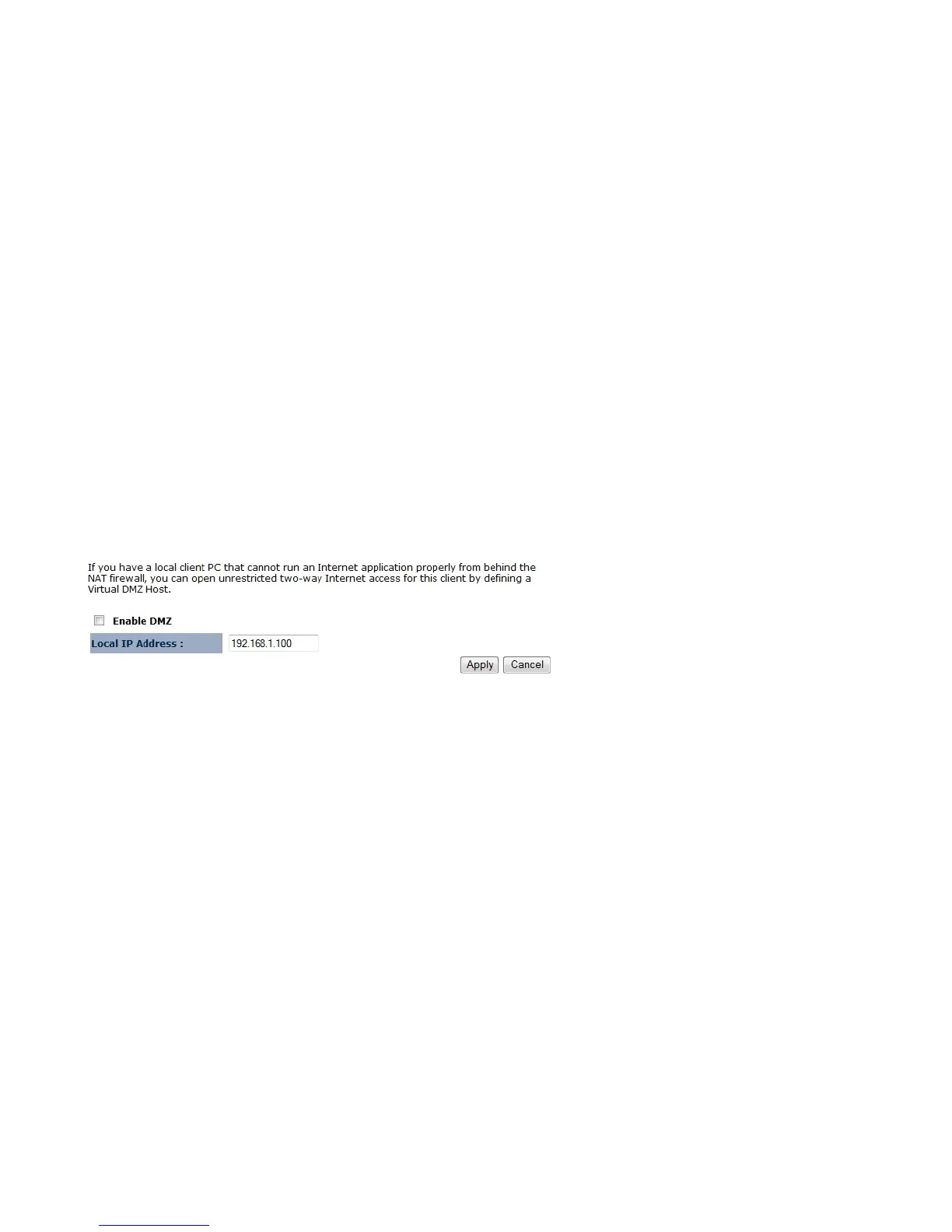
8.2 DMZ
If enabled this feature, allows the DMZ computer on your LAN to be exposed to all users on the Internet.
This allows almost any application to be used on the server.
The “DMZ PC” will receive all Unknown connections and data.
If the DMZ feature is enabled, please enter the IP address of the PC to be used as the “DMZ PC”
Note: The “DMZ PC” is effectively outside the Firewall, making it more vulnerable to attacks. For this reason, you should only enable the DMZ
feature when required.















 To Next Page